.jpg&w=1080&q=75)
Graphs vs. Loops: How to Structure Control Flow in Production AI Agents

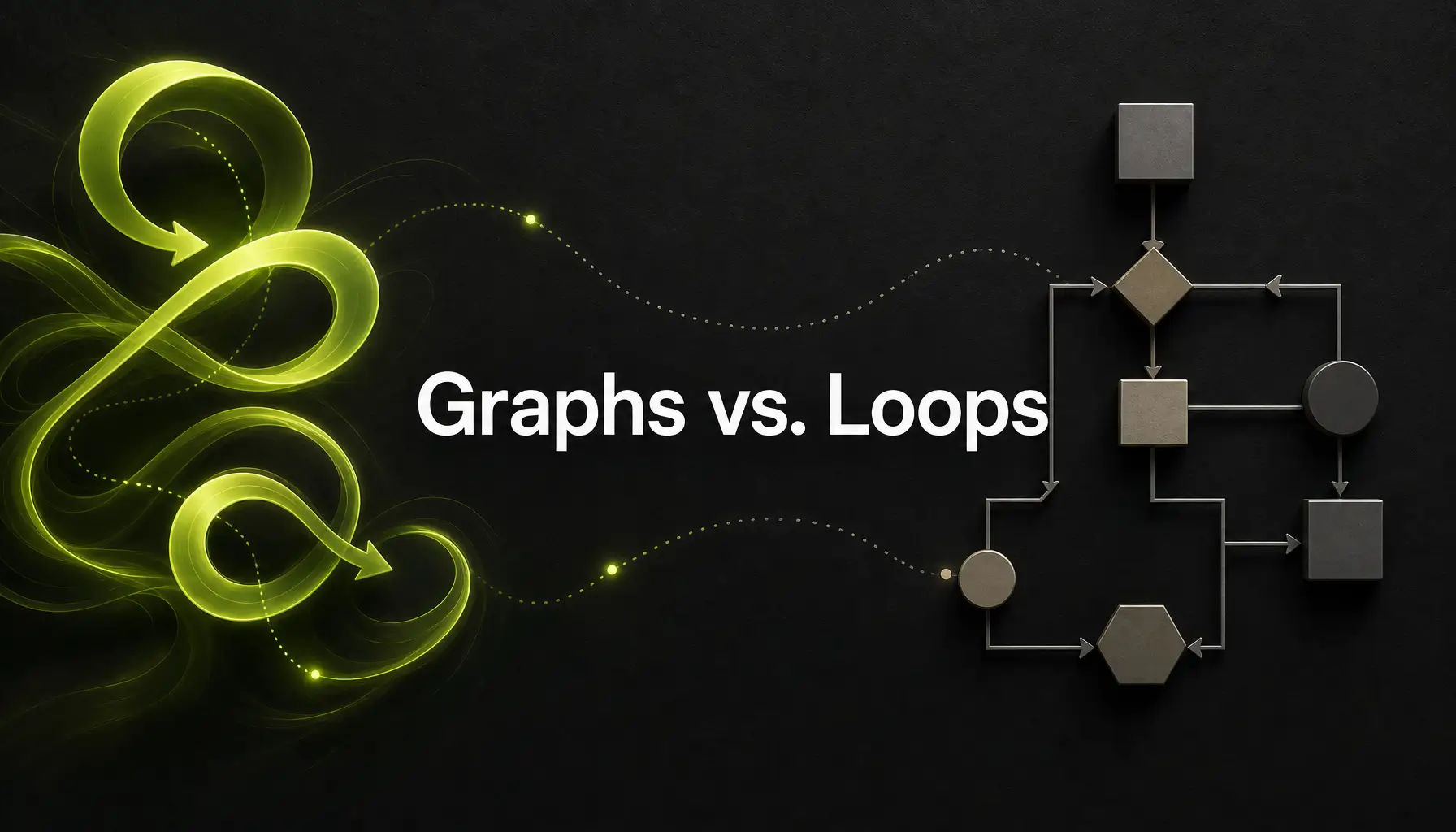
AI Agent Architecture Graph vs Loop: How to Structure Control Flow in Production
Building autonomous AI agents for production applications in 2026 isn't just about selecting the right Large Language Model (LLM) or crafting clever prompts. The real engineering battle is happening at the architectural layer: how do you manage control flow?
As developers, solopreneurs, and SaaS founders move from simple wrapper scripts to enterprise-grade AI automation, they run directly into the central dilemma of modern agent design: AI agent architecture graph vs loop.
Should your agent run inside an explicit state-graph framework with rigid nodes and conditional transitions, or should it run inside an open-ended, imperative ReAct (Reason + Act) loop? Getting this decision wrong can lead to infinite loops, runaway API bills, unmaintainable spaghetti code, or agents that stall out when faced with ambiguous tasks.
In this guide, we will break down both control flow patterns, explore hybrid architectures, and explain how Zero To AI bakes Human-in-the-Loop (HITL) orchestration into critical state transitions to deliver production reliability.
1. Understanding the Core Architectural Paradigms
Before diving into trade-offs, let us define what graph-based control flow and loop-based control flow actually look like under the hood.
graph TD
    subgraph Loop Architecture (Imperative ReAct)
        L_Input([User Input]) --> L_Prompt[Prompt LLM]
        L_Prompt --> L_Action[Execute Action / Tool]
        L_Action --> L_Observe[Observe Environment Result]
        L_Observe --> L_Decision{Goal Achieved?}
        L_Decision -- No --> L_Prompt
        L_Decision -- Yes --> L_Output([Final Output])
    end

    subgraph Graph Architecture (Declarative State Machines)
        G_Input([State Input]) --> NodeA[Node A: Research]
        NodeA --> Edge1{Conditional Edge}
        Edge1 -- Data Complete --> NodeB[Node B: Code Generation]
        Edge1 -- Data Insufficient --> NodeC[Node C: Web Search]
        NodeC --> NodeA
        NodeB --> HITL[Human Verification Gate]
        HITL -- Approved --> NodeD[Node D: Deployment]
        HITL -- Rejected --> NodeB
        NodeD --> G_Output([Final Output])
    end
The Loop Control Flow (Imperative ReAct Cycles)
Loop-based architecture relies on a continuous Prompt $\rightarrow$ Act $\rightarrow$ Observe $\rightarrow$ Repeat cycle. In this paradigm, the LLM acts as the central router and decision-maker on every single iteration.
• How it works: The agent receives a system prompt containing tool definitions and a user goal. It decides which tool to call, executes the tool, feeds the output back into its context window, and decides what to do next until it determines the goal is finished.
• Core Characteristics: Imperative, highly dynamic, dynamic step allocation, LLM-driven path selection.
The Graph Control Flow (State-Graph Frameworks)
Graph-based architecture structures agent execution as a Directed Acyclic Graph (DAG) or Cyclic State Machine (popularized by frameworks like LangGraph, AutoGen, or custom state engines).
• How it works: System logic is partitioned into explicit nodes (Python functions or sub-agents) connected by explicit edges (conditional transition functions). State is explicitly preserved and updated in a central state schema passed between nodes.
• Core Characteristics: Declarative, deterministic routing, explicit state management, bounded execution paths.
2. Graph Architectures: Determinism, State, and Reliability
State-graph architectures treat agent execution as a state machine. Rather than letting an LLM arbitrarily decide what to do next out of dozens of possibilities, developers construct strict guardrails and state transitions.
Key Advantages of Graph Architectures
1. Predictable Execution & Deterministic Routing
In a graph architecture, you define exactly which nodes can transition to which other nodes. If an agent is in the Code_Review node, it can only transition to Security_Scan or Refactor_Prompt. The LLM cannot hallucinate an invalid sequence or attempt to execute actions out of context.
2. Robust State Persistence & Time Travel
State graphs pass a typed state object through every node. Frameworks like LangGraph allow built-in state checkpointing at every step. This enables features like time-travel debugging, step rollback, and seamless pausing for asynchronous operations.
3. Enterprise Debugging and Observability
Because every step corresponds to a named node in a graph, tracing execution paths, measuring latency per node, and profiling LLM token costs per step becomes straightforward for engineering teams.
Drawbacks of Graph Architectures
• Initial Setup Overhead: Graph designs require upfront planning, rigid schema definitions, and explicit edge mapping.
• Brittle to Unexpected Scope: If a user submits a request that falls outside pre-defined graph edges, the graph can fail to handle the edge case smoothly unless a fallback node is configured.
3. Loop Architectures: Flexibility and Autonomous Problem Solving
Linear and iterative loop architectures rely heavily on the emergent reasoning capabilities of modern models like GPT-4o or Claude 3.5 Sonnet.
Key Advantages of Loop Architectures
1. Maximum Autonomy for Open-Ended Tasks
For exploratory tasks—such as open web research, interactive terminal debugging, or novel code generation—loop architectures excel. The agent can pivot mid-task, adapt to unexpected shell command outputs, and retry novel tool combinations without requiring a pre-wired graph branch.
2. Minimal Boilerplate Code
Building a loop agent takes minimal code. You provide an LLM, a list of available tools, and a while-loop evaluating whether the objective is satisfied. This makes loops ideal for rapid prototyping and MVP creation.
Drawbacks of Loop Architectures
• Non-Deterministic Hallucination Loops: LLMs in continuous loops can enter infinite retry loops, repeatedly invoking failing tools with slight variations until token limits or timeouts kill the execution.
• Context Window Degradation: Long-running loops accumulate massive conversation histories, increasing latency, inflating costs, and degrading the model's instruction-following precision over time.
4. Architectural Comparison: Graph vs. Loop
| Feature | Graph-Based Architecture | Loop-Based Architecture |
| :--- | :--- | :--- |
| **Control Flow** | Declarative state machine | Imperative while-loop |
| **Routing Mechanism** | Explicit conditional edges | LLM tool selection prompt |
| **Predictability** | High (Bounded execution) | Moderate to Low (Emergent) |
| **Best Used For** | Multi-step workflows, ETL, HITL apps | Exploratory tasks, coding assistants |
| **Debugging Complexity** | Low (Inspect node state) | High (Parse multi-turn trajectories) |
| **Failure Recovery** | State rollback & retry nodes | Re-prompting in loop |
| **Cost & Latency Control** | Bounded token usage | Risk of runaway looping costs |
5. Modern Best Practice: The Hybrid Pattern (Loops Inside Graph Nodes)
In production systems built in 2026, top AI engineering teams rarely choose purely one or the other. Instead, they adopt Hybrid Architecture Patterns: putting bounded imperative loops inside deterministic graph nodes.
graph LR
    Start([User Request]) --> Node1[Graph Node 1: Intent Analysis]
    Node1 --> Node2[Graph Node 2: Data Extraction]

    subgraph Bounded Loop Node
        Node2 --> LoopStart[Start Web Scraper Loop]
        LoopStart --> ToolExec[Call Scraping Tool]
        ToolExec --> CheckResult{Data Complete?}
        CheckResult -- No & Retries < 3 --> LoopStart
        CheckResult -- Yes or Max Retries --> LoopExit[Exit Node]
    end

    LoopExit --> Node3[Graph Node 3: Synthesis]
    Node3 --> End([Final Response])
How the Hybrid Pattern Works
1. Macro-Level State Graph: The overall workflow (Input $\rightarrow$ Research $\rightarrow$ Draft $\rightarrow$ Review $\rightarrow$ Publish) is governed by a deterministic state graph.
2. Micro-Level Agent Loops: Individual nodes perform complex sub-tasks using bounded inner loops. For example, the Research node runs an internal loop that can perform up to 3 search-and-extract cycles before returning its payload to the main graph state.
This pattern isolates loop volatility inside single nodes while guaranteeing that the overall application state remains controlled and predictable.
6. The Zero To AI Approach: Human-in-the-Loop (HITL) Validation Gates
At Zero To AI, we advocate for a foundational principle: Pure AI autonomy in enterprise automation is a myth; managed human oversight is a feature.
While graphs provide structure and loops provide flexibility, neither guarantees 100% accuracy when executing high-stakes business operations (such as deploying code, sending customer emails, or executing financial transactions).
sequenceDiagram
    autonumber
    participant StateGraph as Graph Engine
    participant AINode as AI Execution Node
    participant HITL as Zero To AI Approval Gate
    participant Human as Human Operator
    participant Target as External System

    StateGraph->>AINode: Execute Sub-Task
    AINode->>StateGraph: Return Proposed Action State
    StateGraph->>HITL: Pause & Interrupt State
    HITL->>Human: Send Alert (Slack / Web Dashboard)
    Human-->>HITL: Approve / Reject / Edit Payload
    alt Action Approved
        HITL->>Target: Execute Downstream Action
        HITL->>StateGraph: Resume Next Graph Node
    else Action Rejected
        HITL->>StateGraph: Route State back to Correction Node
    end
Why State Graphs are Essential for HITL Orchestration
Graph architectures natively support interruptible state machines. When an agent reaches a critical decision point—such as publishing a blog post or deploying an infrastructure change—the graph pauses execution, persists state to storage, and emits a notification.
• Asynchronous Human Gates: The human reviewer can inspect the agent's intermediate state, modify variables in the state object, and click "Approve" hours later.
• Deterministic Fail-Safes: If the human rejects the output, conditional graph edges route the task back to a revision node with specific human feedback, preventing unguided loop spirals.
By structuring control flow into state graphs with embedded HITL gates, Zero To AI clients achieve 99.9% operational reliability without losing the speed of AI automation.
Accelerate Your AI Automation with Zero To AI
Navigating control flow decisions, agent state persistence, and human-in-the-loop orchestration can mean the difference between a flaky demo and a multi-million-dollar production AI platform.
Whether you are a SaaS founder scaling your product, a solopreneur automating workflows, or an engineering team implementing enterprise AI:
• Get Handcrafted Guidance: Partner with our AI architects to design deterministic, resilient agent state graphs tailored to your business goals.
• Master HITL Orchestration: Implement production-grade human oversight systems that guarantee safety without sacrificing developer velocity.
👉 Ready to build resilient production AI agents? Join the Zero To AI Accelerator Program today and transform your AI automation strategy from fragile loops to enterprise-grade state systems.

Learn to build AI workflows that handle your busywork — live sessions, real projects, zero code.
See the courseBeginner-friendly