.jpg&w=1080&q=75)
The Non-Coder's AI Customer Review Engine: How Local Indian Cafes & Clinics Generate 100+ 5-Star Google Reviews

Customer Action | Customer must search your clinic name manually on Google | 1-Tap QR scan at billing desk opens WhatsApp directly |
Writing Effort | Staring at blank box; 85% give up or leave star-only rating | AI generates a personalized 2-sentence draft based on their visit |
Local Keyword SEO | Random comments like "Good service" (Zero SEO impact) | Injects vital local search keywords ("painless root canal in Koramangala") |
Bad Review Protection | Angry customer posts public 1-star rant on Google | Directs unhappy ratings (<4 stars) to private manager feedback chat |
Monthly Review Growth | 2 to 5 random reviews per month | 80 to 120 verified 5-star Google reviews every single month |
The 3-Step Setup for Your Local Business
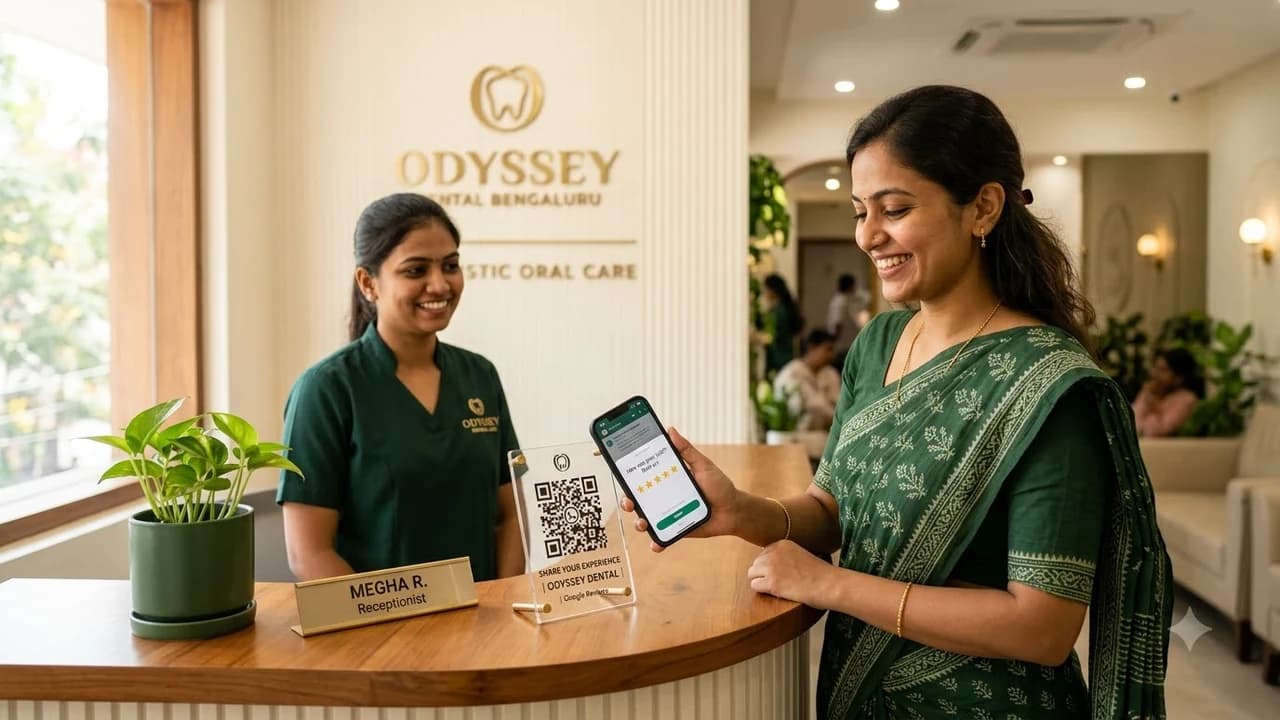
Step 1: Place an Aesthetic 'Quick Gift' QR Code at Billing
On your front desk or table tent, display an eye-catching card:
"Loved your meal / appointment? Scan to share your experience on WhatsApp and get a free dessert / 10% off your next visit in 15 seconds!"
Step 2: Trigger the 3-Question WhatsApp Flow
When the customer scans the QR code:
- The bot asks: "On a scale of 1 to 5, how was your experience today?"
- If they pick 5 Stars:
- The bot asks: "What did you love most? (A: Fast Doctor Service, B: Painless Treatment, C: Clean Clinic)"
- The AI instantly drafts a warm review: "Had an amazing experience with Dr. Sharma! The root canal treatment was completely painless, and the clinic in Indiranagar is exceptionally clean. Highly recommended!"
Step 3: 1-Tap Copy & Redirect to Google Maps
The bot provides two clear buttons:
- Button 1: "Copy Draft to Clipboard"
- Button 2: "Paste on Google Maps (Takes 5 Seconds)"
- Tapping Button 2 opens your Google Maps review dialog directly. The customer pastes the draft, taps Submit, and walks away delighted.
Filtering Out Negative Reviews Privately
What if a customer rates your service 1, 2, or 3 Stars?
The AI does NOT send them to Google Maps.
Instead, it gracefully says: "We are deeply sorry that your experience wasn't perfect. Please tell our clinic director what went wrong so we can resolve this for you immediately."
You catch customer complaints privately, fix the issue, and protect your public Google rating from damage.

Learn to build AI workflows that handle your busywork — live sessions, real projects, zero code.
See the courseBeginner-friendly