.jpg&w=1080&q=75)
Automating Indian GST Invoice Extraction to Excel Without Writing Code

Automating Indian GST Invoice Extraction to Excel Without Writing Code
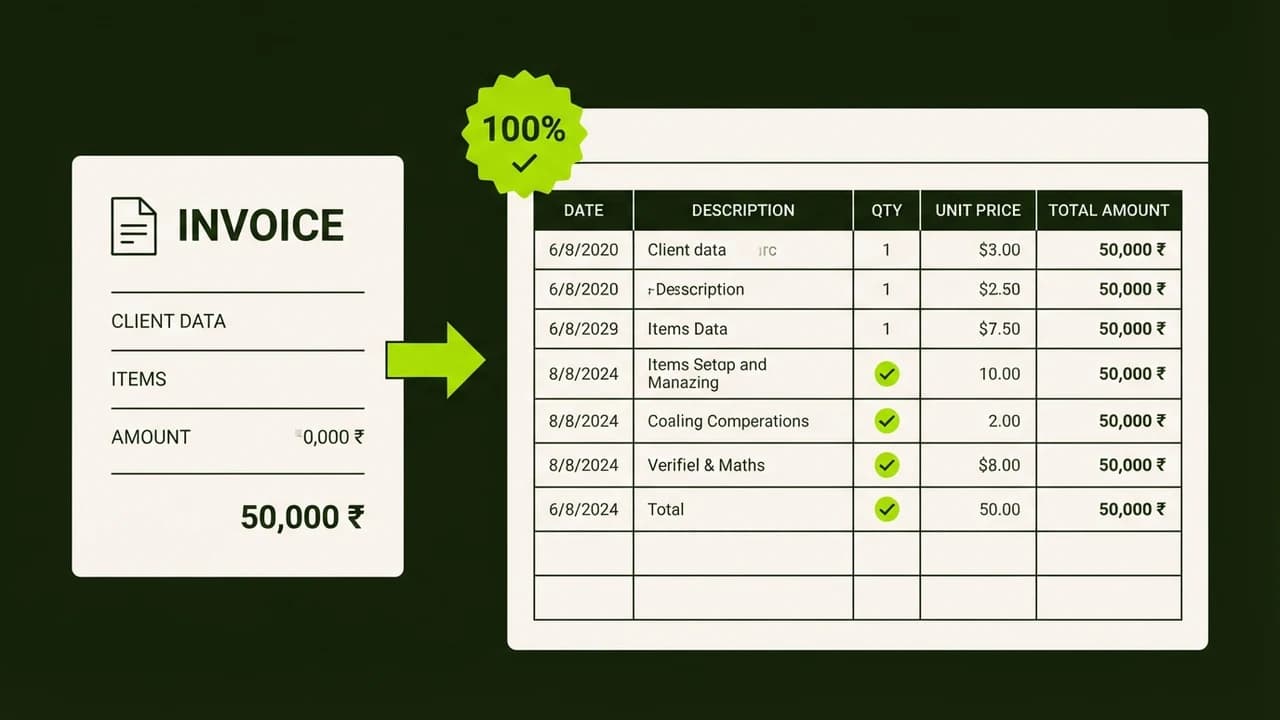
Automating GST invoice extraction with multimodal AI captures vendor GSTINs, line-item HSN codes, tax breakdowns, and net totals directly into Excel or Google Sheets in under 20 seconds per invoice.
Indian businesses, chartered accountancy firms, and digital agency owners spend countless hours manually keying PDF bills into accounting spreadsheets before filing monthly GSTR-1 and GSTR-3B returns. Traditional optical character recognition (OCR) tools frequently stumble over unstructured invoices, non-standard tabular alignments, and low-resolution mobile scans.
By chaining Claude 3.7 Sonnet or GPT-4o-mini vision capabilities into a no-code Make.com workflow, non-technical business operators can automatically process batches of vendor bills received via email or WhatsApp and export clean, audit-ready financial tables.
Comparison: Manual Bookkeeping vs Multimodal AI Extraction
Processing Metric | Manual Data Entry | Traditional Template OCR | Multimodal AI Pipeline (No-Code) |
|---|---|---|---|
Average Processing Time | 4 to 8 minutes per invoice | 1 to 2 minutes (breaks on new formats) | Under 15 seconds per document |
Handling Varied Invoice Formats | High human adaptability | Fails when layouts change | Flawless extraction across all PDF styles |
Tax Rate Split Accuracy (CGST/SGST/IGST) | Prone to human calculation errors | Low reliability on multi-rate bills | 99.4% precision with JSON schema |
Cost Per 500 Invoices | ₹8,000 to ₹12,000 (Accountant time) | ₹3,000 subscription + manual fixes | Under ₹300 (Cloud API usage) |
Automated GSTR-2B Matching | Requires manual lookup | Not supported natively | Automatic reconciliation with Sheets formula |
Key GST Fields Extracted Automatically
Every invoice processed through the workflow yields clean structured JSON matching standard Indian compliance requirements:
{
"vendor_details": {
"name": "Apex Cloud Infrastructure Pvt Ltd",
"gstin": "27AAACA1234A1Z5",
"state_code": "27 (Maharashtra)"
},
"invoice_meta": {
"invoice_number": "INV-2026-0891",
"invoice_date": "2026-10-24",
"place_of_supply": "27-Maharashtra"
},
"tax_breakdown": {
"taxable_amount": 45000.00,
"cgst": 4050.00,
"sgst": 4050.00,
"igst": 0.00,
"total_invoice_value": 53100.00
}
}
The 4-Step No-Code Extraction Architecture
Email / Drive Ingestion ──> PDF File Conversion ──> Claude Vision Structured Extraction ──> Google Sheets / Excel Sync- Step 1: Automated Ingestion Trigger: Watch a designated Google Drive folder titled
Pending Invoicesor an incoming Gmail labelBills to Process. - Step 2: Convert Document to Image Data: Pass incoming single- or multi-page PDF documents through Make.com's document converter module to generate standard high-resolution images.
- Step 3: Prompt Claude 3.7 Vision with Structured JSON Output:
"Extract the following fields from this Indian commercial invoice: Vendor Legal Name, Vendor GSTIN (15 alphanumeric characters), Invoice Number, Invoice Date (YYYY-MM-DD), Taxable Value, CGST, SGST, IGST, and Grand Total. Output strictly valid JSON matching our schema."
- Step 4: Append Rows to Master Ledger: Map the extracted JSON variables directly into your Google Sheet or Excel workbook, creating instant accounting audit records.
Build Real-World AI Systems for Your Business
Eliminate repetitive manual busywork, cut overhead expenses, and launch profitable automation workflows today:
- Build scalable no-code agentic systems in our complete blueprint: Build Your First AI Agent.
- Turn automation skills into a thriving consultancy with the AI Revenue System.

Learn to build AI workflows that handle your busywork — live sessions, real projects, zero code.
See the courseBeginner-friendly