.jpg&w=1080&q=75)
AI Video Creation for Indian Solopreneurs: 5 Free Tools Under ₹0 in 2026

AI Video Creation for Indian Solopreneurs: 5 Free Tools Under ₹0 in 2026
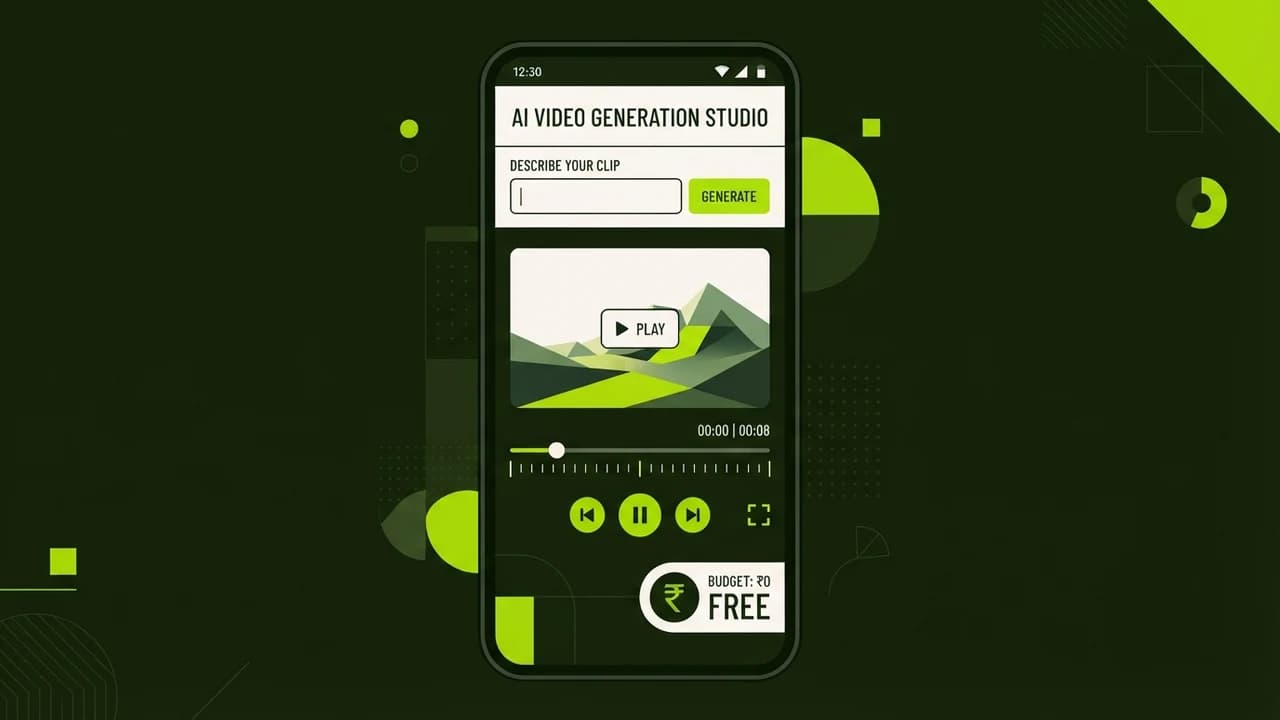
Indian solopreneurs can produce high-converting marketing videos without cameras or editing software using free AI video generators like Kling, Haiper, and CapCut. Video marketing is no longer restricted to funded startups with production budgets; today a single laptop and a browser tab are enough to create studio-quality product teasers, faceless explainers, and Instagram Reels.
If you run a small D2C brand, a boutique consulting agency, or a freelance service in India, video content is your highest-converting distribution channel. However, traditional video production requires expensive cameras, studio lighting, sound equipment, and Adobe Premiere editors charging ₹15,000 per video.
With generative video models maturing in 2026, text-to-video and image-to-video tools have reached photorealistic frame rates. The secret lies in combining free-tier generation credits with automated voiceovers and smart template editing.
The 2026 Free AI Video Production Stack Compared
AI Video Tool | Free Tier Allowance | Best Commercial Use Case | Video Quality / Resolution | Learning Curve |
|---|---|---|---|---|
Kling AI (v1.5) | 66 daily credits (6 free 5s clips/day) | Cinematic B-roll, realistic human motion, product reveals | 1080p, natural motion coherence | Beginner |
Haiper AI (v2.0) | 10 free generations per day | Dynamic animated backgrounds, text morphing, abstract B-roll | 720p/1080p, high frame rate | Beginner |
Luma Dream Machine | 30 free video generations/month | Hyperrealistic camera pans, drone flyovers, luxury aesthetics | 1080p, camera-path controls | Intermediate |
Hedra Character-2 | 5 free talking avatars daily | Faceless educational reels, audio-synced founder updates | 720p, realistic lip-syncing | Beginner |
CapCut Web AI | Free auto-captions and AI script-to-video | Assembling clips, viral typography, 9:16 vertical reels | Up to 4K export with zero watermark | Beginner |
3 Proven Video Formats Indian Solopreneurs Can Build for ₹0
1. The Faceless Problem-Solution Reel
This format generates viral organic reach on Instagram and LinkedIn without showing your face:
- Hook (0-3s): High-contrast text statement addressing a specific Indian business pain point (for example: "Why 78% of Indian freelance invoices get delayed by 45 days").
- Body (4-20s): Cinematic AI B-roll generated via Kling AI showing clean office spaces, laptop interfaces, or animated diagrams.
- Resolution (21-30s): A clean bulleted checklist summarizing the 3-step solution, followed by your brand CTA.
2. High-End 3D Product Showcase
If you sell physical products (such as apparel, packaged foods, or lifestyle goods):
- Take a clean smartphone photo of your product against a neutral white wall.
- Upload the photo into Kling AI or Luma Dream Machine using the Image-to-Video mode.
- Prompt: "Cinematic slow 360-degree orbital camera pan around the luxury product, warm ambient studio lighting, soft 35mm shallow depth of field, 4k commercial commercial look."
- In 45 seconds, you receive a commercial-grade rotating product commercial that looks like a ₹5 Lakh studio production.
3. Audio-Driven Educational Short
Record a 45-second voice note explaining an industry insight. Import the audio into Hedra or CapCut, generate a photorealistic talking digital character or animated aesthetic visuals, and auto-generate bilingual Hindi-English kinetic captions.
Step-by-Step Production Blueprint: From Idea to Export in 15 Minutes
- Step 1: Scripting with Free LLMs: Open ChatGPT or Claude and use this prompt: "Write a 30-second high-retention video script for an Indian audience about [Your Topic]. Structure: 3-second hook, 2 high-impact insights, 1 clear call-to-action. Keep language conversational Hinglish or clear Indian English."
- Step 2: Generate Visual B-Roll: Copy visual scene descriptions from the script into Kling AI. Generate 3 to 4 distinct 5-second video clips using the free daily credit allowance.
- Step 3: Generate Natural Voiceover: Use ElevenLabs free tier or Microsoft Edge Read Aloud tool to generate a crisp, natural human voiceover file.
- Step 4: Assemble in CapCut Web: Drag the clips and voiceover into CapCut Web (completely free in your browser). Click 'Auto Captions', select kinetic bold styling with lime-green highlight words, add royalty-free lofi background music, and export in 1080p.

Learn to build AI workflows that handle your busywork — live sessions, real projects, zero code.
See the courseBeginner-friendly