
How Solopreneurs Automate Invoice Payment Reminders with Make.com and WhatsApp

How Solopreneurs Automate Invoice Payment Reminders with Make.com and WhatsApp
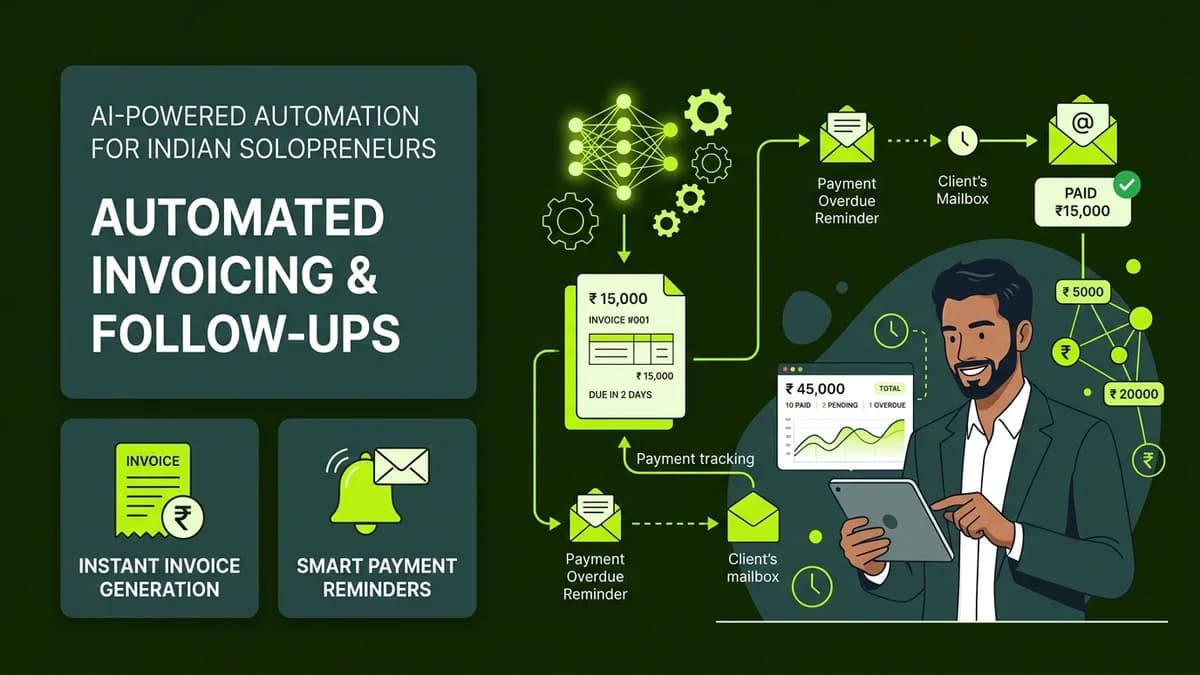
Automating invoice payment reminders through Make.com and WhatsApp ensures prompt client payments by automatically dispatching courteous, scheduled notices before, on, and after invoice due dates.
Late payments are the single greatest threat to cash flow for freelancers, digital solopreneurs, and boutique agencies in India. While you deliver high-quality client deliverables on schedule, client accounts departments often drag payment cycles thirty to sixty days past invoice maturity. Manually drafting awkward follow-up WhatsApp messages and emails feels uncomfortable, wastes mental energy, and frequently strains relationships between founders and valued clients.
In 2027, no-code automation allows independent professionals to establish objective, automated accounting systems. When payment reminders arrive automatically from an impartial system, clients treat deadlines seriously and pay invoices on time without personal friction.
Manual Chasing vs Automated Accounts Receivable
Follow-up Dimension | The Painful Manual Chase | The Automated Make.com + WhatsApp System |
|---|---|---|
Founder Mental Overhead | Constant anxiety checking bank balances and drafting reminders | Zero emotional stress; reminders trigger automatically based on due dates |
Client Perception | Feels like awkward personal nagging from the founder | Perceived as a standard, professional corporate finance procedure |
Payment Delays | Average invoice settled 18 to 28 days late | Average invoice settled within 48 hours of scheduled reminder |
Cash Flow Predictability | Unpredictable, sporadic deposits causing payroll panic | Predictable, steady weekly receivables |
Time Investment | 4 to 8 hours monthly tracking unpaid invoices | 15 minutes of initial one-time no-code setup |
The 4-Stage Courteous Reminder Cadence
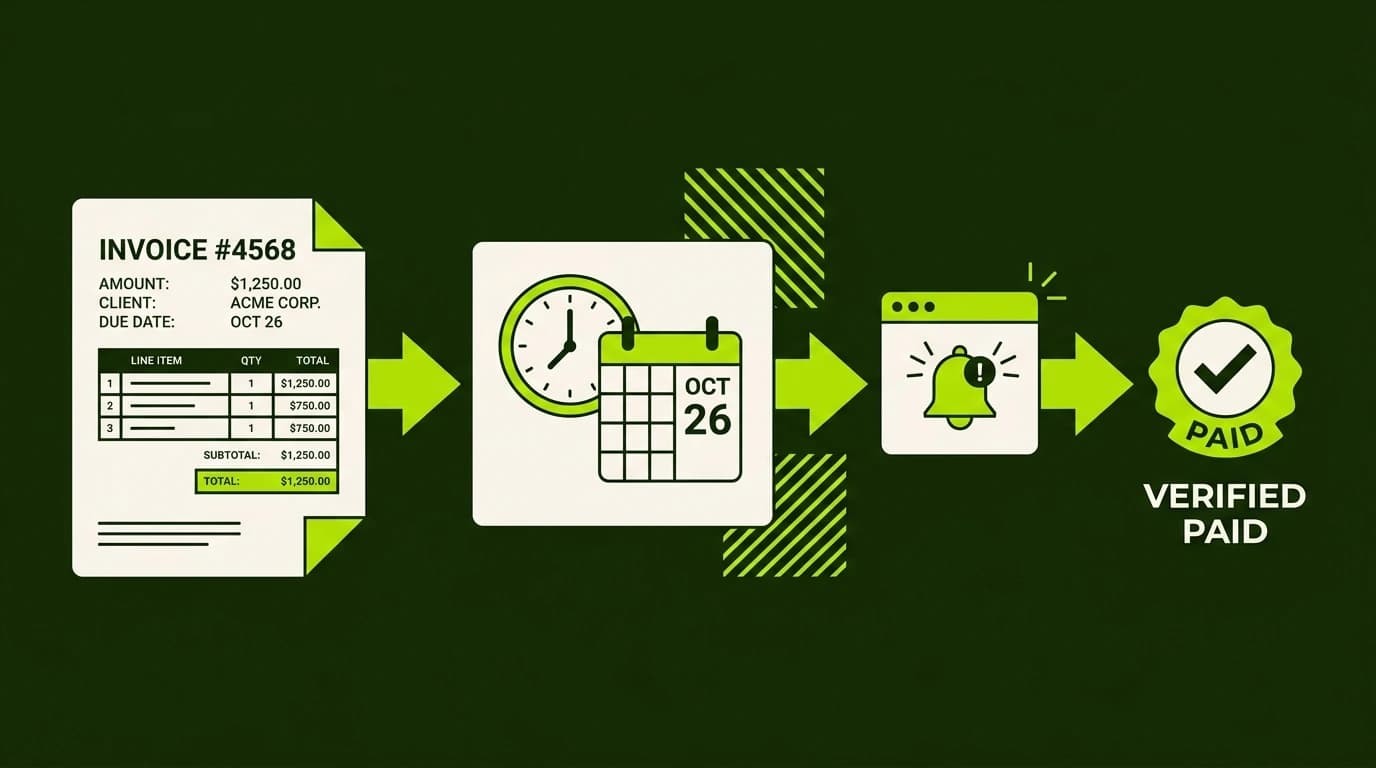
The secret to collecting receivables quickly without alienating clients lies in an escalating four-stage notification cadence:
flowchart TD
A["Invoice Created with Due Date"] --> B["Stage 1: 3 Days Before Due Date (Friendly Heads-Up)"]
B --> C["Stage 2: On Due Date (Official Payment Notice)"]
C --> D["Stage 3: 3 Days Overdue (Urgent Administrative Notice)"]
D --> E["Stage 4: 7 Days Overdue (Service Pause Warning)"]- Stage 1: Friendly Heads-up (3 Days Prior): A polite notification reminding the client of the upcoming invoice due date, including direct UPI and NEFT payment links for their accounting team's convenience.
- Stage 2: Due Date Notice (Day 0): An official notice confirming that the invoice is due today, requesting payment confirmation or remittance advice.
- Stage 3: First Overdue Follow-up (3 Days Overdue): A firm administrative reminder noting that the invoice has lapsed and inquiring if there are any billing questions or invoice discrepancies.
- Stage 4: Service Pause Notice (7 Days Overdue): An automated notification informing the client that active project deliverables or consulting hours are temporarily paused until outstanding accounts are settled.
How to Set Up the Automated Reminder Engine
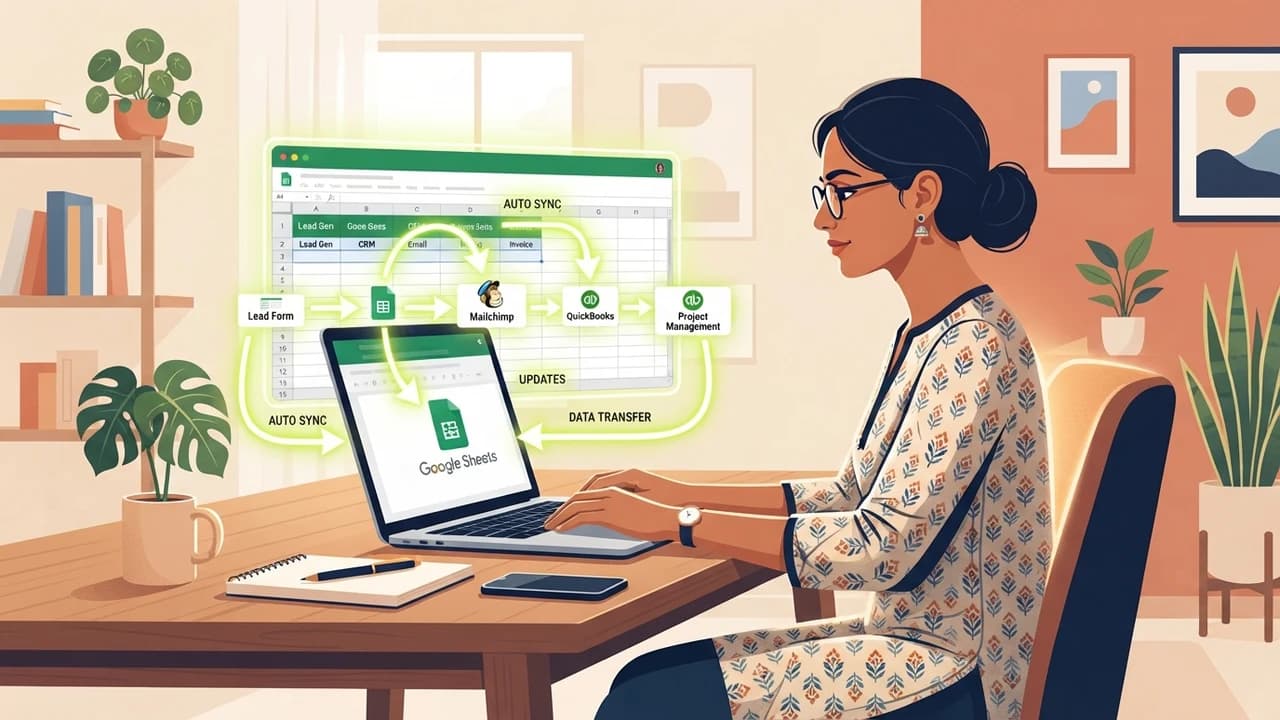
You do not need costly enterprise ERP software. A simple setup using Google Sheets and Make.com handles your entire accounts receivable pipeline:
Step 1: Create the Master Invoicing Sheet
Set up a Google Sheet with columns for:
Invoice Number,Client Name,WhatsApp Number,Client EmailInvoice Amount (₹),Due Date,Payment Status(UnpaidorPaid)Payment Link (UPI/Razorpay/Bank details)
Step 2: Configure the Make.com Daily Cron Trigger
In Make.com, create a scenario with a Google Sheets: Search Rows module:
- Set it to run once daily at 10:00 AM IST.
- Add a filter condition:
Payment Status == 'Unpaid'.
Step 3: Date Comparison Logic
Add a simple mathematical filter comparing Due Date against now:
- If
Due Date - now == 3 days: Send Stage 1 Reminder. - If
Due Date == now: Send Stage 2 Reminder. - If
now - Due Date == 3 days: Send Stage 3 Reminder. - If
now - Due Date == 7 days: Send Stage 4 Reminder.
Step 4: Dispatch the Multi-Channel Message
Connect an HTTP Request or WhatsApp Business API module to dispatch the corresponding pre-approved WhatsApp notification, while sending a parallel transactional email containing the PDF invoice attachment.
Essential Best Practices for Indian Solopreneurs
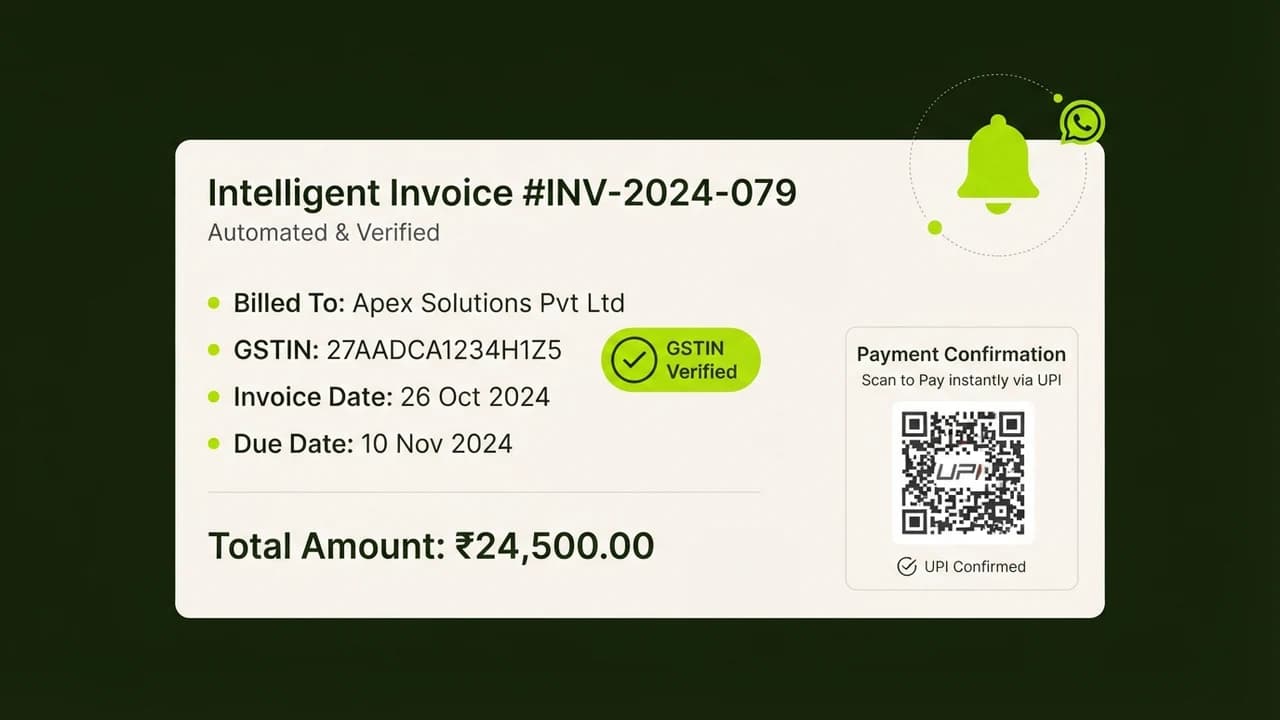
- [ ] Provide One-Click UPI Payment Links: Integrate Razorpay payment links or dynamic UPI QR codes inside your WhatsApp reminders so clients can authorize payment from their mobile phone in ten seconds.
- [ ] Instantly Update Status on Payment: Ensure that once a client transfers funds, changing the status to
Paidin your Google Sheet immediately halts all subsequent automated reminders. - [ ] Maintain an Impersonal Finance Identity: Send reminders from
"Finance & Accounts Desk"rather than your personal founder WhatsApp profile to preserve your advisory relationship with the client. - [ ] Include Downloadable Tax Invoices: Always attach or link the GST-compliant invoice PDF in every communication so clients have no excuse regarding missing paperwork.
Learn to build AI workflows that handle your busywork — live sessions, real projects, zero code.
See the courseBeginner-friendly