
Best No-Code AI Agent Builders for 2027: Non-Coder Benchmark

Best No-Code AI Agent Builders for 2027: Non-Coder Benchmark
No-code AI agent builders allow non-technical founders to automate customer service, lead qualification, and document routing without writing a single line of software code.
As enterprise AI models transition from simple chat interfaces to autonomous goal-directed agents, Indian solopreneurs, digital agency owners, and small businesses face a decisive advantage. In 2027, you no longer need to hire full-stack developers or spend ₹2 Lakhs on agency retainers to build autonomous task runners. Visual, drag-and-drop orchestration platforms allow anyone with basic spreadsheet logic to connect frontier LLMs to real-world business tools like WhatsApp, Gmail, Airtable, and Google Sheets.
This benchmark evaluates the leading visual agent platforms based on cost, ease of use for non-programmers, native webhook integrations, and monthly operational stability.
2027 No-Code AI Agent Platform Comparison
Platform | Best For | Learning Curve | Pricing (India) | Key Strengths |
|---|---|---|---|---|
Make.com | Workflow Multi-Step Automation | Moderate (Visual canvas) | Free tier; Core from ₹750/mo | Flawless webhook routing, 1,800+ app connectors |
n8n (Cloud / Self-Host) | High-Volume Data Privacy | Moderate to Advanced | Free self-hosted; Cloud ₹1,800/mo | Complete data privacy, native AI agent nodes |
Relevance AI | Autonomous Multi-Agent Teams | Easy (Agent templates) | Free trial; ₹1,650/mo starter | Multi-agent collaboration, B2B sales research |
Flowise AI | Visual RAG & Custom Document Chat | Moderate (No-code UI) | 100% Open source / Free | Deep LangChain visual graph with zero licensing fees |
ChatGPT Team / Custom GPTs | Internal Knowledge Base Bots | Extremely Easy | ~₹2,100/seat/month | Instant setup, native multimodal file uploads |
What Makes an Autonomous AI Agent in 2027?
Unlike traditional rule-based chatbots that fail whenever a user strays from a pre-programmed script, an autonomous AI agent possesses three distinct capabilities:
- Goal Orientation: You assign an objective (e.g., "Qualify incoming leads from our website form and schedule a Google Meet call if their monthly marketing budget exceeds ₹50,000").
- Tool Execution (Function Calling): The agent decides when to read a database, send an email, create a calendar link, or ping your internal Slack team.
- Iterative Self-Correction: If an API call fails or a customer inputs an invalid phone number, the agent intelligently asks for clarification rather than crashing.
Step-by-Step: Building Your First Lead Qualification Agent on Make.com
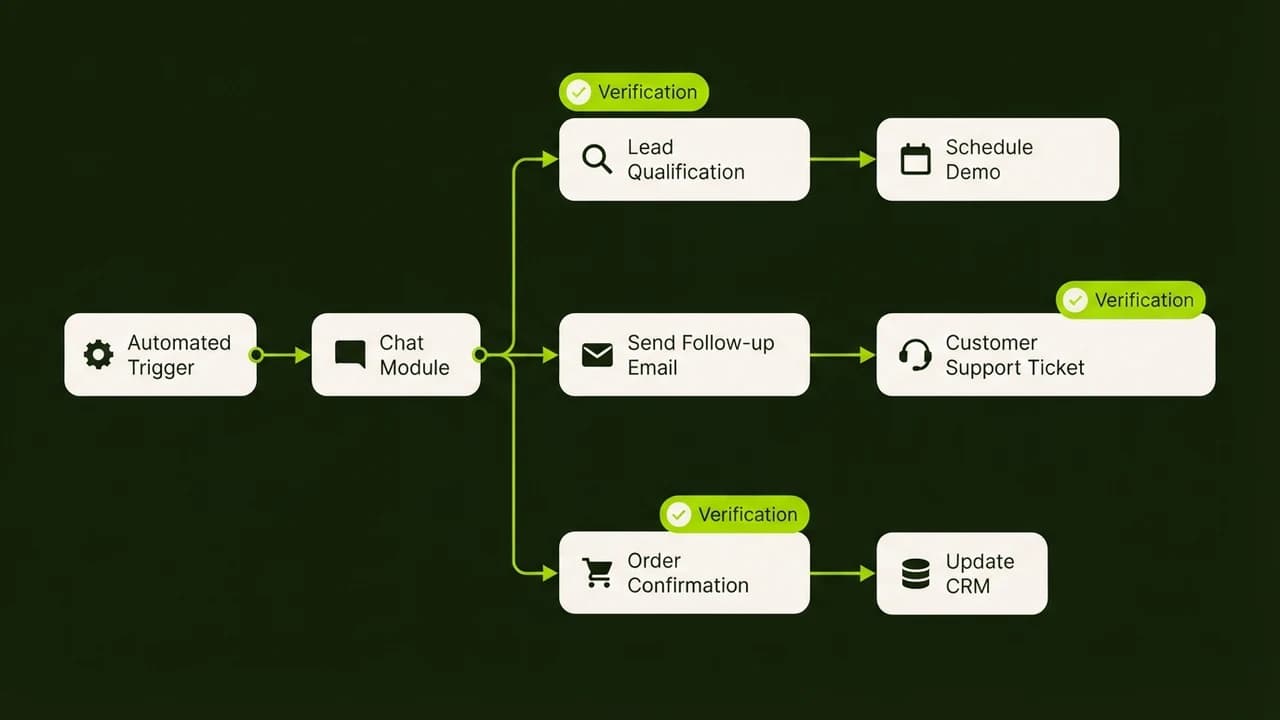
You do not need programming knowledge to build an automated qualification funnel. Here is the exact 4-step logic used by Indian service agencies:
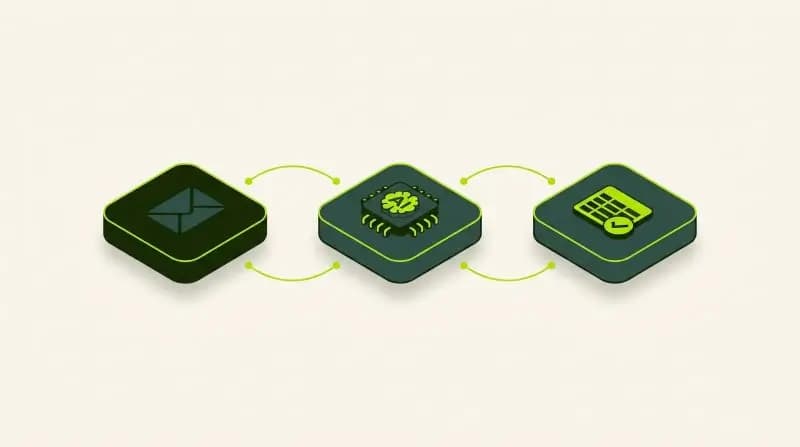
- Trigger Module (Webhooks): Connect your website contact form or WhatsApp Business API to an inbound Make webhook.
- AI Reasoning Node (OpenAI / Claude / Gemini): Pass the customer's project description through a structured system prompt that scores the inquiry on budget, urgency, and project fit.
- Branching Router:
- High-Value Leads (Score > 8/10): Instantly send an automated WhatsApp message with a Cal.com booking link and notify the founder via SMS.
- Low-Value Leads (Score < 8/10): Send a polite automated email containing your standard pricing PDF and self-service onboarding resources.
- Data Logging: Write the conversation summary and lead score into your central Google Sheet or Airtable base.
Implementation Checklist for Non-Technical Founders
- [ ] Define Boundaries: Restrict agent permissions so it cannot execute financial transfers or send unreviewed public refunds.
- [ ] Cap API Spending: Set hard monthly spending limits on your OpenAI, Anthropic, or Google AI developer consoles (e.g., maximum \$20/month) to prevent billing surprises.
- [ ] Human-in-the-Loop Routing: Always include a fallback command (e.g., "Connect me with a human") that redirects frustrated users to a live phone number or staff inbox.
- [ ] Test with Edge Cases: Test your agent with misspelled Hindi-English inputs, ambiguous questions, and missing contact numbers before public launch.
Learn to build AI workflows that handle your busywork — live sessions, real projects, zero code.
See the courseBeginner-friendly