.jpg&w=1080&q=75)
Google Antigravity Tutorial for Beginners: Build Without Coding in 2026

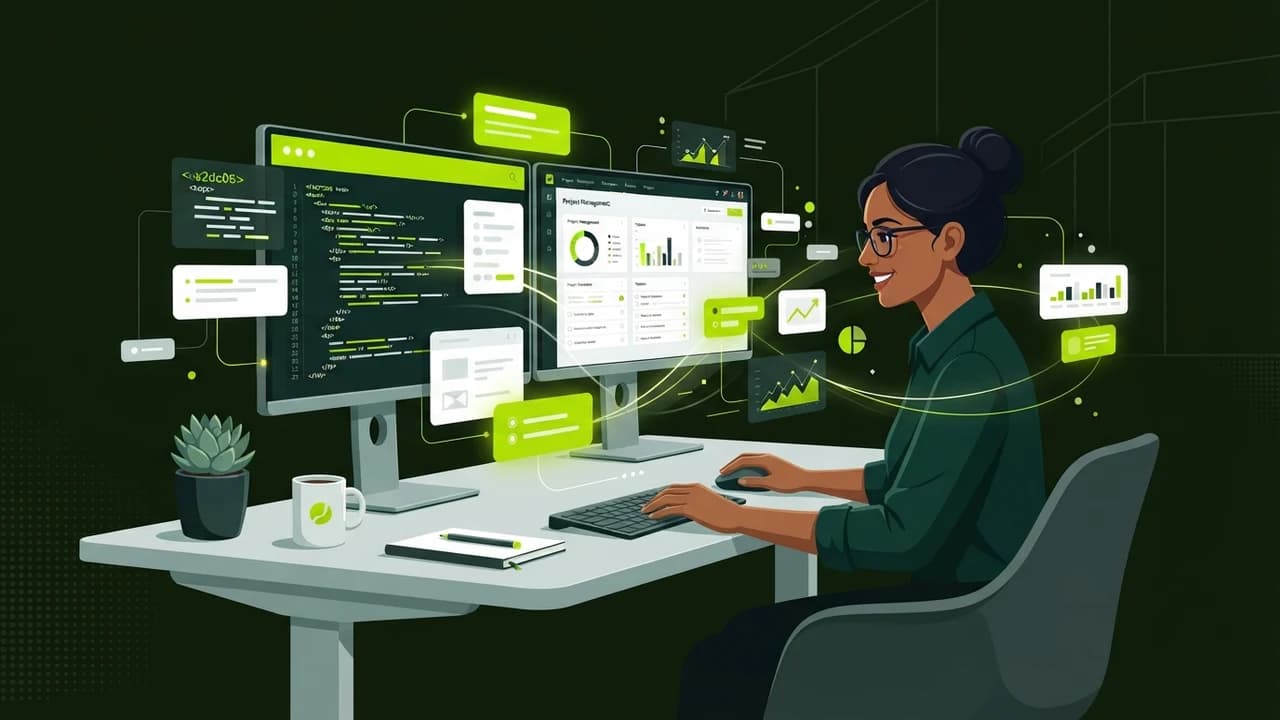
You can build working software tools and business automations using Google Antigravity in under 30 minutes without writing a single line of code, turning natural language instructions into functional internal apps.
Google Antigravity has emerged as one of the most exciting agentic coding environments in 2026, enabling non-technical founders, marketers, and agency operators to create internal dashboards, web crawlers, and document processors simply by describing what they need. Instead of wrestling with complex terminal syntax or syntax errors, you collaborate with an autonomous AI pair programmer that plans, writes, tests, and deploys tools on your behalf.
Why Google Antigravity Is a Breakthrough for Non-Technical Founders
Traditional software development creates massive financial and communication friction for non-technical Indian solopreneurs. Hiring a freelance developer for a basic internal calculator or customer portal often costs ₹25,000 to ₹60,000 and takes three weeks of back-and-forth communication.
Google Antigravity fundamentally changes this equation:
- Agentic pair programming: The system does not just suggest autocompletions; it plans multi-step projects, edits files, and verifies its own work
- Integrated browser and shell tools: It can inspect live web pages, interact with APIs, and manage databases autonomously
- Plain English directives: You describe business logic in everyday language, and Antigravity translates your intent into working code
- Self-healing execution: When an execution error occurs, Antigravity diagnoses the root cause and repairs the code automatically
Step-by-Step: Building Your First Project With Google Antigravity
Step 1: Initialize Your Workspace Environment
To begin, open your project folder inside the Antigravity desktop interface. Rather than creating blank files manually, open the conversation prompt and declare your project objective.
For example, type:
"I run a digital marketing agency in Pune. Build a lightweight client invoice generator that accepts client name, service list, GST number, and billing amount, then exports a clean PDF invoice."
Antigravity responds by analyzing your requirements, generating an implementation plan, and outlining the architectural steps before touching any code.
What Is Planning Mode in Antigravity?
Antigravity uses structured planning mode for non-trivial tasks. It creates an explicit roadmap detailing which components will be built, allowing you to review the proposed structure and request adjustments before development starts.
Step 2: Review and Approve the Implementation Plan
The AI presents a clear summary showing:
- Front-end layout structure using clean HTML and modern styling
- Calculation logic for 18% GST addition and total invoice reconciliation
- PDF rendering library integration for one-click browser downloading
You review the plan. If you want to customize something, such as adding your agency logo or UPI QR code payment block, you simply say: "Add a dynamic UPI QR code section at the bottom." The plan updates immediately. Click Approve to proceed.
Step 3: Watch Autonomous Code Assembly & Self-Correction
Once approved, Antigravity enters autonomous execution mode. You can watch in real time as it:
- Creates the necessary project files and dependencies
- Styles the user interface with accessible, modern typography
- Tests the invoice calculations against edge cases (such as zero-value line items)
- Fixes any visual layout inconsistencies without requiring your technical input
If a library version conflict arises, Antigravity reads the terminal error output, adjusts the dependency version, and re-executes cleanly.
Step 4: Preview and Deploy Locally
When the build finishes, Antigravity provides a direct local preview link. Open the link in your browser to test the tool:
- Type in client details
- Add three service items (for example: SEO Audit, Meta Ads Management, Content Writing)
- Click Generate Invoice PDF
Your customized, GST-compliant invoice downloads to your machine in two seconds. What previously required hiring a freelance developer is finished in 25 minutes.
Feature Breakdown: Google Antigravity vs Traditional No-Code Builders
Feature | Google Antigravity | Traditional No-Code Builders (Webflow/Bubble) |
|---|---|---|
Learning Curve | Under 1 hour (natural language) | 20 to 40 hours of interface training |
Monthly Subscription | Free / Included in Google AI tier | ₹2,500 – ₹8,000 / month |
Custom Logic Flexibility | Unlimited (full native code backend) | Restricted to pre-built visual blocks |
Data Portability | 100% full source code ownership | Vendor lock-in on proprietary hosting |
Execution Speed | Minutes from concept to preview | Hours of manual drag-and-drop styling |
The Non-Coder Superpower of 2026
The barrier between having an idea and having working software has officially collapsed. Whether you need a WhatsApp webhook parser, a client reporting dashboard, or a custom leads scraper, Google Antigravity allows non-coders to build production-grade internal tools with complete autonomy.
At Zero To AI, we publish comprehensive step-by-step tutorials and practical templates to help non-technical professionals master AI workflows. Visit zerotoai.in to explore guided masterclasses and resources.

Learn to build AI workflows that handle your busywork — live sessions, real projects, zero code.
See the courseBeginner-friendly