.jpg&w=1080&q=75)
How Non-Coders Build Web Apps in Minutes: The 2026 Vibe Coding Blueprint

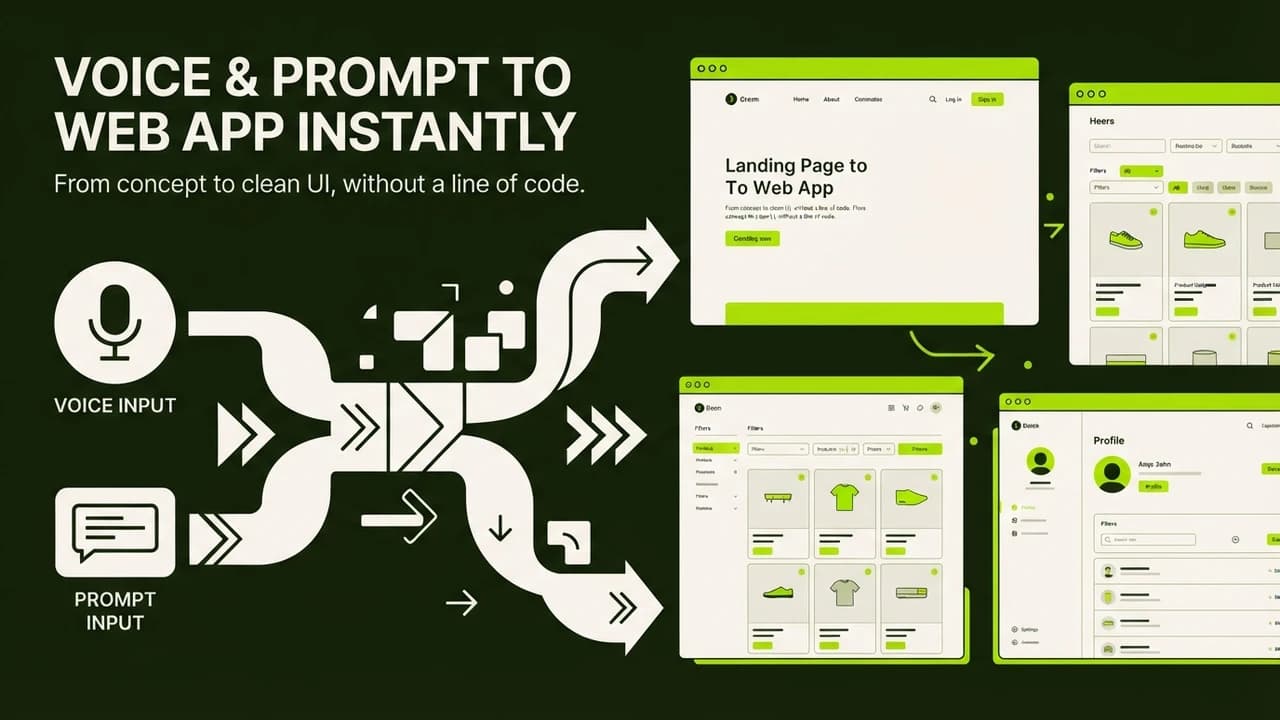
Google Antigravity | Autonomous agent execution and verification | Beginner to Intermediate | Free / Cloud tier | Building end-to-end multi-file apps and automated pipelines |
Lovable | Instant browser UI and live visual preview | Complete Beginner | Free tier / ₹1,650 per month | Rapid interactive web apps, lead forms, and customer portals |
Cursor | Deep project context and multi-file editing | Intermediate Non-Coder | Free tier / ₹1,650 per month | Refining complex logic, custom dashboards, and local projects |
Bolt.new | In-browser stack execution with live preview | Complete Beginner | Free tier / ₹1,650 per month | Single-prompt prototype tools and simple utilities |
3 Real Web Apps Built by Indian Non-Coders (With ₹ Financials)
Look at three real-world tools built by Indian professionals who had never written computer code before:
1. Client Lead Intake Portal for a Pune Digital Agency
Rohan runs a digital marketing agency in Pune with six team members. When prospective clients reached out, his team manually sent Google Forms, followed up on WhatsApp, and typed requirements into Notion, spending ₹3,500 monthly on form subscriptions.
Using Lovable, Rohan described a four-step interactive portal collecting client brand details, budget requirements, and service selections. The app was completed in 35 minutes. Rohan canceled his ₹3,500 monthly subscription and saw form completion rates increase by 40 percent.
2. GST Invoice Checker for a Surat Textile Trader
Suresh operates a wholesale textile trading firm in Surat. His clerk spent 15 hours every month cross-checking supplier invoices against GSTR-2B data to catch missing input tax credits.
Suresh used Google Antigravity to build a dedicated GST verification utility in one hour. His clerk drags and drops an Excel file of purchase bills, and the tool validates vendor GSTIN patterns and calculates available tax credits. In its first month, the tool caught ₹15,000 in missed tax credits from delinquent vendors.
3. Custom Quotation Generator for a Bengaluru Interior Designer
Pooja is an interior designer in Bengaluru. Preparing project estimates for renovation clients took two hours per proposal across spreadsheets and PDFs.
With Cursor, Pooja built an interactive quotation calculator in 45 minutes with her standard rates for modular kitchens and wardrobes. On client visits, Pooja enters room dimensions on her iPad, and the app generates a branded PDF quotation in 90 seconds. The tool helped her close two remodeling contracts worth ₹1,20,000 in new bookings within three weeks.
The 4-Step Vibe Coding Workflow for Total Beginners
Follow this four-step blueprint to build your first software application:
Step 1: Write a Clear Product Specification in Plain English
Spend ten minutes writing down requirements in a simple text document. Describe who the user is, what input data they enter, what calculation happens, and what the final output looks like.
Step 2: Feed the Specification to Your AI Environment
Paste your specification into your chosen tool. Instruct the tool to build the layout first using clean typography and responsive design. Review the generated visual preview to ensure all fields appear correctly.
Step 3: Test and Iterate Using Conversational Feedback
Click through the preview like a customer. If a calculation looks wrong, describe the issue in plain English: explain what you clicked, what happened, and what you expected. The AI inspects the code and applies the fix.
Step 4: Deploy and Publish with One Click
Once the application functions properly, use the built-in publish feature to deploy it live. Platforms like Lovable provide instant hosting on free subdomains, or you can connect a custom domain in two minutes.
Common Mistakes Non-Coders Make During Vibe Coding
Avoid these four common pitfalls when building your first applications:
Mistake 1: Prompting an Entire App at Once
Trying to build a complete e-commerce marketplace in your first prompt leads to broken code. Start with one focused feature like a product card. Once that works, add the cart, and then add payments.
Mistake 2: Ignoring Mobile Responsiveness
Over 80 percent of Indian users access web apps on Android smartphones over mobile networks. Always preview on mobile view to ensure text does not overflow and buttons are easy to tap.
Mistake 3: Panicking Over Error Messages
When red error text appears, copy the error message, paste it into your AI prompt, and instruct the assistant to resolve it. In most cases, the AI fixes the issue on the first attempt.
Mistake 4: Skipping Database Security Rules
If your application collects customer phone numbers, addresses, or payments, never leave database permissions public. Always instruct the AI to enable Row Level Security on your database tables.
Master Vibe Coding with Zero To AI
Software is no longer restricted to engineers. If you want to learn how to build production-grade web applications, client portals, and automated business tools without writing code, explore our hands-on curriculum.

Learn to build AI workflows that handle your busywork — live sessions, real projects, zero code.
See the courseBeginner-friendly