.jpg&w=1080&q=75)
Your First Multi-Agent Workflow: A Step-by-Step Blueprint for Non-Technical Founders

Your First Multi-Agent Workflow: A Step-by-Step Blueprint for Non-Technical Founders
The most powerful thing you can do for your business right now has nothing to do with coding.
It involves understanding a single insight:an AI agent is not a tool, its a team member.And you already know how to manage a team.
The explosion of multi-agent AI on LinkedIn has made it sound like rocket science. Its not. Its project management with a new kind of staff. And this blueprint will show you exactly how to build your firstmulti-agent workflowthis week, without writing a single line of code.
What Is a Multi-Agent Workflow (In Plain English)?
A single AI agent is like a brilliant generalist: given one task, it does it well. But ask it to simultaneously research competitors, draft a report, update your CRM, and schedule a follow-up email — and it starts to break down, just like asking one employee to do four jobs at the same time.
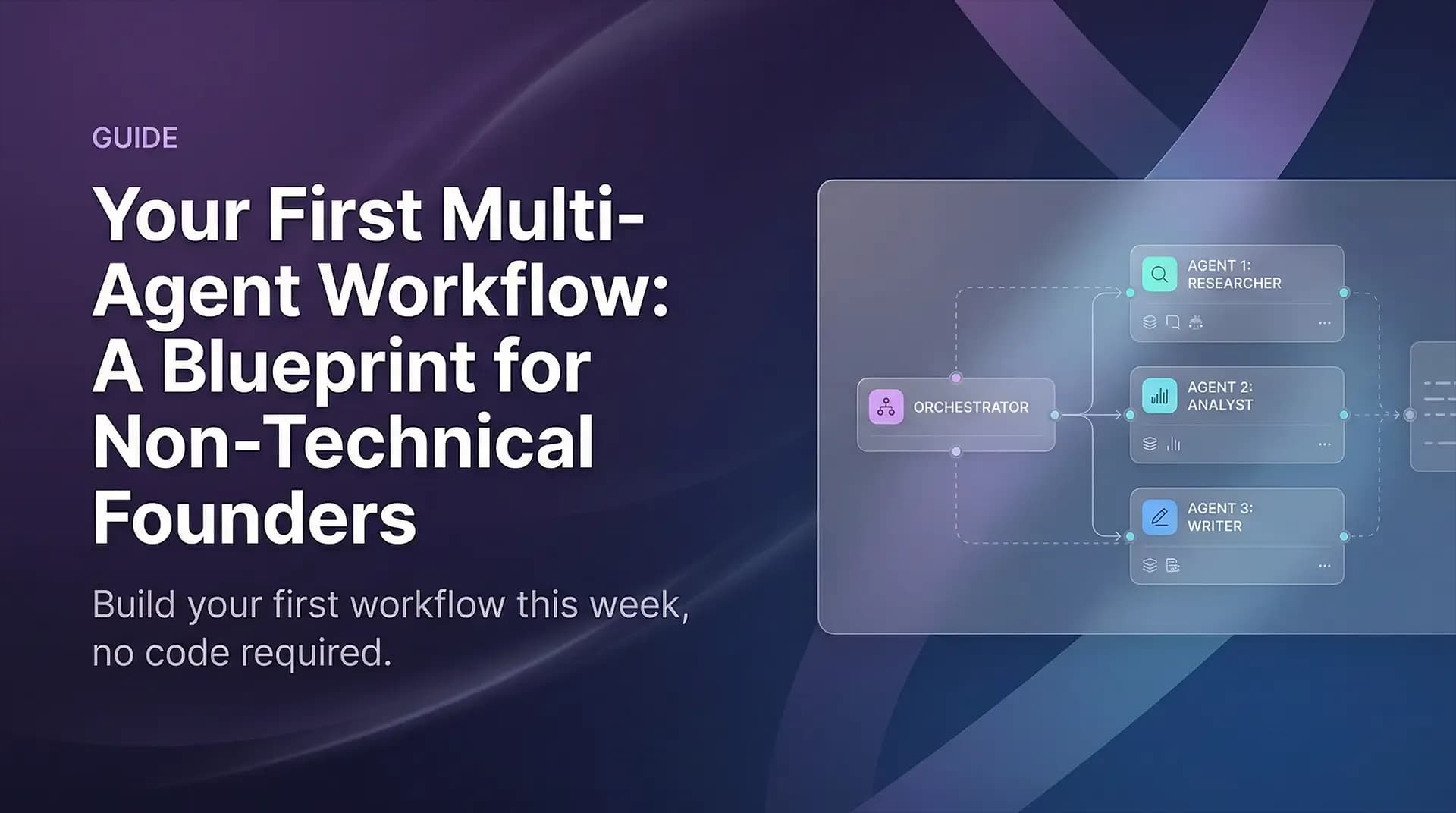
Amulti-agent systemsolves this by giving each task to a specialized agent — then having an orchestrating agent (the conductor) coordinate the handoffs between them.
Think of it like a small agency:
- The Researchergathers data and summarizes findings.
- The Analystinterprets the data and identifies actionable insights.
- The Writerturns those insights into a draft deliverable.
- The Quality Checkerreviews the output before it reaches you.
Each agent is optimized for one role. The conductor makes sure the output of each agent flows correctly to the next. You — the founder — set the goal, review the final output, and decide what happens next.
Thats it. Thats multi-agent AI.
Step 1 — Choose Your First Workflow: The Reconnaissance Rule
Your first multi-agent workflow should solve a problem you currently spend 2+ hours per week on. Not the most complex problem. Not the most impressive to demo. The mostrepetitiveone.
Good candidates for a first workflow:
- Weekly competitive intelligence: Monitor competitor blogs, pricing pages, and social media, then summarize key changes for your team.
- Lead enrichment pipeline: Take inbound leads, research their company on LinkedIn and their website, and produce a one-pager for your sales call.
- Content repurposing: Take one blog post and produce 5 social media posts, a newsletter section, and a LinkedIn article draft.
- Customer feedback synthesis: Aggregate reviews, support tickets, and survey responses into a weekly Voice of Customer brief.
Pick one. Just one. Resist the temptation to build the masterpiece first.
Step 2 — Map the Workflow (The Job Description Method)
Before you touch any AI tool, grab a piece of paper and write out the workflow as if you were hiring a team of humans to do it.
For each role, answer:
- What is this persons job title?(Be specific: Researcher, not Helper)
- What do they receive at the start of their task?(Input)
- What do they produce?(Output)
- What information do they need to do their job well?(Context)
- What does done well look like for this task?(Success criteria)
This exercise exposes the assumptions hidden inside your workflow. Most founders discover at step 3 that theyve never explicitly defined what good output looks like for tasks theyve been doing on autopilot for years. That definition is what youll use to write your agent prompts.
Zero To AI Principle:You cant delegate to an AI agent what you cant describe to a human. Clarity of output is the prerequisite for agent design.
Step 3 — Build Your Agent Prompts (One Per Role)
Each agent in your workflow needs asystem prompt— a clear set of instructions that defines its role, its inputs, its outputs, and its constraints.
A good system prompt has four parts:
1. Role & Identity: You are a competitive intelligence researcher. Your job is to...
2. Input Description: You will receive a list of competitor names and a list of URLs to check.
3. Output Format: Your output must be a structured briefing with: [Recent Changes], [Key Findings], [Recommended Actions]. Use bullet points. Max 400 words.
4. Constraints: Do not summarize information older than 30 days. If a URL is inaccessible, note it and skip it. Do not add speculation.
Thats it. No code. Just clear writing.
The quality of your system prompt is the primary determinant of the quality of your agents output. Invest time here — it pays back on every run.
Step 4 — Choose Your Orchestration Layer
Now you need something to run the workflow: send data from one agent to the next, handle errors, and produce the final output. For non-technical founders, three options work well:
Option A: n8n (Visual Workflow Builder)
A visual, drag-and-drop workflow tool with native AI agent nodes. Excellent for workflows that involve multiple tools (email, Slack, databases, CRMs). Self-hostable or cloud-hosted. The closest thing to multi-agent Lego.
Option B: Claude Projects or Custom GPTs
For simpler workflows (2-3 agents), you can simulate orchestration by chaining conversations within a structured project. Less powerful but zero setup.
Option C: Make (formerly Integromat)
Similar to n8n but with a more consumer-friendly interface and deeper integration with popular SaaS tools. Good for workflows that are primarily about moving data between cloud apps with AI transformation steps in between.
Recommendation for first workflow: Start with n8n or Make for any workflow that involves external tools. Start with Claude Projects for internal, research-and-write workflows.
Step 5 — The Human-in-the-Loop Checkpoint
The last piece of your workflow architecture is the most important one: decide explicitly whereyouremain in the loop.
For your first workflow, always include at least one human review point before the output is acted upon or shared. This isnt a lack of confidence in your agents — its a production-grade practice that even advanced teams use.
Your checkpoint should answer:
- What do I review?(The final output, or a specific intermediate result?)
- What am I looking for?(Accuracy? Tone? Completeness?)
- What action do I take if its wrong?(Edit and continue? Send back to an agent? Start over?)
As you run the workflow repeatedly and trust builds, you can automate more of this review — or move it to a dedicated Auditor agent. But start with human oversight. Always.
Step 6 — Test, Measure, Iterate
Your first run will not be perfect. Plan for that.
Run the workflow 3 times before judging it:
- Run 1: Identify the failure points. Where did the output break down? Which agent underperformed?
- Run 2: Fix one system prompt and re-run. Measure the improvement.
- Run 3: Fix another point. Measure again.
Track two metrics:
- Time saved vs. manual: Did the workflow save you the 2+ hours you targeted?
- Output quality vs. manual: Is the output at least 80% as good as what youd produce yourself?
If both answers are yes after three runs, you have a working multi-agent workflow. Deploy it as a recurring automated trigger and move on to the next one.
Conclusion: You Are the Conductor, Not the Coder
The most important thing this blueprint should leave you with isnt a set of technical skills. Its a shift in mindset: you are the conductor of a growing orchestra of AI agents. Your job is to define the music, hire the right instruments, and give clear direction — not to play every instrument yourself.
The founders who treat agent-building as a coding challenge will be perpetually blocked waiting for technical help. The ones who treat it as a management and communication challenge will be building and deploying workflows weeks ahead.
Build your first one this week. It doesnt have to be perfect. It just has to be running.

Learn to build AI workflows that handle your busywork — live sessions, real projects, zero code.
See the courseBeginner-friendly