
n8n vs Make.com for Indian Startups: 2027 Honest Comparison

n8n vs Make.com for Indian Startups: 2027 Honest Comparison
Indian startups choose between n8n and Make.com based on monthly execution volumes, self-hosting privacy requirements, and per-operation cloud subscription budgets.
Workflow automation has become the backbone of lean Indian companies. When scaling an e-commerce brand, digital agency, or B2B consultancy, choosing the right automation platform determines whether your monthly operating software bill stays under ₹1,000 or inflates to tens of thousands of rupees.
At Zero To AI, we constantly evaluate enterprise automation tools to help Indian solopreneurs automate tedious operations without unnecessary financial burn. The battle between n8n and Make.com is the most contested decision facing growth teams in 2027.
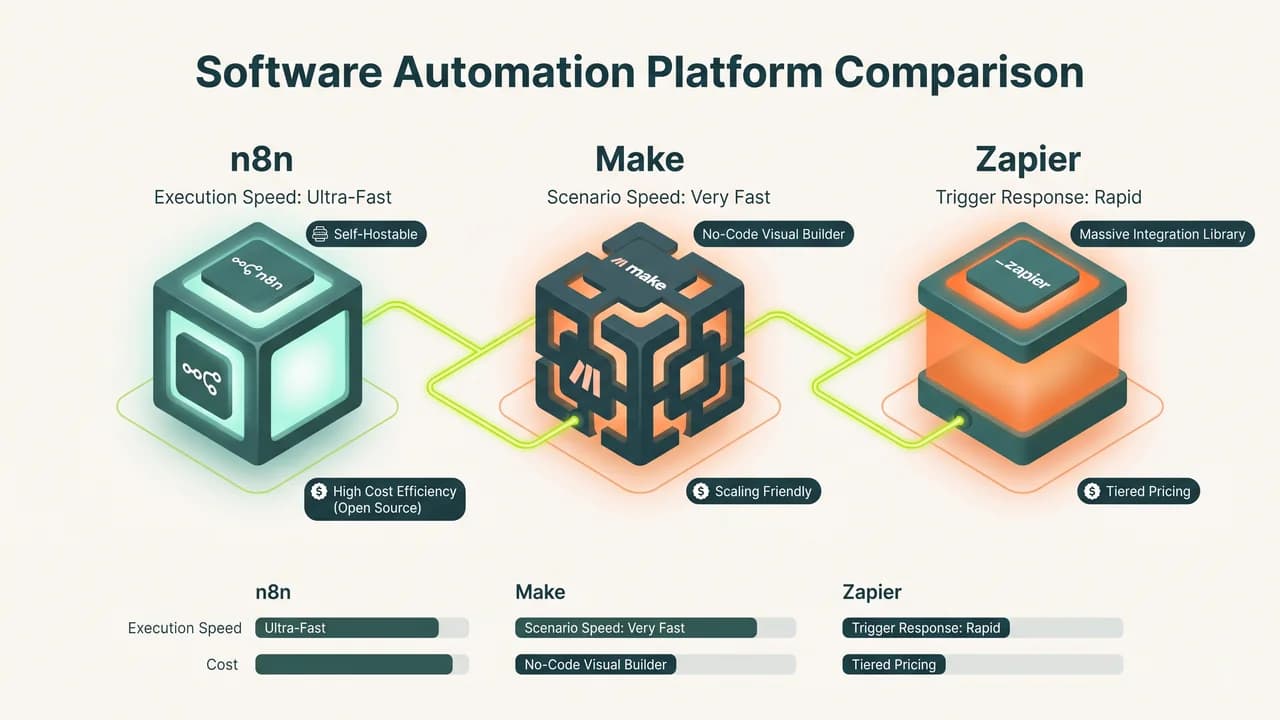
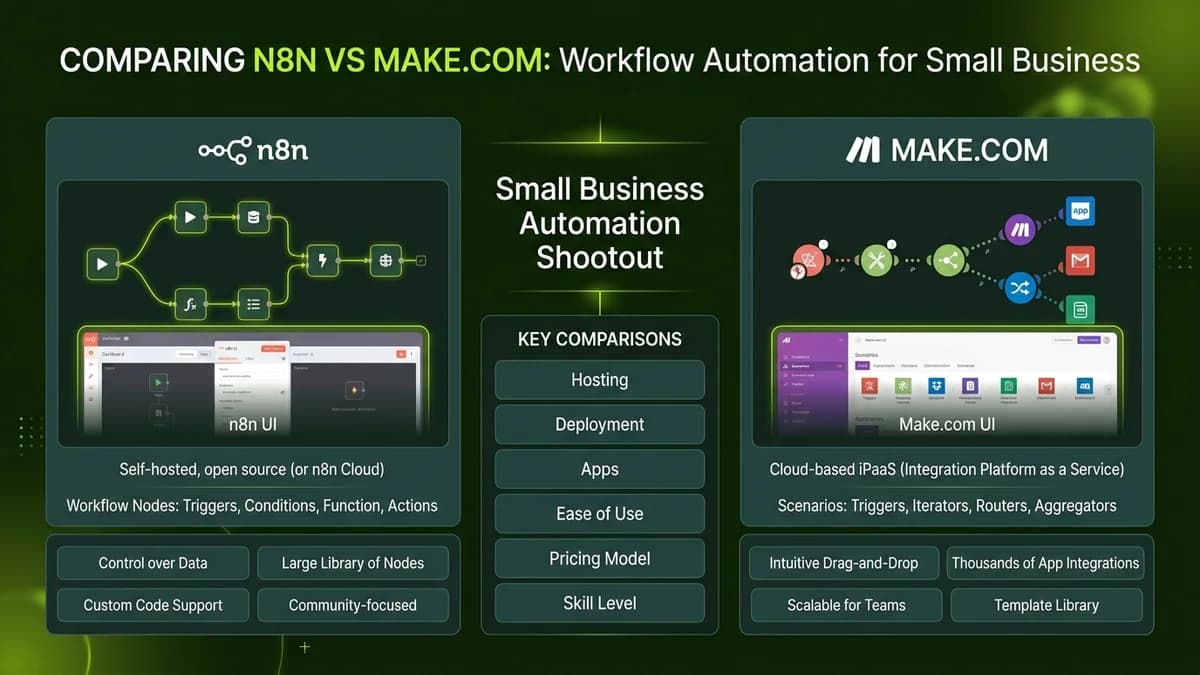
While Make.com provides a polished drag-and-drop cloud interface, n8n offers an open-source, self-hosted architecture that eliminates per-execution fees entirely. Here is an honest, data-backed comparison to help you choose the best platform for your business.
n8n vs Make.com Feature and Pricing Matrix (2027)
Feature / Metric | n8n (Self-Hosted on VPS) | n8n (Official Cloud) | Make.com (Core Plan) | Make.com (Pro Plan) |
|---|---|---|---|---|
Monthly Starting Cost | ₹450 - ₹900 (Hetzner / Hostinger VPS) | €20 (~₹1,800/mo) | $9 (~₹780/mo) | $16 (~₹1,380/mo) |
Execution / Task Limits | Unlimited executions | 2,500 executions/mo | 10,000 operations/mo | 10,000 operations/mo |
Data Privacy & Storage | 100% on your own Indian VPS | EU/US Cloud servers | US/EU Cloud servers | US/EU Cloud servers |
WhatsApp Business API Support | Direct native nodes & webhooks | Native nodes | Native apps & webhooks | Native apps & webhooks |
Custom Code Flexibility | JavaScript & Python runtime nodes | JavaScript nodes | Limited inline functions | Advanced formula builder |
Setup Complexity | Medium (Docker / 1-Click Install) | Zero setup | Zero setup | Zero setup |
Step-by-Step Guide to Deploying Low-Cost Self-Hosted n8n
- Spin Up an Affordable Linux Cloud Server: Deploy an entry-level virtual private server on an Indian cloud region (such as Hostinger or DigitalOcean Bangalore) for under ₹500 per month.
- Install Docker and Run the Official n8n Container: Execute standard 1-click Docker commands to launch your private n8n automation engine behind an automated SSL reverse proxy.
- Configure Authentication and Webhook Endpoints: Set up secure username/password credentials and enable production HTTPS webhooks for receiving data from CRM and payment tools.
- Import Pre-Built Workflow Templates: Load pre-built workflow blueprints for WhatsApp lead alerts, Google Sheets data synchronization, and automated PDF invoice generation.
- Set Up Automated Daily Backups: Schedule an internal cron job to export your workflow JSON configurations and database state to secure cloud storage every night.
Decision Checklist for Selecting Your Automation Engine
- [ ] Calculate your projected monthly execution volume (if over 50,000 tasks, self-hosted n8n saves over 80% on costs).
- [ ] Determine if customer data residency laws require storing personal records strictly within Indian territorial boundaries.
- [ ] Evaluate team technical comfort: choose Make.com for non-technical marketing teams; choose n8n for technical solopreneurs.
- [ ] Verify that your primary business tools (Shopify, Zoho Books, Razorpay) have native connectors or reliable webhooks.
- [ ] Test webhook latency under simulated peak order loads before routing live customer checkout flows.
Learn to build AI workflows that handle your busywork — live sessions, real projects, zero code.
See the courseBeginner-friendly