.jpg&w=1080&q=75)
The WhatsApp AI Catalog Bot: How Indian Retailers & D2C Brands Automate 24/7 Orders in 20 Mins

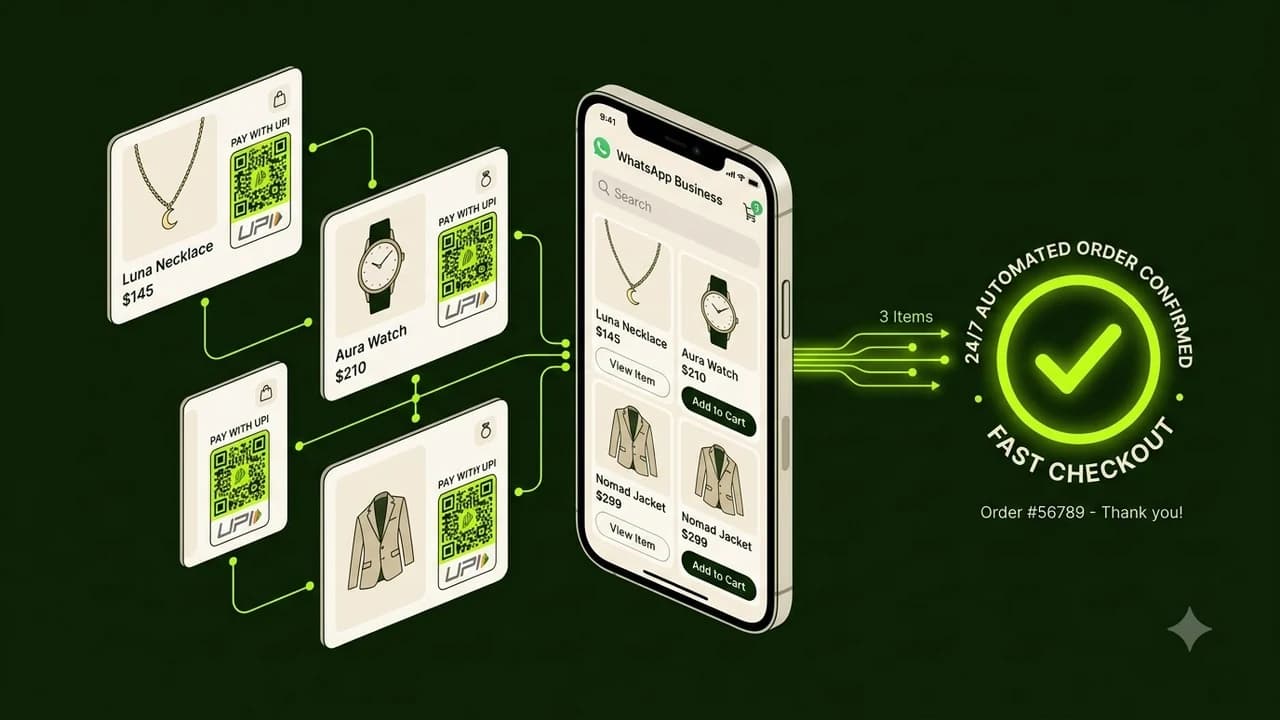
Indian retailers and D2C brands can set up an autonomous WhatsApp AI catalog bot in 20 minutes using no-code connectors and ChatGPT to answer product questions, send real-time inventory photos, and generate instant UPI payment links 24 hours a day without writing software.
If you run a boutique, jewelry store, clothing brand, or local retail shop in India, your WhatsApp inbox is constantly buzzing. Customers message at 11 PM asking for product photos, size availability, prices, and bank account numbers.
Answering these repetitive messages manually burns 3 to 4 hours every single day. If you reply an hour late, the shopper moves on to another seller.
Setting up an automated WhatsApp catalog assistant solves this bottleneck permanently. It works like a polite, tireless store associate who never sleeps, knows your entire inventory, and collects payments via UPI on autopilot.
How the WhatsApp AI Catalog Bot Works in Practice
Here is a side-by-side look at how a traditional retail store handles inquiries versus an AI-automated WhatsApp shop:
Feature | Manual WhatsApp Handling | Autonomous AI Catalog Bot |
|---|---|---|
Response Time | 15 minutes to 4 hours | Under 3 seconds (24/7) |
Catalog Search | Manually scrolling phone gallery for photos | AI instantly pulls high-res product cards from Google Sheets |
Price & Stock Check | Checking physical register or Excel sheet | Real-time stock lookup with automated size filters |
Payment Collection | Typing bank details or sending QR screenshots | Automated Razorpay/Cashfree 1-click UPI intent link |
Order Confirmation | Typing manual confirmation message | Instant receipt generation with dispatch tracking |
Monthly Software Cost | Multiple employee salaries (₹25,000+) | Under ₹1,500/month in tool subscriptions |
The 4-Step No-Code Blueprint to Launch in 20 Minutes
You don't need to hire an IT consultant. Follow these four visual steps:
Step 1: Organize Your Product Catalog in Google Sheets
Create a simple Google Sheet with 6 columns:
- Product Name
- Category (e.g., Kurti, Ring, Shoes)
- Price (in INR)
- Stock Status (In Stock / Out of Stock)
- Photo URL (Direct Google Drive or Cloudinary image link)
- Description (Fabric, sizing notes, care instructions)
Step 2: Connect WhatsApp Business Cloud API to n8n
Using an official WhatsApp Business provider (such as Wati, Interakt, or native Meta Cloud API), connect your phone number to a free visual workflow canvas on n8n or Make.com. Set a trigger for every incoming message.
Step 3: Add the ChatGPT Assistant Node
Attach an OpenAI or Claude reasoning node with a clear prompt:
"You are an expert sales associate for [Your Brand Name]. Greet the customer warmly in polite Hinglish or English. When they ask for a product, search our Google Sheet catalog. Return the product photo, price in rupees, and ask if they would like a payment link to complete the order."
Step 4: Plug in UPI Payment Generation
When the shopper replies "Yes, I want this in Size M", the bot triggers a micro-step that creates a dynamic UPI payment link via Razorpay or Cashfree. Once payment completes, the bot marks the inventory as sold and alerts your packing team.
Best Practices for Indian Retail Shoppers
To maximize conversion rates on WhatsApp, keep these principles in mind:
- Keep Tone Conversational: Indian buyers appreciate warmth. Use friendly phrasing like "Sure, let me check the stock for you right away!"
- Offer COD Verification: If offering Cash on Delivery, make sure the bot sends a 1-tap confirmation button before dispatching the parcel.
- Support Language Flexibility: Modern AI models effortlessly understand English, Hindi, and Hinglish queries, so allow customers to type naturally.
Frequently Asked Questions
Can the bot handle negotiations or discount requests?
Yes. You can instruct the AI prompt with strict discount rules—for example, granting a 5% discount code if the order total exceeds ₹2,500, while politely holding standard prices on single items.
Do I need a verified Meta Green Tick to run this bot?
No. Any registered business with a standard WhatsApp Business API number can run automated catalog flows without needing the green verification badge.
What happens if a customer asks a complex or unusual question?
You can configure a fallback keyword (such as "speak with manager"). When triggered, the AI pauses and immediately assigns the chat to your personal phone or support agent.
Is customer contact information secure?
Yes. All conversations are encrypted end-to-end through official WhatsApp Business APIs and stored securely in your private Google Drive or CRM.

Learn to build AI workflows that handle your busywork — live sessions, real projects, zero code.
See the courseBeginner-friendly