
Birthday Wish Video Prompts is a ready-to-use prompt pack from Zero To AI with 6 copy-and-paste prompts and 3 bonus guides across 5 sections. One payment of ₹39 gives lifetime access, and the prompts work in Google Flow, Gemini, and Kling.
Instant access after payment. A link to your pack is also emailed to you. Last updated 10 November 2026.
Birthday greeting video prompts: cake and candle scenes, balloon reveals and name-reveal transitions for friends, family and customers.
A sample from the pack, so you can see the quality before you buy.
A birthday cake with a single glowing candle in a dim room, soft flicker, gentle push-in, 6 seconds, no text. Avoid: warped hands and faces, text, logos, flicker, sudden cuts, more than one camera move. Swap options: change the age theme (kids, adult, milestone); switch the main prop (cake, balloons, confetti, gift); change the palette to pastel or bold; use slow motion for the emotional moment
Works with: Google Flow, Gemini, Kling
See what the prompts produce before you buy.
They are written for Google Flow, Gemini, Kling, and the structure works in most other tools. Adjust style words if a tool reads them differently.
Yes. Replace each bracket with your own details, such as the name, business, offer or festival, before you run the prompt.
AI video can distort hands and faces. Prompts keep to simple actions and one camera move per clip; regenerate or shorten if a result is off.
As soon as your payment is confirmed you are taken to your pack, and a permanent access link is emailed to the address you paid with. No account or subscription is needed.
Yes. You pay ₹39 once and keep access to the pack, including any prompts we add to it later.
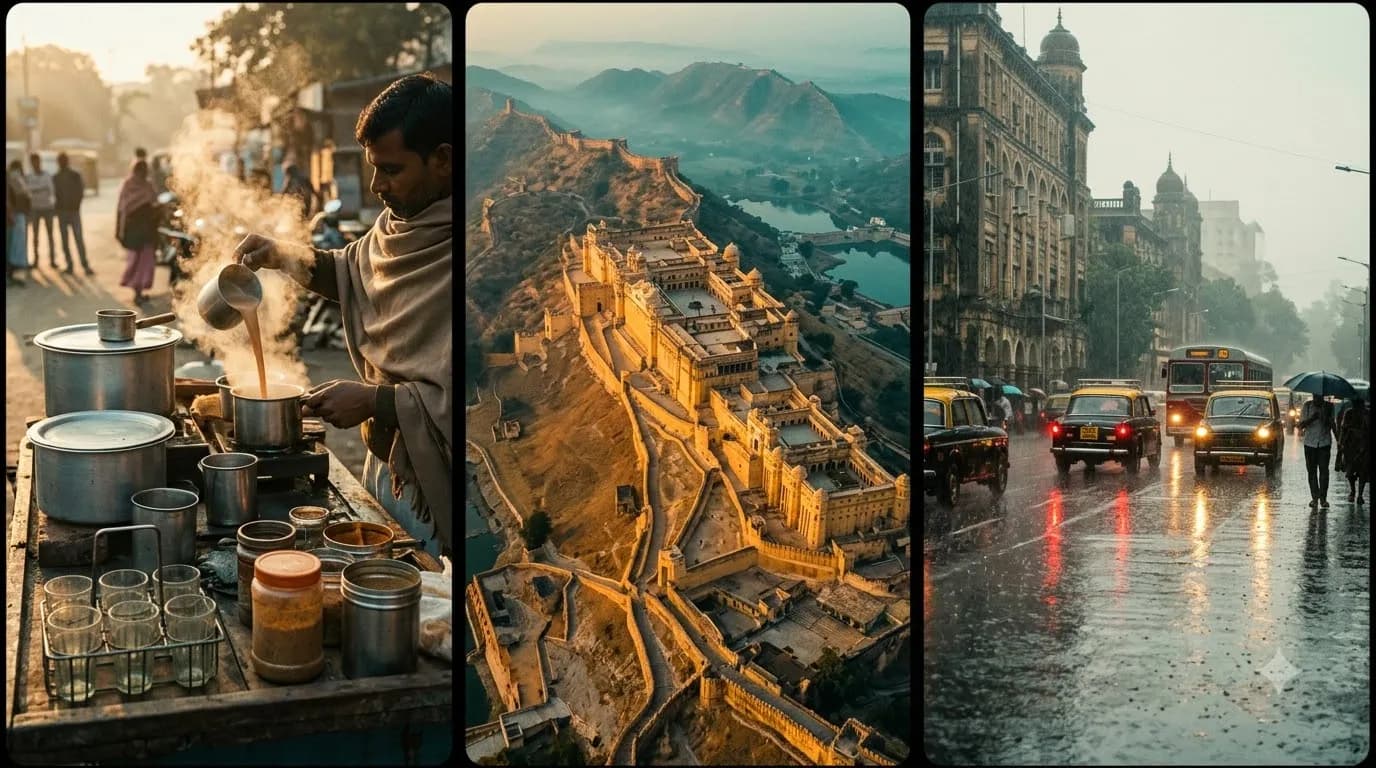
Copy-paste prompts for AI video generators, tuned for Indian settings, festivals, street food, travel and local business. Every prompt is structured subject → action → camera → light → mood so you get usable clips on the first try.
₹79₹39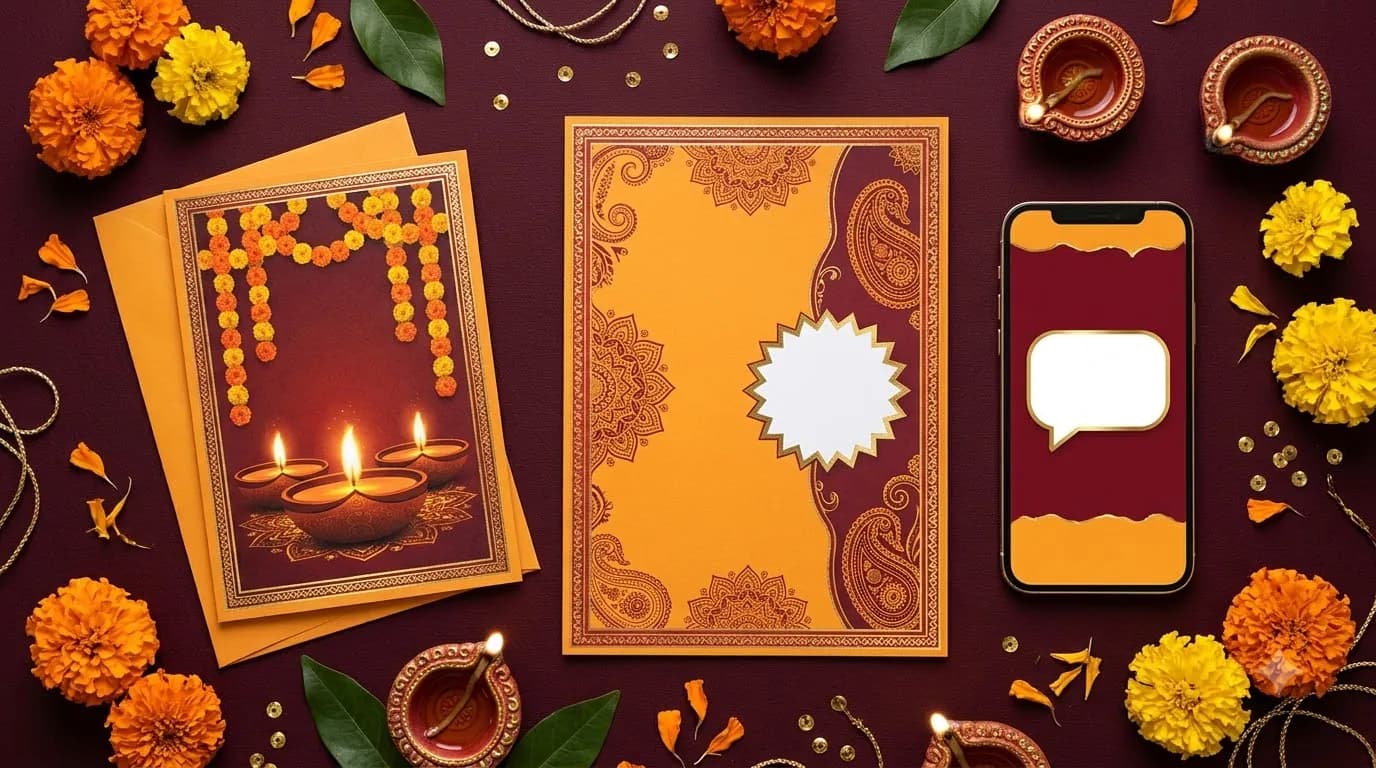
Prompts for festival offers, greeting cards and posters. Built from our Diwali playbook but reusable for Holi, Eid, Christmas, Navratri and every sale season. Write WhatsApp offers, greetings and poster briefs in minutes.
₹59₹29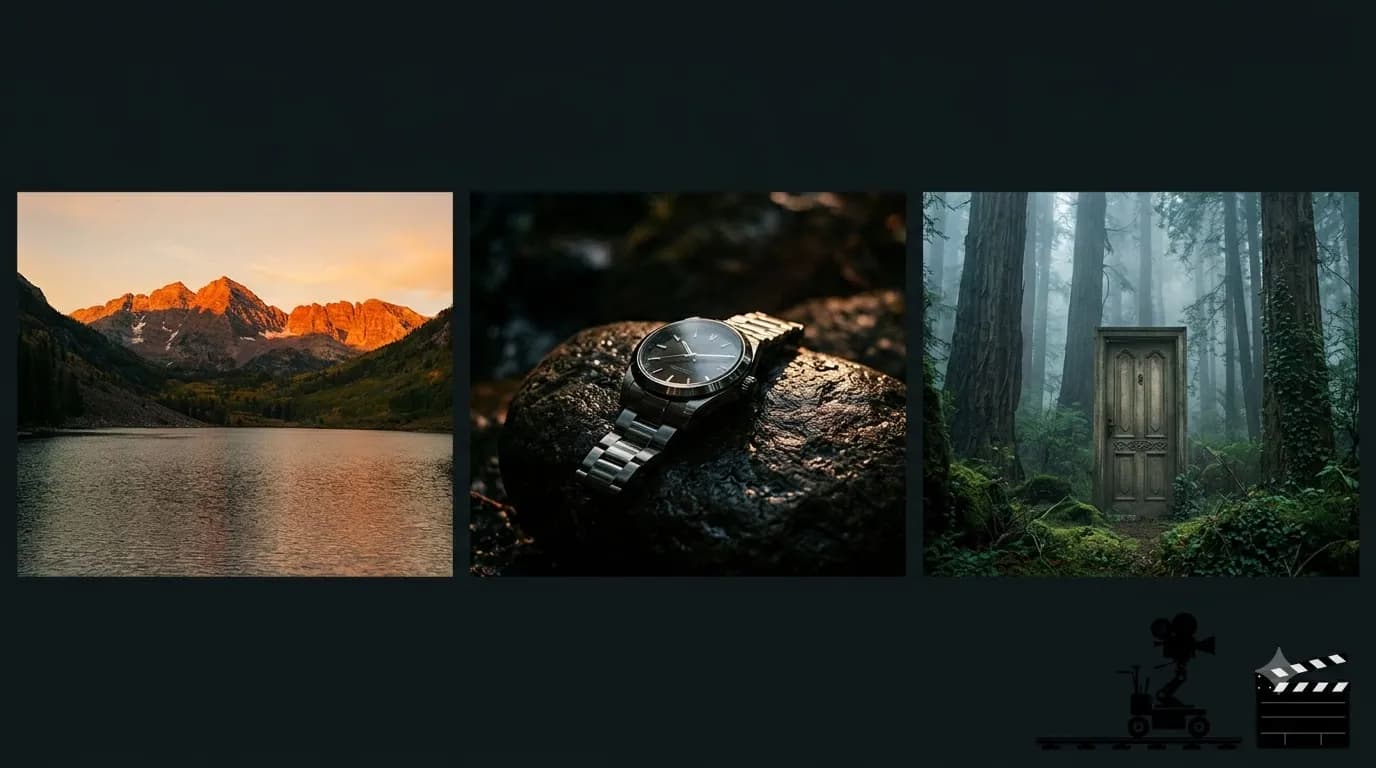
A complete Google Flow prompt toolkit: scene-by-scene starter prompts, a consistent-character workflow, and 85+ plain-language phrases for camera movement, camera angles, motion, lighting, composition, focus, effects and colour grading, plus 10 complete ready-to-run scene prompts and a mistakes-and-fixes guide. Built from our free Flow tutorial for India.
₹99₹49