.jpg&w=1080&q=75)
How to Build and Launch a SaaS Landing Page in 2 Hours Using AI Tools (No Coding)

How to Build and Launch a SaaS Landing Page in 2 Hours Using AI Tools (No Coding)
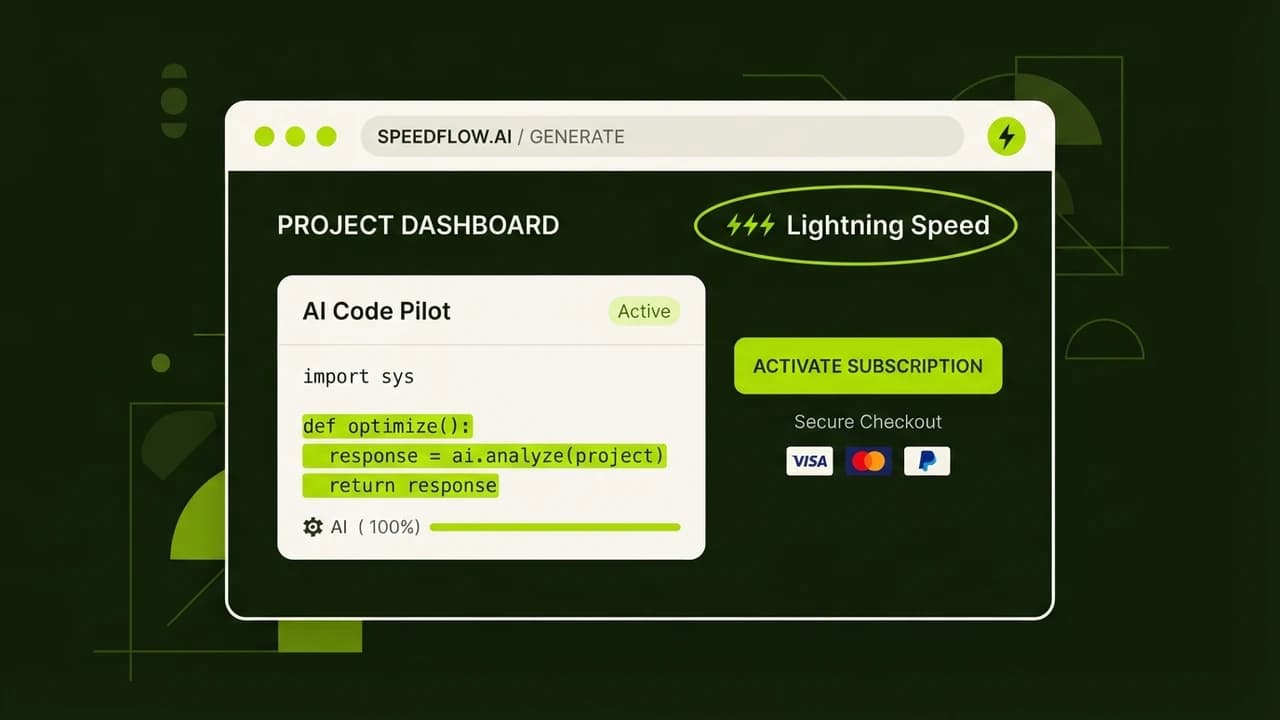
Indian SaaS founders and agency owners can go from a rough product idea to a live, payment-ready landing page in under 2 hours using Claude for copy, v0 or Bolt.new for design, Vercel for deployment, and Razorpay for payments, all without writing a single line of code. The total cost for the first month is under ₹1,500.
Two years ago, launching a SaaS landing page required a designer, a developer, and at least two weeks. Today, a founder in Hyderabad with no technical background can do it alone on a Saturday afternoon. This guide walks through the exact steps, with real tool choices, realistic cost breakdowns in INR, and the common mistakes that trip up first-timers.
What You Will Build
By the end of this guide, you will have:
- A live, professional landing page at a real domain
- Headline, subheadline, benefits section, and CTA copy generated by Claude
- A visually polished design built in v0 or Bolt.new with no coding
- Deployed to the internet via Vercel (free tier)
- Razorpay payment button integrated for collecting early access fees or waitlist deposits
Realistic time breakdown:
- Brief and copy: 30 minutes
- Design in v0/Bolt.new: 40 minutes
- Vercel deployment: 15 minutes
- Domain connection: 15 minutes
- Razorpay integration: 20 minutes
- Total: approximately 2 hours
Step 1: Write Your Brief (10 Minutes)
Before touching any tool, write a one-paragraph brief. This is the single most important step. A vague brief produces a generic landing page. A sharp brief produces something that converts.
Answer these four questions in writing:
- What does your product do in one sentence? Example: "Billr helps Indian freelancers create GST-compliant invoices and chase payments automatically."
- Who is your customer? Example: "Independent consultants and freelancers in India who bill ₹50,000 to ₹3,00,000 per month and hate chasing clients for payment."
- What is the main pain you solve? Example: "They spend 3 to 5 hours per week on invoicing and follow-ups that could be automated."
- What is your headline offer? Example: "Send GST invoices and auto-chase payments. Get paid faster. No accountant needed."
Save this. You will paste it into Claude in the next step.
Step 2: Generate Copy with Claude (20 Minutes)
Claude (claude.ai) is the best AI writing tool for Indian business context because it handles GST terminology, Indian pricing conventions, and professional Hindi-English switching naturally.
Prompt to use in Claude:
I am building a SaaS landing page. Here is my brief: [paste your brief]. Write a complete landing page copy structure including: (1) Headline and subheadline, (2) 3 key benefit statements with supporting lines, (3) A social proof placeholder line, (4) A primary CTA button text and secondary CTA, (5) A pricing section with two tiers in INR. Keep tone confident but human, not corporate. No buzzwords.
Claude will return a full copy structure in 30 seconds. Read it. Edit anything that sounds wrong for your product. Change the pricing to match your actual plans.
What good copy looks like for an Indian SaaS:
- Headline is specific, not generic: "Auto-send GST invoices, not 'Streamline your workflow'"
- Benefits use INR numbers: "Recover ₹15,000 in late payments per month on average"
- CTA is direct: "Start Free" or "Join 200 Founders Already Using Billr"
Save the final copy in a Google Doc. You will paste sections of it into v0 or Bolt.new.
Step 3: Build the Design in v0 or Bolt.new (40 Minutes)
You have two strong options here, and the choice depends on your preference.
v0 (v0.dev) is built by Vercel. You describe the page in plain English, and it generates clean React/Next.js code you can deploy directly to Vercel. Best for founders who want a modern SaaS look.
Bolt.new is built by StackBlitz. It is slightly more visual and allows you to describe changes conversationally. Best for founders who prefer a chat-like building experience.
Using v0 (Recommended)
- Go to v0.dev and sign in with your GitHub account (free).
- In the prompt box, type something like: "Build a modern SaaS landing page with a dark green and cream color scheme. Include: hero section with headline and CTA, 3 feature cards with icons, a pricing section with two cards (Starter ₹499/month and Pro ₹1,499/month), and a simple FAQ section."
- Paste your Claude-generated copy where the placeholder text appears.
- Click "Continue to edit" if you want to tweak anything.
- When satisfied, click "Deploy", which deploys directly to Vercel.
Using Bolt.new
- Go to bolt.new and start a new project.
- Paste your full brief plus your Claude copy and ask Bolt to build the landing page.
- Bolt generates a live preview you can interact with immediately.
- Ask for changes in plain English: "Make the hero section background darker. Add a Razorpay pay button below the pricing section."
- When done, click Export or deploy via the integrated options.
Important: At this stage, do not try to make it perfect. Get to 80% good and move to deployment. You can iterate after launch.
Step 4: Deploy to Vercel (15 Minutes)
If you used v0, your page may already be deployed. If not:
- Sign up at vercel.com (free).
- Connect your GitHub account.
- Click "New Project" and import your project repository.
- Click Deploy. Vercel handles the rest automatically.
- You get a free .vercel.app URL immediately.
Your page is now live on the internet. It loads fast, is mobile-optimized, and scales automatically.
Cost: Free on Vercel's hobby plan for personal and startup projects.
Step 5: Connect Your Custom Domain (15 Minutes)
A .vercel.app URL looks temporary. A real domain builds trust.
Recommended domain registrars for Indian founders:
- Hostinger India: .in domain for ₹499 to ₹799/year, .com for ₹799 to ₹1,199/year
- GoDaddy India: Similar pricing, UPI and net banking accepted
- BigRock: Accepts all Indian payment methods
- Buy your domain (e.g., billr.in for your GST invoicing tool).
- In Vercel, go to Settings, then Domains, and click "Add Domain."
- Enter your domain name.
- Vercel gives you two DNS records (A record and CNAME).
- Log into your registrar's DNS management panel and add these records.
- Wait 5 to 30 minutes for propagation.
- Your custom domain now points to your Vercel deployment.
Step 6: Integrate Razorpay for Payments (20 Minutes)
This is the step that converts your landing page from a brochure into a revenue-generating asset.
- Sign up at razorpay.com (free, takes 2 to 3 days to verify KYC with your PAN and Aadhaar).
- Once verified, go to Payment Buttons in your Razorpay dashboard.
- Click "Create New Button."
- Set the amount (e.g., ₹499 for early access), label, and description.
- Razorpay generates an HTML code snippet.
- In v0 or Bolt.new, ask: "Add a Razorpay payment button to my pricing section. Here is the HTML snippet: [paste snippet]."
- The tool adds it to the right section.
- Redeploy to Vercel.
When someone clicks the button, they see a Razorpay checkout window that accepts UPI, net banking, credit/debit cards, and even EMI. Payments hit your Razorpay dashboard within minutes.
Razorpay fees: 2% per transaction (no monthly fee).
Real Cost Breakdown for Indian Founders
Item | Tool | Monthly Cost |
|---|---|---|
AI Copy Generation | Claude (free tier) | Free |
Landing Page Builder | v0 (free tier) | Free |
Hosting | Vercel (hobby plan) | Free |
Domain (.in extension) | Hostinger India | ₹66/month (billed annually) |
Payment Processing | Razorpay | 2% per transaction |
Total Fixed Cost | All above | Under ₹100/month |
If you want Claude Pro for more advanced copy iteration, add ₹1,700/month. But for a first landing page, the free Claude tier is sufficient.
Common Mistakes Beginners Make
1. Writing the headline last. Most first-timers design the page first and then try to write copy to fit. Do the opposite. Copy drives design.
2. Using generic SaaS language. Phrases like "next-generation platform" and "holistic solution" convert nobody. Use the exact words your customers use to describe their problem.
3. Deploying before mobile testing. Vercel generates a preview URL before you connect your domain. Open it on your phone. If the layout breaks, ask v0 or Bolt to fix it before going live.
4. Skipping the Razorpay KYC. Razorpay KYC requires PAN and business documentation and takes 2 to 3 days. Start this process on day one, not after you have finished the page.
5. Treating launch as the finish line. A live page is a starting point. Install Microsoft Clarity (free heatmap tool) on your Vercel deployment and watch how visitors actually use your page. The data tells you what to fix next.
6. Not collecting emails from non-buyers. Add a simple email capture form (Tally.so is free and integrates with Vercel in minutes) for visitors who are not ready to pay yet. A waitlist of 200 emails is a real asset.
Launch This Weekend
You now have the complete playbook. A landing page that would have cost ₹50,000 to ₹80,000 in agency fees two years ago now costs under ₹100/month and a Saturday afternoon.
The goal is not perfection on day one. The goal is to get something real in front of real people and learn from their responses. Every successful Indian SaaS founder started with a page that was rougher than what you will build today.
Want the full step-by-step video walkthrough with screen recordings? Zero To AI's Vibe Coding Mastery course shows you exactly how to build websites and products with AI tools, zero coding required:
Vibe Coding Mastery: Build Websites with Zero Coding
From landing pages to full SaaS products, this course covers every tool you need to build and launch fast.

Learn to build AI workflows that handle your busywork — live sessions, real projects, zero code.
See the courseBeginner-friendly