.jpg&w=1080&q=75)
The First 90 Days of Deploying AI Agents in Your Business: A Founder's Roadmap

The First 90 Days of Deploying AI Agents in Your Business: A Founder's Roadmap
When a founder decides to adopt AI agents, they often start with the most complex, high-risk problem they have: "Let's build an autonomous sales agent that drafts cold outreach emails and sends them directly to leads."
This is the fastest way to damage your domain reputation, upset potential clients, and waste engineering resources.
Deploying AI agents isn't about jumping straight to full autonomy. It is a structured process of identifying friction, building trust, and scaling execution in stages.
At zerotoai, we help startup founders automate their operations without losing their brand voice. This 90-day roadmap outlines a low-risk, high-ROI path to deploying your first production-grade agentic workflows.
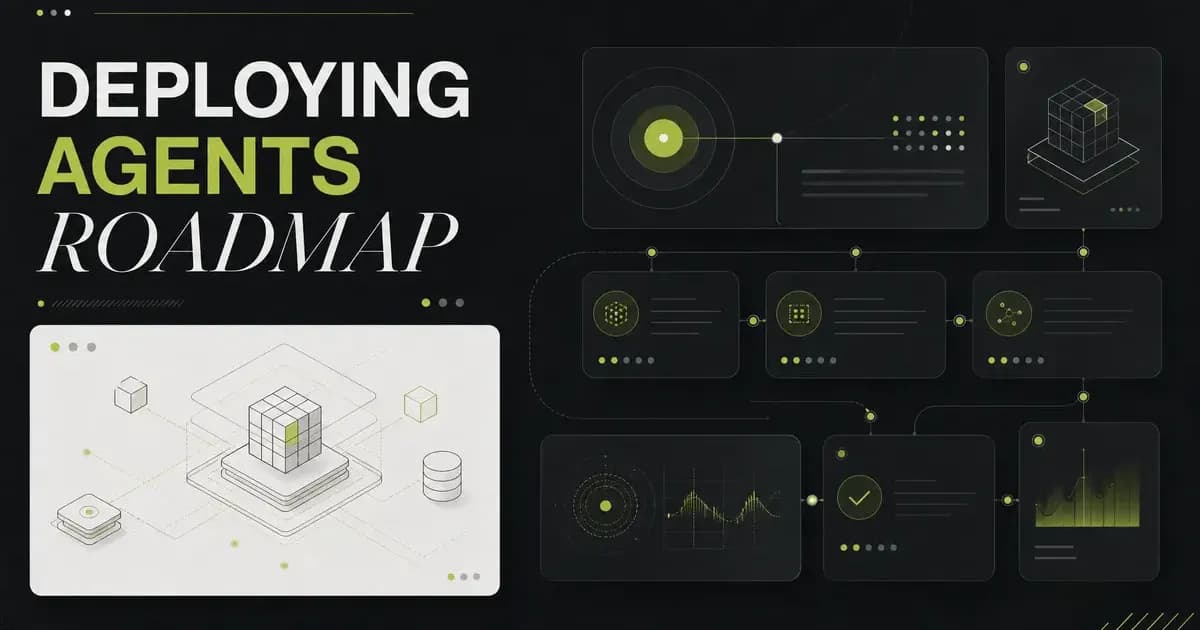
Days 1–30: Map the Friction & Build Read-Only Pilots
Your goal in the first month is to analyze your operations and build low-risk, read-only prototypes.
• Audit Your SOPs: Look at your team's weekly calendar. Identify repetitive, high-volume tasks that require human reasoning but no physical presence (e.g., vetting support tickets, summarizing customer calls, sorting lead sheets).
• Keep It Read-Only: Never allow a new agent to execute write actions. Have the agent watch the data stream and create draft outputs (e.g., drafts of support replies or summaries of client feedback).
• Measure Baseline Costs: Track the API costs and execution latency of your pilot nodes. Compare them against the time your team saves by reviewing draft outputs instead of starting from scratch.
Days 31–60: Build the Harness & Establish Human-in-the-Loop Gates
The second month is about shifting from prototypes to structured software workflows.
• Force Schema Compliance: Stop letting your agent output raw text. Modify your codebase to enforce strict output schemas using libraries like Pydantic. Ensure that your automation pipeline only processes valid, typed data.
• Insert Approval Gates: Connect your workflow outputs to internal team communication channels (like Slack, Discord, or an internal dashboard). Write a simple webhook gate: the agent researches and drafts a proposal, but the action is only executed when a team member clicks APPROVE.
• Establish Fallbacks: Define what happens when the agent fails. If a customer profile has missing fields or a data source throws an API error, the harness should flag the record and assign a manual ticket to a human manager.
Days 61–90: Automate Low-Risk Nodes & Scale Execution
By month three, you have built the trust, monitoring, and safety infrastructure required to grant controlled autonomy.
• Remove the Gate on Low-Risk Nodes: Identify actions with zero public-facing side effects (e.g., updating internal spreadsheet databases or sorting high-priority support tickets). Remove the human approval gate for these nodes and let the agents run autonomously.
• Monitor and Audit: Set up trace observability dashboards (like LangSmith or Phoenix) to monitor the ongoing token costs, execution paths, and error rates of your running agents.
• Document and Replicate: Compile your system architecture into modular templates. Now that you have built a reliable lead-enrichment loop, use the same codebase structure to automate your employee onboarding or financial reporting pipelines.
Conclusion: Start Small, Automate Safely
The founders who succeed with AI automation in 2026 are not the ones who try to automate their entire company overnight. They are the operators who systematically audit their SOPs, build trust through read-only gates, and scale their digital teams step-by-step.
Treat your agents like new hires: start with low-risk tasks, verify their work, and gradually increase their autonomy.
Ready to automate your business operations?
[Join our Zero To AI Founder Accelerator] and get our templates for auditing SOPs and deploying human-in-the-loop Slack gates.

Learn to build AI workflows that handle your busywork — live sessions, real projects, zero code.
See the courseBeginner-friendly