.jpg&w=1080&q=75)
Google Flow AI Video Generator: Free Tutorial for Beginners

Google Flow AI Video Generator: Free Tutorial for Beginners
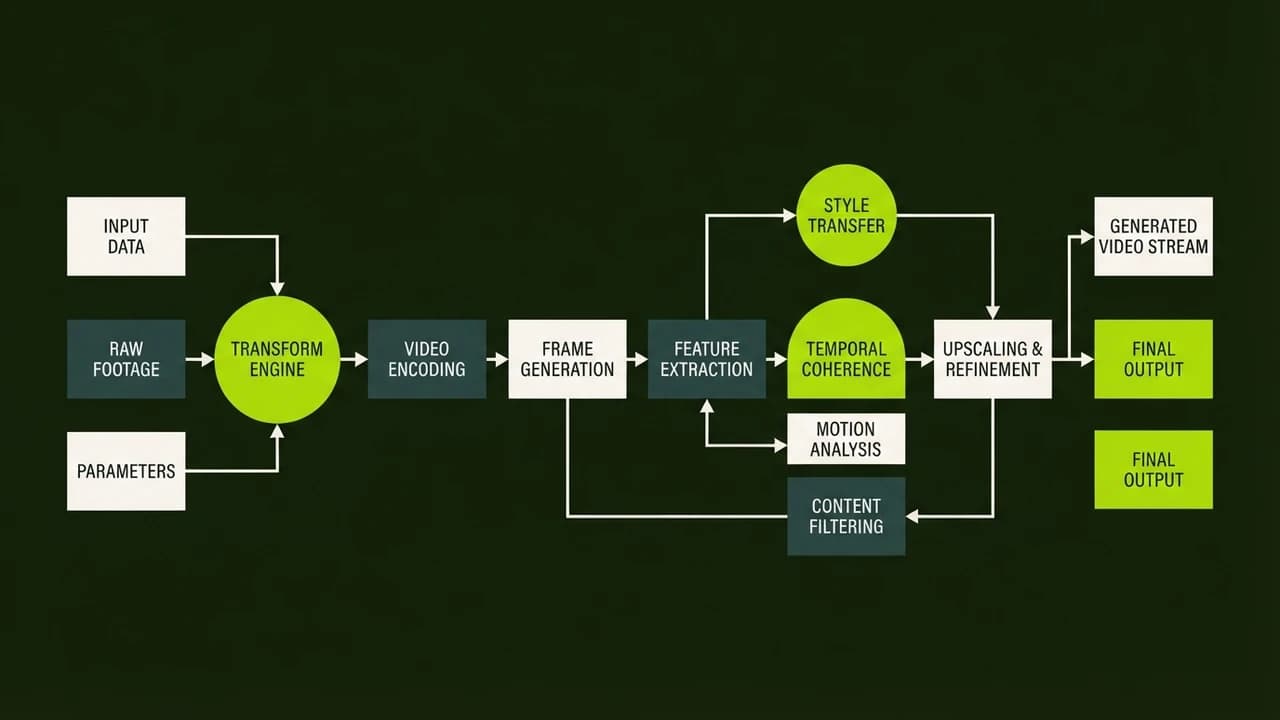
Google Flow is a powerful, free AI video generator that allows you to create high quality video clips simply by typing a text description. You do not need any coding knowledge, complex software, or expensive hardware to use it.
Video creation is changing rapidly. What used to take hours of rendering and expensive equipment can now be done from your web browser. This guide will walk you through exactly how to use Google Flow for your personal projects or business needs in India.
What is Google Flow?
Google Flow is a text to video generation tool. It takes your written prompts and turns them into short video clips. It is designed to be highly accessible and user friendly, especially for non technical users.
If you are a freelancer or a small business owner, this tool can help you create professional marketing material without hiring a production crew.
How to Access Google Flow for Free
Getting started is simple.
- Open your web browser and search for Google Flow AI.
- Sign in using your standard Google account.
- Accept the terms of service.
- You are now ready to generate your first video on the dashboard.
Interface Walkthrough
The interface is incredibly clean and straightforward.
- Prompt Box: This is the main text area where you type what you want to see.
- Aspect Ratio Options: Choose between 16:9 for YouTube, 9:16 for Instagram Reels, or 1:1 for square posts.
- Generate Button: Click this to start the creation process.
- History Tab: View all your previously generated videos here.
Writing Prompts for Google Flow
To get the best results out of Google Flow, you need to write clear prompts. Use our 5-part formula: Subject, Action, Setting, Camera, Lighting.
For example: "A close up shot of a cup of filter coffee steaming on a wooden table, blurry cafe background, soft morning sunlight."
If you need more ideas, check out our list of 25 AI Video Prompts That Actually Work.
Real Indian Use Cases
How are people actually using this tool?
Real Estate Agents:
A broker in Delhi can generate professional walkthrough videos. They prompt the AI for "Cinematic drone shot of a modern apartment balcony overlooking a city skyline at sunset." This creates premium b-roll for their property listings.
Coaching Institutes:
A tutor can create explainer clips. They generate videos of "Students sitting in a modern classroom, taking notes, bright lighting" to use as background footage while they explain a concept via voiceover.
Google Flow vs Runway ML
How does Google Flow compare to other popular tools?
Feature | Google Flow | Runway ML |
|---|---|---|
Cost | Free | Free tier, then ₹1,200/month [VERIFY: current price] |
Ease of Use | Very high | Moderate |
Video Length | Short clips | Longer clips with extensions |
Realism | Excellent | Excellent |
Runway offers more advanced controls, but Google Flow is much easier for total beginners. If you want a broader overview of tools, read our guide on How to Make AI Videos for Free.
Common Errors and How to Fix Them
You might run into a few issues when you start.
- Blurry faces: If human faces look distorted, try using prompts that ask for "wide shots" or "silhouettes" instead of close ups.
- Ignored details: If the AI misses a detail, move that word to the very beginning of your prompt. The AI pays more attention to the first few words.
- Too much movement: If the video looks chaotic, add "slow motion" or "steady camera" to your text.
Take the Next Step
Want to learn how to monetize the videos you generate? The AI Revenue System shows you step by step how to build a real business using AI tools.

Learn to build AI workflows that handle your busywork — live sessions, real projects, zero code.
See the courseBeginner-friendly