
Google Omni 1.2: Create 15-Second AI Video Ads for ₹0

Google Omni 1.2: Create 15-Second AI Video Ads for ₹0
Google Omni 1.2 Flash allows Indian small businesses to generate high-converting 15-second commercial video ads directly from product photos for ₹0 in Google AI Studio or approximately ₹90 ($1.05) via API. By using conversational multi-turn prompts, business owners can refine camera angles, swap backgrounds, and adjust lighting without hiring video editors.
For years, running video advertisements on Instagram Reels and Meta Ads meant facing a painful choice. You either spent ₹5,000 to ₹15,000 hiring a freelance videographer, or you wasted whole weekends wrestling with complex desktop editing tools like Adobe Premiere Pro. If your product packaging changed or you needed a seasonal Diwali promo, you had to pay the agency all over again.
Google's launch of Gemini Omni 1.2 Flash changes this equation entirely. By expanding native video generation from 10 seconds to 15 seconds and introducing multi-turn conversational editing, Google has made professional commercial video production accessible to any non-technical business owner with a smartphone and a web browser.
The Video Production Dilemma for Indian Small Businesses
Video has become the dominant advertising format across India's digital economy. Over 75% of Indian eCommerce consumers report purchasing products after watching short-form video reels on Instagram and YouTube Shorts. Yet, most solopreneurs and small business owners remain trapped on the sidelines.
Traditional video production involves four major friction points:
- High Upfront Costs: A basic 15-second commercial reel from a local agency in Delhi, Mumbai, or Bangalore starts at ₹5,000, with specialized studios charging upwards of ₹25,000 per shoot.
- Turnaround Lag: Receiving the first rough draft typically takes 7 to 14 days, making rapid marketing experiments impossible.
- Costly Revisions: Asking an editor to change the lighting, swap the background music, or re-record a scene often incurs additional revision fees.
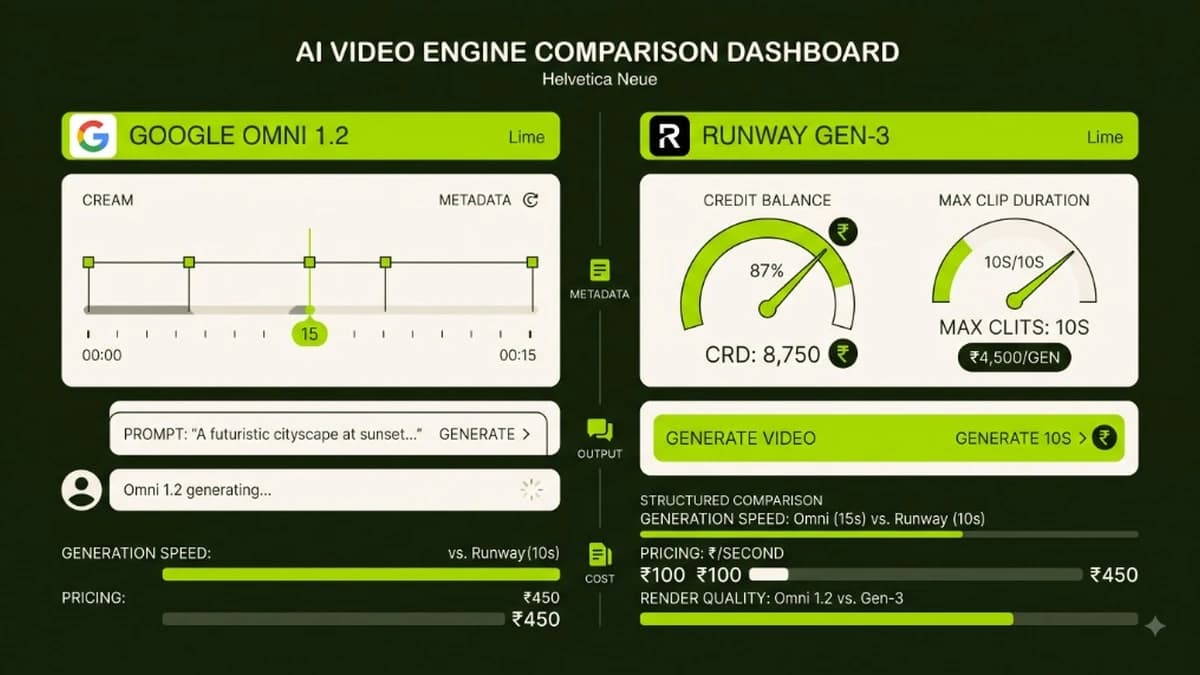
- Credit Burn in Older AI Tools: First-generation AI video tools like Runway Gen-2 or Pika required you to re-render the entire clip whenever an element looked flawed, burning expensive monthly subscription credits.
Omni 1.2 eliminates these barriers by combining 15-second native clip generation with natural language chat revisions.
What Makes Google Gemini Omni 1.2 Flash Unique?
Google Gemini Omni 1.2 Flash is not merely an incremental update; it is engineered specifically for practical, high-throughput multimodal commercial creation.
Operational Dimension | Older AI Video Generators (2024–2025) | Google Gemini Omni 1.2 Flash (2027) |
|---|---|---|
Native Clip Duration | 4 to 10 seconds (rigid cap) | 3 to 15 seconds (adjustable in 1-second increments) |
Editing Method | Single-shot re-rendering | Multi-turn conversational chat refinement |
Frame Consistency | High warping and object morphing | Stable character, product, and typography retention |
Commercial Ad Pricing | ₹1,500–₹5,000 monthly plans | ₹0 free tier; ₹6/sec API ($0.07/sec) |
Camera Control | Vague descriptive text prompts | Deterministic tokens (orbit, dolly-in, pull-back) |
Dialogue & Lip-Sync | Separate third-party tools required | Integrated multi-speaker conditioning |
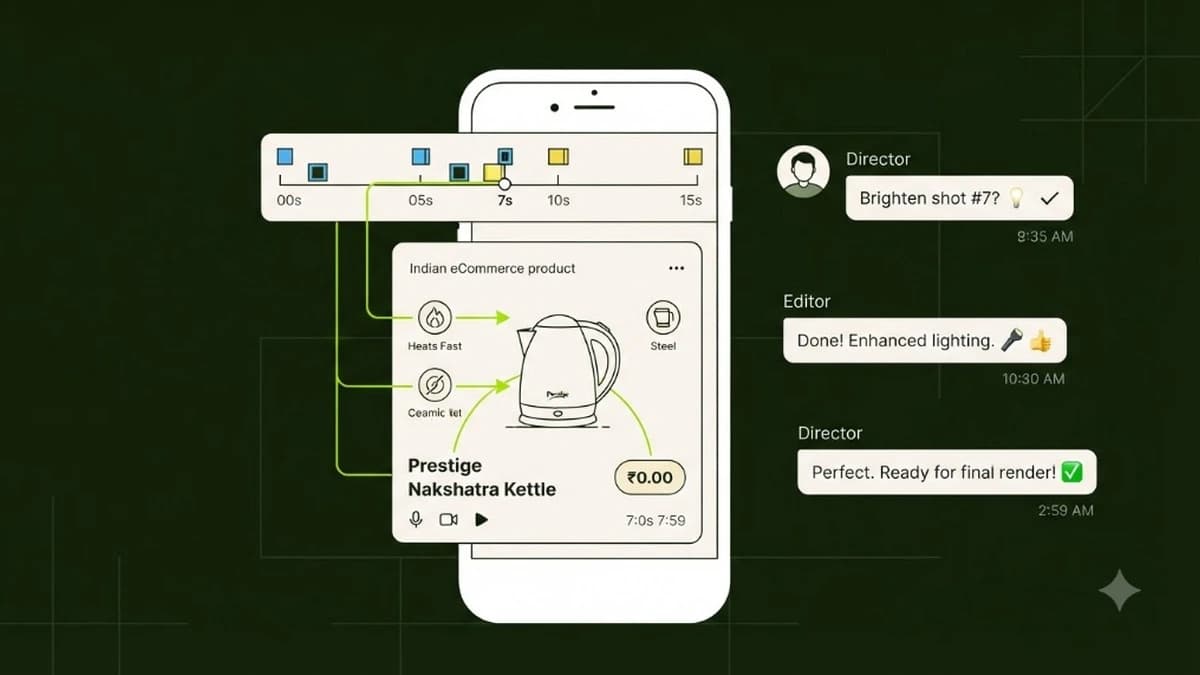
The headline capability is conversational editing. If your generated 15-second product reel has the right motion but the lighting looks too harsh, you do not start over. You simply type: "Keep the product bottle and motion identical, but soften the ambient lighting to warm golden hour sunlight." Omni 1.2 applies the delta without regenerating the entire video from scratch.
Production Cost Breakdown: Agency vs Traditional Tools vs Omni 1.2
To understand the commercial impact on small business margins, consider the cost of producing four 15-second product reels per month:
Production Approach | Initial Setup Cost | Cost per 15-Sec Ad | Monthly Cost (4 Ads) | Turnaround Time |
|---|---|---|---|---|
Freelance Video Agency | None | ₹5,000 – ₹12,000 | ₹20,000 – ₹48,000 | 10 to 14 days |
In-House Studio Setup | ₹1,20,000 (Camera/Lights) | ₹2,500 (Labor) | ₹10,000 | 3 to 5 days |
Runway Gen-3 (Subscription) | None | ~₹400 (Credit packs) | ₹1,600 – ₹2,500 | 1 hour |
Google Omni 1.2 (AI Studio / API) | None | ₹0 to ₹90 ($1.05) | ₹0 to ₹360 | 5 minutes |
For Indian solopreneurs enrolled in our AI Revenue System, saving ₹20,000 to ₹40,000 each month on production allows them to reinvest directly into Meta Ad spend, driving immediate sales revenue.
Step-by-Step Walkthrough: Creating a 15-Second Video Ad from a Static Photo
You do not need to install software, touch terminal commands, or learn video editing. Here is the exact non-coder workflow using Google AI Studio or Google Flow.
Step 1: Prepare a Clean Product Image
Take a high-resolution photo of your product using your smartphone in natural daylight. Ensure the product is in focus with minimal background clutter.
- Pro Tip: Use a clean white tabletop or plain desk surface. Omni 1.2 uses this image as its primary reference frame to maintain exact label, logo, and packaging geometry.
Step 2: Input the Reference Image and Initial Prompt
Open Google AI Studio, select the Gemini Omni 1.2 Flash model, upload your product photo, and set the duration slider to 15 seconds. Enter your initial prompt using the structured formula:
Prompt Template:
"Cinematic commercial product advertisement for [Product Name]. Start with a slow dolly-in camera motion toward the product sitting on a minimalist slate podium. Soft diffused morning studio lighting, crisp reflections, photorealistic textures. At 7 seconds, smooth 45-degree orbit around the packaging. Subtle slow-motion water droplets misting gently in the background. Ultra high-resolution, commercial broadcast grade."
Click Generate. In approximately 45 to 60 seconds, Omni 1.2 renders the 15-second base clip.
Step 3: Refine with Conversational Editing (Turn 2)
Examine the generated video. If the background does not match your brand aesthetic, do not re-roll. Use the chat revision bar:
Turn 2 Chat Revision:
"Keep the product container and camera orbit exactly as rendered. Replace the plain slate background with a warm, sunlit modern kitchen counter with soft green indoor plants in shallow depth of field."
Omni 1.2 modifies only the background environment while preserving your product packaging and camera motion paths.
Step 4: Add Voiceover and Export for Instagram Reels
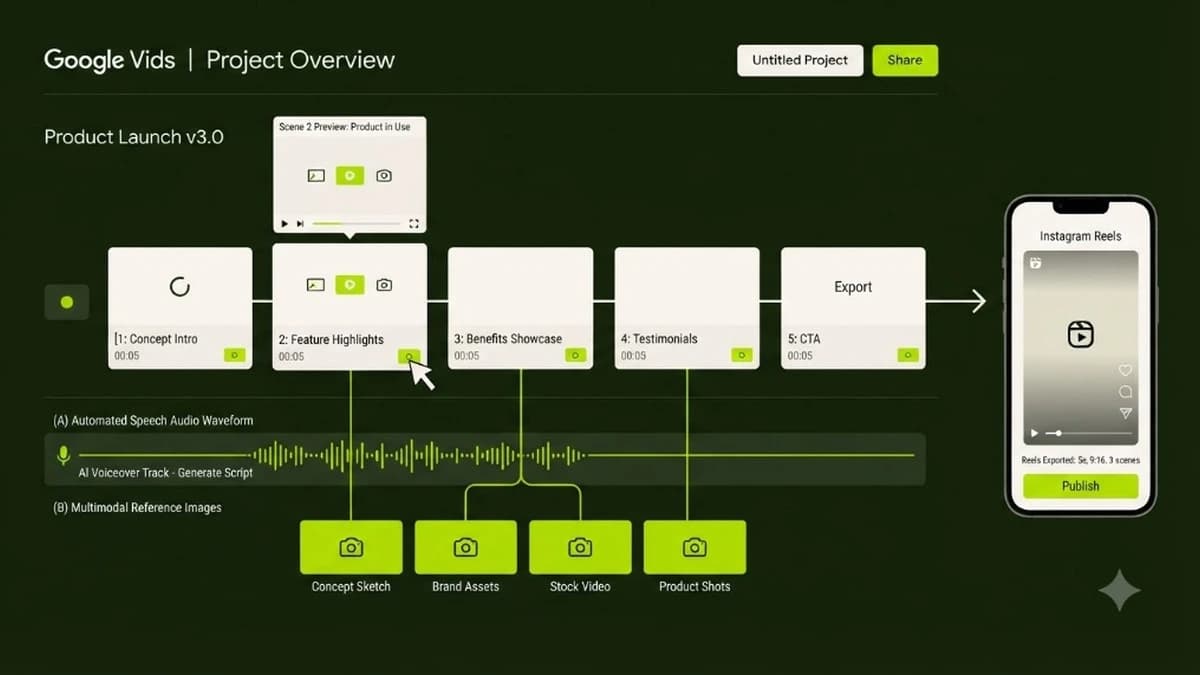
Export your finalized 1080p video. If you need an Indian English or Hindi voiceover, you can generate natural speech in Google Vids or ElevenLabs, overlay your direct call-to-action text (e.g., "Available online at 20% off — Shop now"), and export the file directly to your Meta Ads Manager.
3 Real-World Use Cases for Indian Businesses
1. Direct-to-Consumer (D2C) Organic Skincare
An organic skincare brand in Pune uploads a single photo of their turmeric face serum bottle. Using Omni 1.2, they generate an eye-catching 15-second reel showing golden morning rays hitting the amber glass bottle, followed by smooth camera pull-back showcasing botanical ingredients. Total production cost: ₹0 in Google AI Studio.
2. Handcrafted Silver Jewellery
A Jaipur-based artisan jewellery shop creates cinematic showcase videos for their festive silver jhumkas. With conversational editing, they prompt Omni 1.2 to switch the backdrop from a contemporary marble tray to festive marigold petals and warm diya lighting, testing both ad variations for under ₹180 total.
3. Local Boutique Cafes and Restaurants
A specialty coffee cafe in Indiranagar, Bangalore creates promotional reels showing slow-motion espresso pouring over creamy milk with a gentle camera pan. Instead of scheduling a professional camera crew during peak morning rush, the owner captures one clean photo and prompts Omni 1.2 to render a mouth-watering 15-second teaser for their weekend brunch menu.
The Solopreneur Video Ad Checklist
Before running your next video ad campaign, ensure your workflow meets these five benchmarks:
- [ ] Square or 9:16 Aspect Ratio: Formatted natively for mobile viewing on Instagram Reels and YouTube Shorts.
- [ ] Hook Within First 2 Seconds: The product and key benefit must appear immediately before viewers swipe past.
- [ ] Clean Reference Image: High-contrast, glare-free product photograph uploaded as multimodal anchor.
- [ ] Multi-Turn Revision Tested: Use chat prompts to adjust lighting and backdrops rather than wasting credits on fresh generations.
- [ ] Clear Commercial CTA: Ending screen displays a direct offer, discount code, or website link.
For comprehensive blueprints on turning automated workflows into sustainable digital income, explore our complete AI Revenue System course.
Learn to build AI workflows that handle your busywork — live sessions, real projects, zero code.
See the courseBeginner-friendly