.jpg&w=1080&q=75)
GSTR-2B ITC Reconciliation in Sheets: 3-Step AI Guide
Automated GSTR-2B Input Tax Credit Reconciliation in Google Sheets with Claude 3.7: The Indian CA & SMB Playbook
Indian small businesses and Chartered Accountants can eliminate ten hours of monthly manual tax reconciliation by automating GSTR-2B Input Tax Credit matching in Google Sheets using Claude 3.7 reasoning prompts. Identifying vendor filing discrepancies before filing GSTR-3B prevents costly tax notices and protects cash flow.
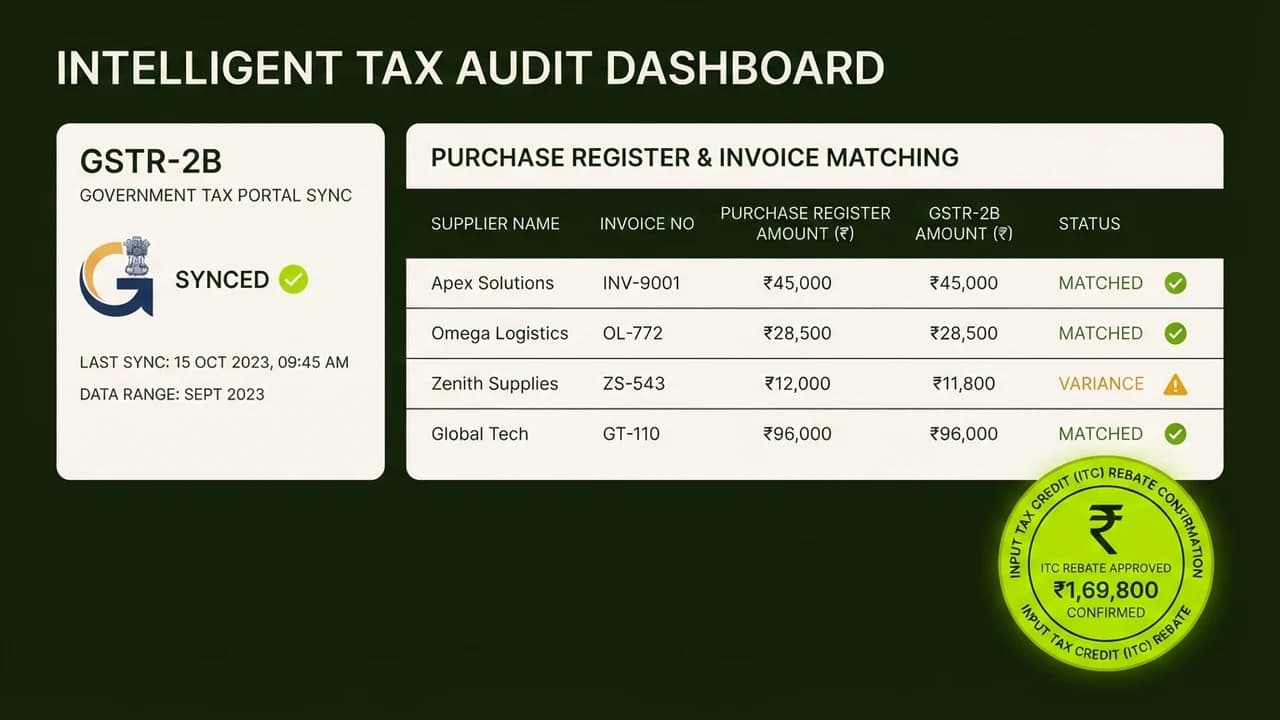
Monthly GST compliance in India has become an operational nightmare for small business owners and mid-sized accounting firms. Under Indian GST law, a business can only claim Input Tax Credit (ITC) if the supplier has physically uploaded the invoice in their GSTR-1 and it accurately reflects in the buyer's auto-drafted GSTR-2B statement.
If a vendor makes a minor typo in your 15-digit GSTIN number, files their quarterly return late, or enters the wrong invoice value, your input tax credit is legally blocked.
Traditionally, accountants spend days manually cross-referencing hundreds of purchase register lines in Tally against raw government Excel exports, squinting at mismatched invoice numbers and rounding discrepancies.
By combining Google Sheets with modern AI language models, this tedious reconciliation is executed in sixty seconds.
Manual Tax Reconciliation vs AI-Powered Automated Matching
Reconciliation Metric | Traditional Manual Process (Accountant / Excel VLOOKUP) | Claude 3.7 Automated Reconciliation |
|---|---|---|
Handling Inconsistent Invoice Numbers | VLOOKUP fails if vendor wrote | Fuzzy semantic matching handles prefixes and slashes automatically |
Tax Rounding Variances | Requires manual manual review for ₹1 to ₹5 rounding errors | Auto-reconciles rounding thresholds within statutory parameters |
Time Spent per 200 Invoices | 6 to 10 hours of manual data checking | Under 90 seconds of automated processing |
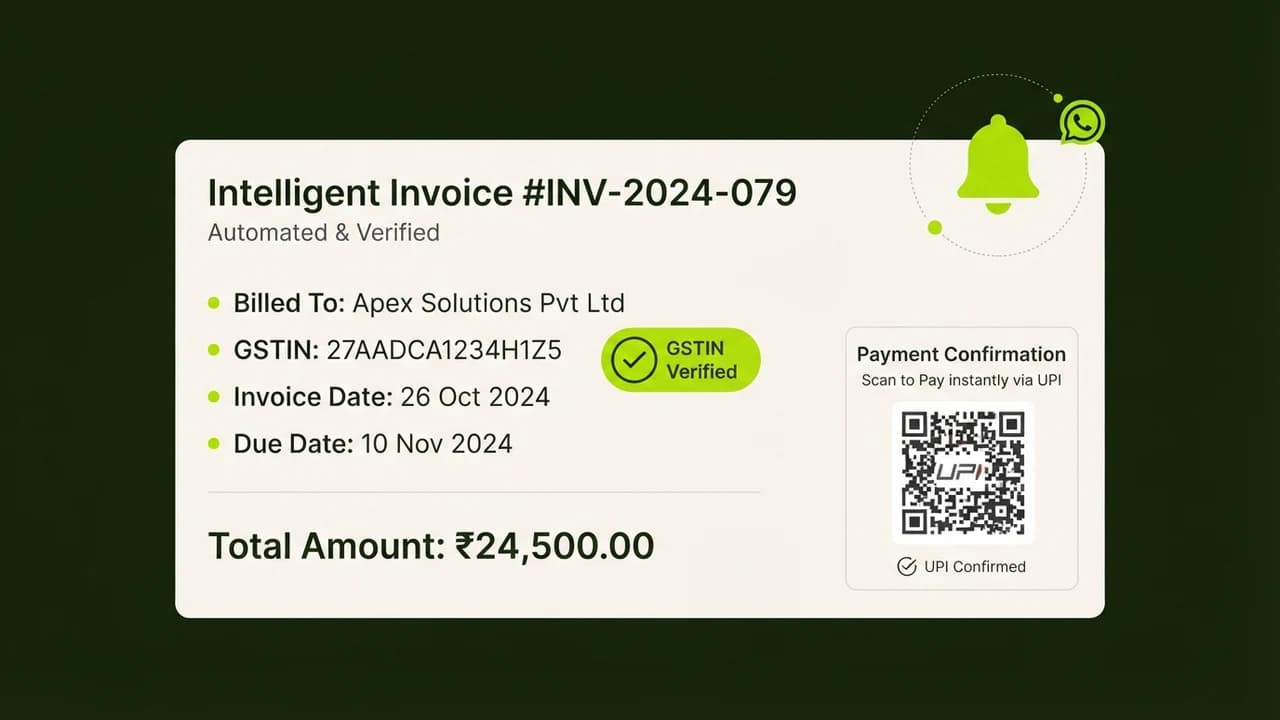
Vendor Discrepancy Communication | Drafting manual emails or calling vendors one by one | Auto-generates customized WhatsApp / email notices with exact invoice numbers |
Audit Trail Documentation | Static spreadsheets prone to accidental formula overwrites | Structured classification: Matched, Missing in 2B, Mismatched Tax Value |
The 4-Step Implementation Workflow
Step 1: Export Raw Purchase Register and GSTR-2B
Begin with your two baseline datasets:
- Your Internal Purchase Register: Exported from TallyPrime, Zoho Books, or Marg ERP (Columns: Vendor Name, Vendor GSTIN, Invoice Number, Invoice Date, Taxable Value, CGST, SGST, IGST).
- Government Portal GSTR-2B Export: Downloaded directly from the GST portal as an Excel/CSV file for the tax period.
Step 2: Set Up the Consolidated Google Sheet
Create a master spreadsheet with three tabs: Purchase_Register, GSTR2B_Portal, and Reconciliation_Output. Paste the corresponding raw rows into the first two tabs.
Step 3: Run the Claude 3.7 Reconciliation Prompt
Open Claude 3.7 Sonnet or ChatGPT Team and paste the structured prompt alongside your exported data tables:
The Core Audit Prompt:
"You are an expert Indian Chartered Accountant specializing in GST compliance and Section 16(2)(aa) CGST Act. Reconcile Table A (Purchase Register) against Table B (GSTR-2B).
Apply the following 3 matching rules:
1. Exact Match: GSTIN matches, invoice numbers match (ignoring leading zeros, spaces, and slashes like 'INV/2026/01' vs '01'), and total tax amount matches within ±₹2.00.
2. Value Mismatch: GSTIN matches and invoice matches, but taxable value differs. Highlight the exact rupee difference.
3. Missing in GSTR-2B: Invoices present in Purchase Register but absent in GSTR-2B.
Output the result as a structured table with vendor contact names and drafted notice text."
Step 4: Automated Vendor Follow-Up via WhatsApp
For all invoices flagged as 'Missing in GSTR-2B', the AI drafts an immediate professional follow-up notice:
"Dear [Vendor Business Name], our monthly tax audit indicates that Invoice #[Number] dated [Date] (Taxable Value: ₹[Amount]) is not reflecting in our GSTR-2B for the period of [Month]. Kindly verify if this invoice was uploaded in your GSTR-1 under our GSTIN [Your GSTIN] so we can release pending payment clearance."
Practical Compliance Tips for Indian Founders
- Never Claim Unmatched ITC: Claiming Input Tax Credit on invoices not appearing in GSTR-2B triggers automated scrutiny notices under DRC-01B from the tax department, accompanied by 18% annual interest penalties.
- Set Up Supplier Payment Clauses: Update your standard vendor purchase order terms to state that final GST payment components (18%) will be cleared only upon invoice reflection in GSTR-2B.

Learn to build AI workflows that handle your busywork — live sessions, real projects, zero code.
See the courseBeginner-friendly