.jpg&w=1080&q=75)
The PHP2Shell Vulnerability Explained: What Every WordPress Site Owner Must Do in 2026

The PHP2Shell Vulnerability Explained: What Every WordPress Site Owner Must Do in 2026
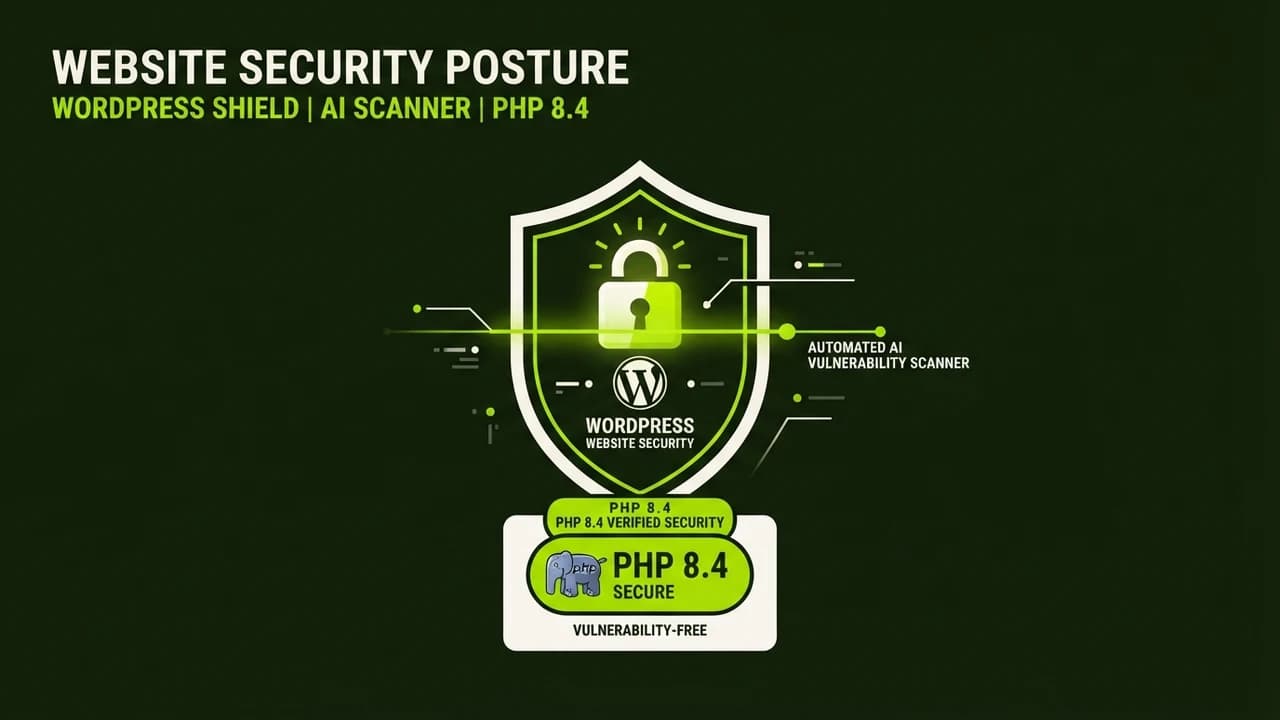
WordPress site owners must immediately verify their server runs PHP 8.2 or higher to prevent remote code execution attacks from the critical PHP2Shell vulnerability. In a historic milestone, this 20-year-old flaw was uncovered by frontier AI models, highlighting both the power of automated defense and the urgent necessity of regular infrastructure updates.
On October 21, 2026, the global web community was shaken by the disclosure of two critical security vulnerabilities in the core engine of PHP, collectively dubbed PHP2Shell (cataloged as CVE-2026-109618 and CVE-2026-109619 with a critical CVSS rating of 9.2).
Because PHP powers over 70 percent of all websites on the internet (including almost every WordPress blog, WooCommerce store, and digital agency site), this disclosure triggered emergency patch cycles worldwide. Government portals in multiple European nations temporarily took sensitive digital assets offline, while cloud security providers like Cloudflare reported recording tens of thousands of automated exploit probes within minutes of the announcement.
If you run a business website or blog on WordPress, here is an honest, non-technical explanation of what occurred, why artificial intelligence discovered it, and the exact three steps you must take today to safeguard your digital presence.
What is PHP2Shell, and Why Did It Threaten the Internet?
PHP is the open-source scripting engine that executes the code behind WordPress. When a visitor browses your website, PHP processes your database queries, renders your theme templates, and serves HTML to the user's browser.
The PHP2Shell flaw resides in how the core engine handles memory exhaustion fatal errors. When a server script runs out of allocated memory, PHP invokes an internal abort function (longjmp()). In unpatched versions, this abort procedure inadvertently left corrupted memory pointers in the system global state.
A skilled attacker could deliberately trigger an out-of-memory condition on your server and leverage the lingering memory state to execute unauthorized terminal commands (Remote Code Execution), effectively seizing total administrative control of your web server, database, and customer credentials.
The AI Breakthrough: How OpenAI's GPT-5.6 Sol Discovered the Bug
What makes the PHP2Shell incident truly historic is not merely the severity of the flaw, but the revolutionary method of its discovery.
For over two decades, hundreds of expert human security auditors reviewed the C code of the PHP engine without detecting this subtle memory interaction. The vulnerability was finally identified through automated AI security auditing:
- Under OpenAI's Patch the Planet cybersecurity initiative, security researchers at Calif utilized GPT-5.6 Sol to perform semantic reasoning across millions of lines of legacy open-source code.
- Simultaneously, cloud security engineers at Wiz independently discovered the vulnerability using automated AI-assisted code modeling.
- Because frontier AI models surfaced the flaw months before malicious hackers found it, researchers coordinated secretly with the PHP Foundation and Cloudflare to develop patches and deploy Web Application Firewall (WAF) rules before public disclosure.
This event marks the transition into an era where artificial intelligence serves as an autonomous digital immune system for critical internet infrastructure.
Supported vs Vulnerable PHP Versions
The PHP Foundation released emergency security updates on October 21, 2026. Review this table to determine your site's risk status:
PHP Version Branch | Current Security Status | Action Required by Site Owner |
|---|---|---|
PHP 8.4 & 8.5 | Fully Patched (v8.4.27, v8.5.12) | Safe. Verify hosting has installed the minor revision. |
PHP 8.3 | Fully Patched (v8.3.36) | Safe. Verify minor update is applied. |
PHP 8.2 | Fully Patched (v8.2.35) | Safe, but consider upgrading to 8.3 for performance gains. |
PHP 8.1 & Below | CRITICALLY VULNERABLE (Unpatched) | Immediate Danger. Official security support ended; must upgrade version immediately. |
PHP 7.4 / 7.x | EXTREMELY VULNERABLE | Obsolete legacy engine. High risk of automated compromise. |
3-Step Action Checklist for WordPress Owners (No Coding Needed)
You do not need to be a software engineer to secure your WordPress website against PHP2Shell. Follow these three practical steps:
1. Check Your Active PHP Version Inside WordPress
You can inspect your server environment directly from your WordPress admin dashboard:
- Log into your WordPress dashboard (
yourdomain.com/wp-admin). - Navigate to Tools > Site Health from the left navigation sidebar.
- Click on the Info tab at the top, then expand the Server dropdown accordion.
- Locate the line labeled PHP version.
- If your version reads 8.2.35, 8.3.36, 8.4.27, or higher, your hosting environment has already applied the emergency security patch. If it reads 8.1 or lower, proceed immediately to Step 2.
2. Upgrade Your PHP Version in Your Hosting Dashboard
Modern managed hosting providers (like Cloudways, Hostinger, SiteGround, and Kinsta) allow one-click PHP upgrades:
- Log into your hosting control panel (cPanel or Cloudways application settings).
- Find PHP Settings or PHP Version Management.
- Select PHP 8.3 or PHP 8.4 from the dropdown menu and click Save.
- Pro Tip: Before upgrading, create a full backup of your WordPress site using a free plugin like UpdraftPlus to ensure complete safety.
3. Activate Cloudflare Free WAF Protection
If you are unable to upgrade your PHP version immediately due to legacy plugin conflicts, place your website behind Cloudflare's free proxy:
- Create a free Cloudflare account and update your domain nameservers.
- Cloudflare automatically blocks known PHP2Shell malicious exploit signatures at their global edge network before suspicious web traffic ever touches your origin server.

Learn to build AI workflows that handle your busywork — live sessions, real projects, zero code.
See the courseBeginner-friendly