.jpg&w=1080&q=75)
How to Build an AI Agent Without Coding in 2026: The 5-Step Non-Coder Blueprint
How to Build an AI Agent Without Coding in 2026: The 5-Step Non-Coder Blueprint
You can build an autonomous AI agent without writing a single line of code in under forty minutes using visual drag-and-drop platforms like n8n and Make.com. By linking large language models directly to your spreadsheets, email, and WhatsApp, your agent executes complex multi-step business tasks independently.
For decades, automating software required hiring specialized software developers and writing thousands of lines of Python code. In 2026, that barrier has vanished.
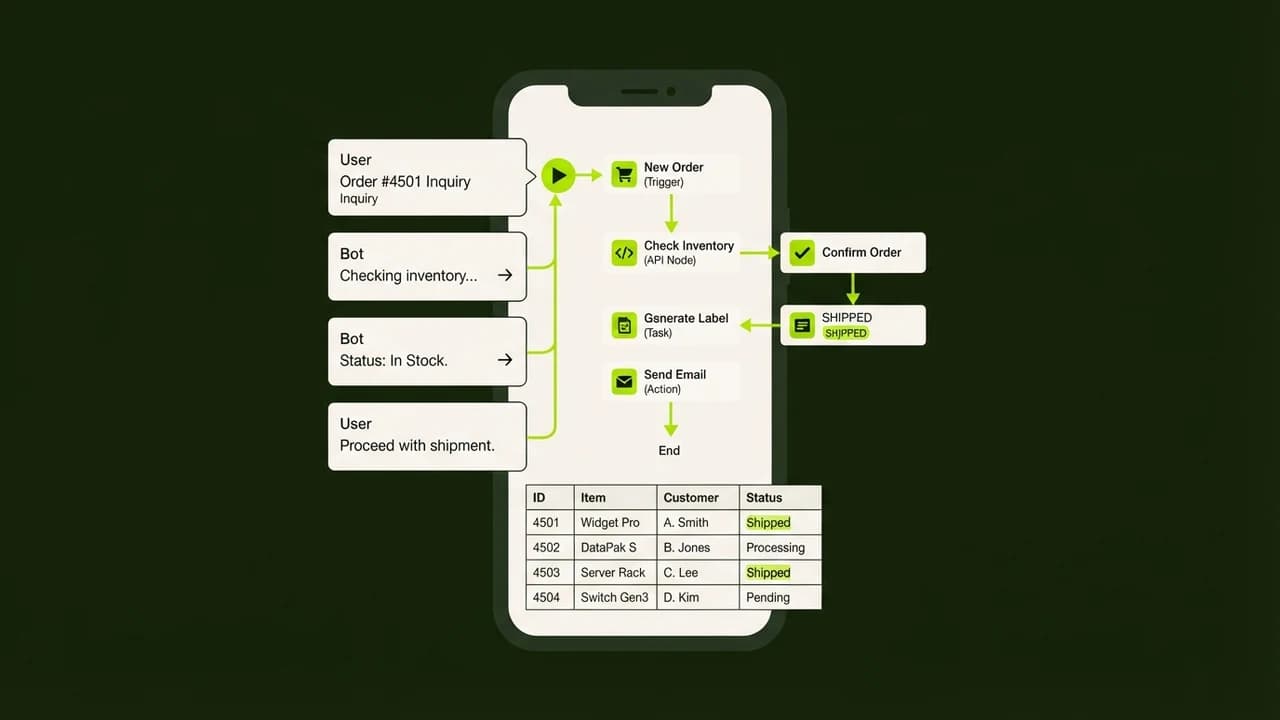
The transition from basic chatbots to autonomous AI agents is the single biggest productivity shift for Indian small business owners, freelancers, and solopreneurs. While a chatbot merely answers questions inside a tiny web window, an AI agent takes real-world action: inspecting records, updating databases, making decisions based on rules, and notifying stakeholders.
You do not need an engineering degree or coding experience. If you know how to connect visual flowchart blocks, you can build an enterprise-grade agent today.
Traditional Chatbot vs Autonomous AI Agent
Operational Capability | Standard AI Chatbot (ChatGPT / Claude) | Autonomous AI Agent (n8n / Make.com) |
|---|---|---|
Primary Function | Answers questions when prompted | Independently executes multi-step business goals |
Tool Integration | Trapped inside a chat box interface | Directly reads/writes Google Sheets, CRM, and WhatsApp |
Initiative & Triggers | Purely passive; waits for user typing | Triggered automatically by webhooks, schedules, or events |
Decision Logic | Basic text generation | Conditional if/then branching and policy verification |
Human Supervision | 100% human-prompted interaction | Autonomous execution with Human-in-the-Loop review gates |
Business Impact | Saves minutes of drafting time | Saves 15 to 25 hours of manual operational labor weekly |
The 5-Step Non-Coder Agent Blueprint
Step 1: Define the Single Objective (Goal Clarity)
Never build an agent that tries to do everything at once. Pick one painful, repetitive bottleneck in your daily routine:
- Example: "When a new lead fills out my website inquiry form, qualify their budget, record their details in a Google Sheet, and send an instant WhatsApp greeting if their budget exceeds ₹50,000."
A narrow, well-defined goal ensures your agent operates with 99% reliability.
Step 2: Choose Your Visual Canvas Tool (n8n or Make.com)
Avoid complex programming frameworks like LangChain or AutoGen if you are not a developer.
- For Complete Beginners: Use Make.com for its friendly circular visual bubbles and pre-built Google Sheets connectors.
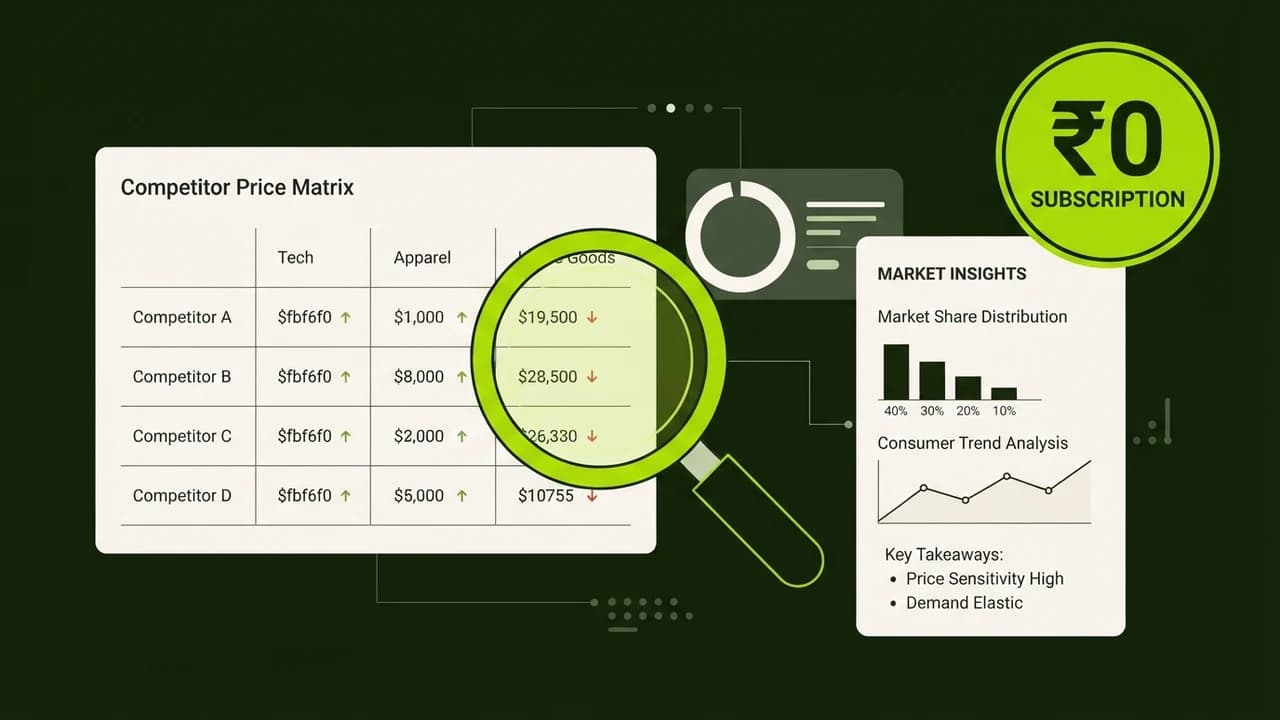
- For Agency Scaling & Free Usage: Use self-hosted n8n Community Edition which gives you unlimited workflow executions for ₹0 software licensing cost.
Step 3: Connect Your Large Language Model (The Reasoning Brain)
Add an AI Agent node to your visual canvas:
- Connect an API key from OpenAI (GPT-4o), Anthropic (Claude 3.7 Sonnet), or Google (Gemini 2.5 Flash).
- Define the agent system prompt in plain, conversational English:
"You are the automated lead qualification assistant for an Indian digital agency. Analyze the customer's project description and budget. If the budget is below ₹30,000, categorize as Tier 3. If between ₹30,000 and ₹1,00,000, categorize as Tier 2. If above ₹1,00,000, categorize as Tier 1 Priority."
Step 4: Equip Your Agent with Tools (The Hands and Feet)
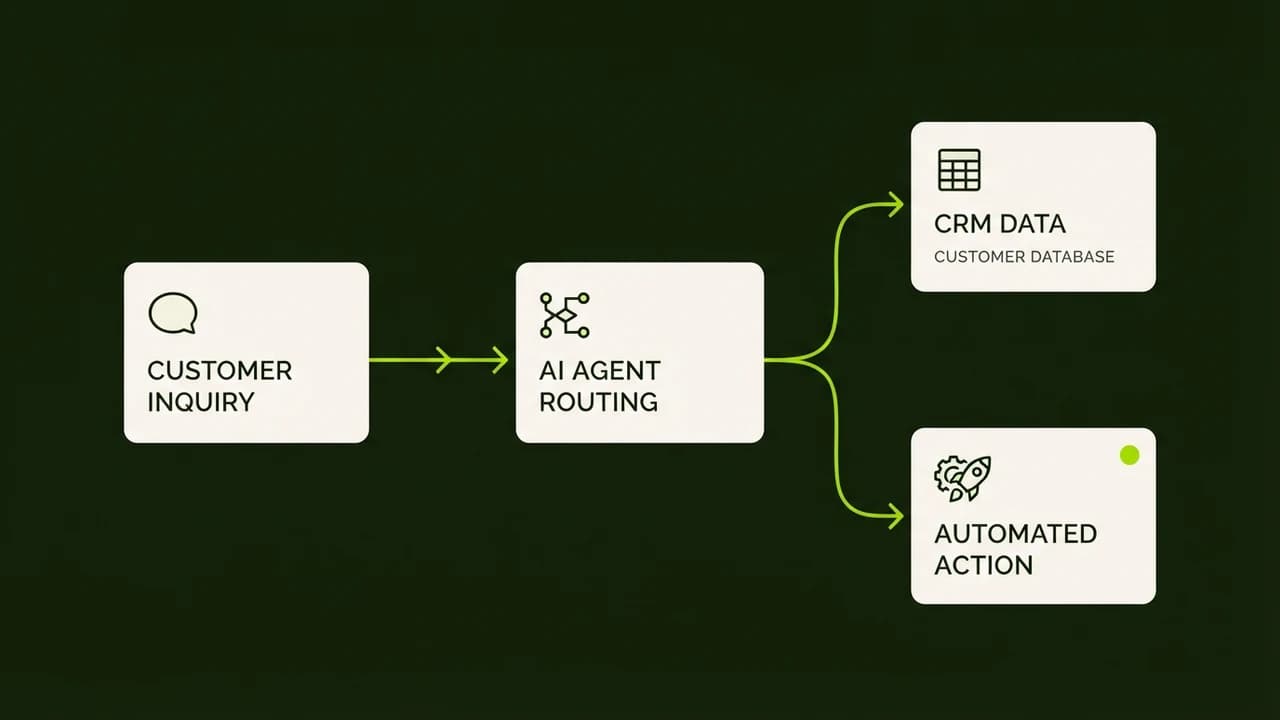
An AI brain without tools can only talk; tools allow your agent to act. Connect 3 visual nodes:
- Search Tool: A Google Sheets node that checks if the customer's phone number already exists in your CRM.
- Write Tool: A node that creates a new row with the lead's name, email, and assigned priority tier.
- Communication Tool: A WhatsApp Business Cloud API node that delivers a personalized confirmation message.
Step 5: Implement the Human-in-the-Loop Safety Gate
Before allowing your agent to message clients or charge invoices autonomously, insert a review gate:
- Set the workflow to send an instant notification to your personal WhatsApp or Telegram: "New Tier 1 Lead detected: Rahul Sharma (₹1,50,000 budget). Click [Approve] to dispatch WhatsApp introduction."
- You tap one button on your smartphone, and the agent completes the delivery.
Ready to Deploy Your First Working Agent?
If you want a structured, step-by-step video walkthrough that guides you through building your first live agent on your laptop in 40 minutes, check out our master cohort: Build Your First AI Agent in Just 40 Minutes (No Code Required).

Learn to build AI workflows that handle your busywork — live sessions, real projects, zero code.
See the courseBeginner-friendly