.jpg&w=1080&q=75)
n8n Beginner's Guide (2026): How Non-Coders Build Automated Business AI Workflows

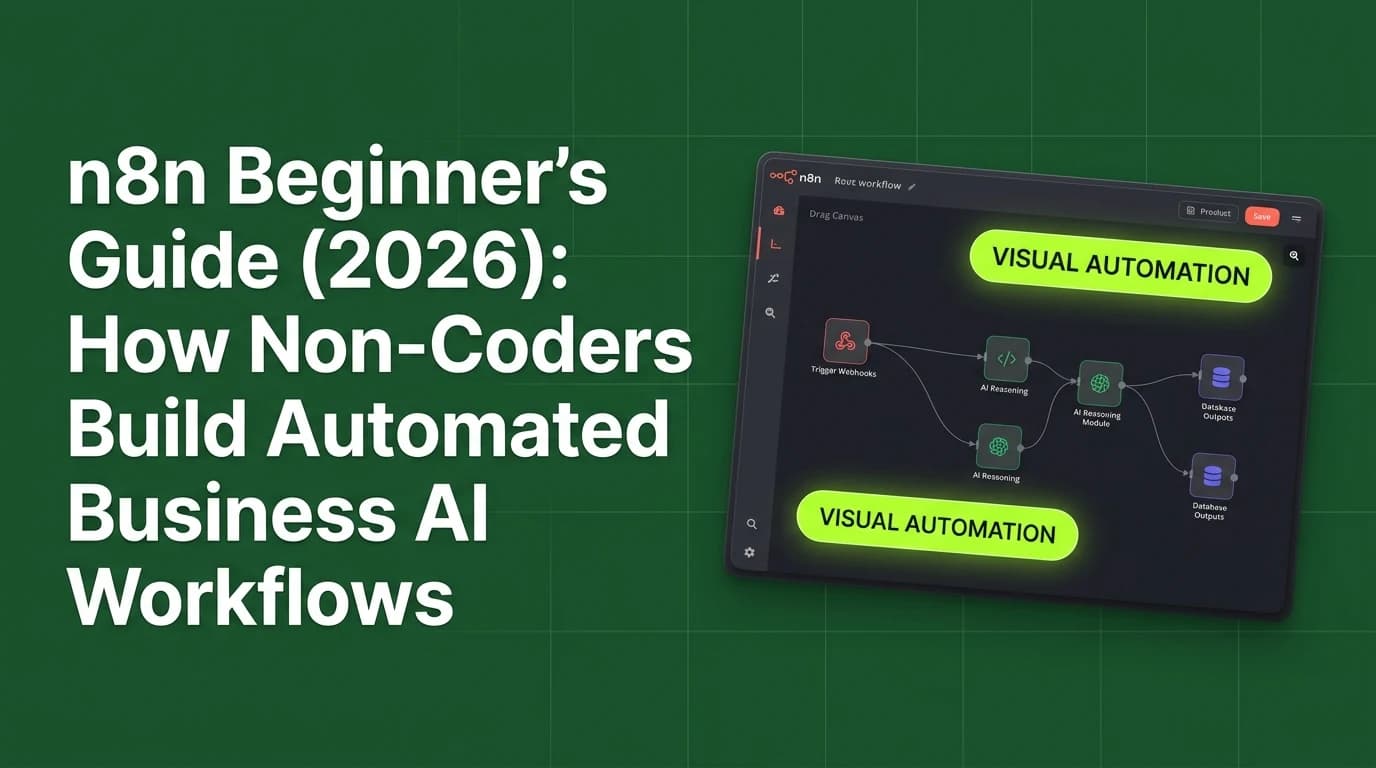
n8n is a fair-code visual workflow automation platform that allows non-coders to connect business applications to AI models using drag-and-drop nodes without writing programming code.
As small businesses and solopreneurs adopt artificial intelligence, connecting individual AI tools to existing business software becomes essential. While standalone chat interfaces like ChatGPT require manual copy-pasting, visual automation engines link your tools into self-executing pipelines. In 2026, n8n has become the leading automation platform for non-technical professionals because it offers self-hosting flexibility, privacy control, and native integration with large language models like Anthropic Claude, OpenAI GPT-4o, and Google Gemini.
Understanding how to navigate the n8n canvas and configure basic automation nodes enables non-coders to build sophisticated AI business systems.
n8n vs Zapier vs Make.com: Non-Coder Comparison Matrix
Comparing the leading visual automation platforms across accessibility, pricing, and AI capabilities reveals key advantages:
Feature Dimension | n8n Automation Engine | Make.com | Zapier |
|---|---|---|---|
Primary Pricing Structure | Free self-hosted / Low-cost cloud | Tiered operations pricing | High per-task monthly pricing |
No-Code Accessibility | Drag-and-drop visual canvas | Drag-and-drop visual canvas | Linear step-by-step forms |
Native AI & LLM Nodes | Built-in AI Agent & Vector Memory nodes | AI app modules | Basic AI steps |
Data Privacy Control | 100% Self-hostable on private servers | Cloud-only execution | Cloud-only execution |
Execution Speed | High performance & low latency | Medium performance | Standard performance |
4 Core Building Blocks of an n8n AI Workflow
Every automated workflow in n8n is constructed using four fundamental node types:
[Trigger Node (Webhook / Email)] ──> [Data Transformation Node] ──> [AI Agent / LLM Node] ──> [Action / Output Node]1. Trigger Node
The event listener that initiates the workflow—such as a new web form submission, an incoming email, a scheduled timer, or a WhatsApp message.
2. Data Transformation Node
The formatting module that cleans, extracts, and prepares incoming text before passing it to AI models.
3. AI Agent & LLM Node
The reasoning engine that processes data using prompt instructions, accesses external memory, and decides what output to generate.
4. Action / Output Node
The destination execution step that delivers results—such as sending a formatted email, creating a Notion document, or updating a database.
3 Practical n8n AI Workflows for Non-Coders in 2026
Small business owners and freelancers deploy simple 3-node n8n workflows to save hours every day:
- Automated Support Ticket Categorization: Listens for new Gmail inquiries, uses Claude to classify urgency, and posts prioritized alerts to Slack.
- Instant Invoice & Receipt Extraction: Captures PDF attachments from emails, extracts vendor names and amounts using vision AI, and appends rows to Google Sheets.
- Social Media Content Recycler: Scans published blog posts weekly, generates 5 short LinkedIn posts using AI, and saves drafts to Notion.

Learn to build AI workflows that handle your busywork — live sessions, real projects, zero code.
See the courseBeginner-friendly