.jpg&w=1080&q=75)
n8n for Non-Coders: Build Your First AI Automation in 20 Minutes (2026)


You can build powerful automated workflows using n8n without writing code in 20 minutes, saving Indian solopreneurs and agency owners 15 hours of manual data entry every single week.
n8n has quickly become the favorite workflow engine for non-coders because it offers unlimited automations without the punishing task-based pricing of Zapier or Make.com. If you want to connect your customer inquiry forms directly to WhatsApp, run AI text summaries with ChatGPT, or update Google Sheets automatically, n8n handles everything visually through clean drag-and-drop nodes.
Why Indian Agencies and Solopreneurs Are Switching to n8n
Most Indian small business owners start their automation journey on Zapier or Make.com. Within three months, they run into a painful obstacle: task limits. Every step of a multi-app flow counts as an operation, pushing monthly software bills past ₹5,000 to ₹10,000.
n8n changes the financial equation completely:
- Unlimited executions: Self-hosted n8n has zero per-task billing limits
- Native AI nodes: Direct drag-and-drop connectors for OpenAI, Anthropic Claude, and Google Gemini
- Local Indian payment & WhatsApp support: Seamless webhooks for Razorpay, Cashfree, and WhatsApp Business API
- Data sovereignty: Your customer records stay on your private server, fully complying with India's DPDP regulations
Step-by-Step: Your First n8n Workflow in 4 Simple Stages
Step 1: Launch Your n8n Workspace
You have two easy ways to start with n8n. If you want zero server setup, use n8n Cloud with a 14-day free trial. If you prefer free long-term hosting, launch a pre-configured ₹400/month virtual private server on DigitalOcean or Hetzner with one click.
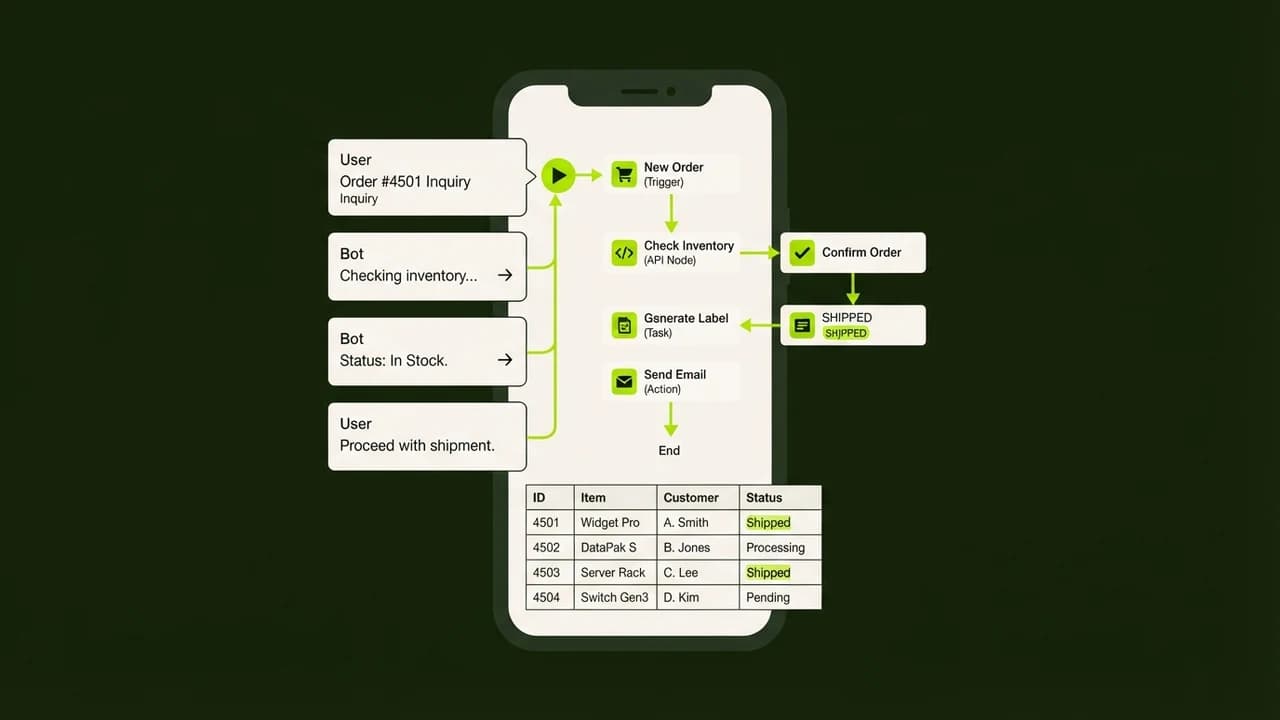
Once inside the dashboard, click Create Workflow. You will see a clean blank canvas with a plus button to add your initial trigger.
What Exactly Is an n8n Trigger Node?
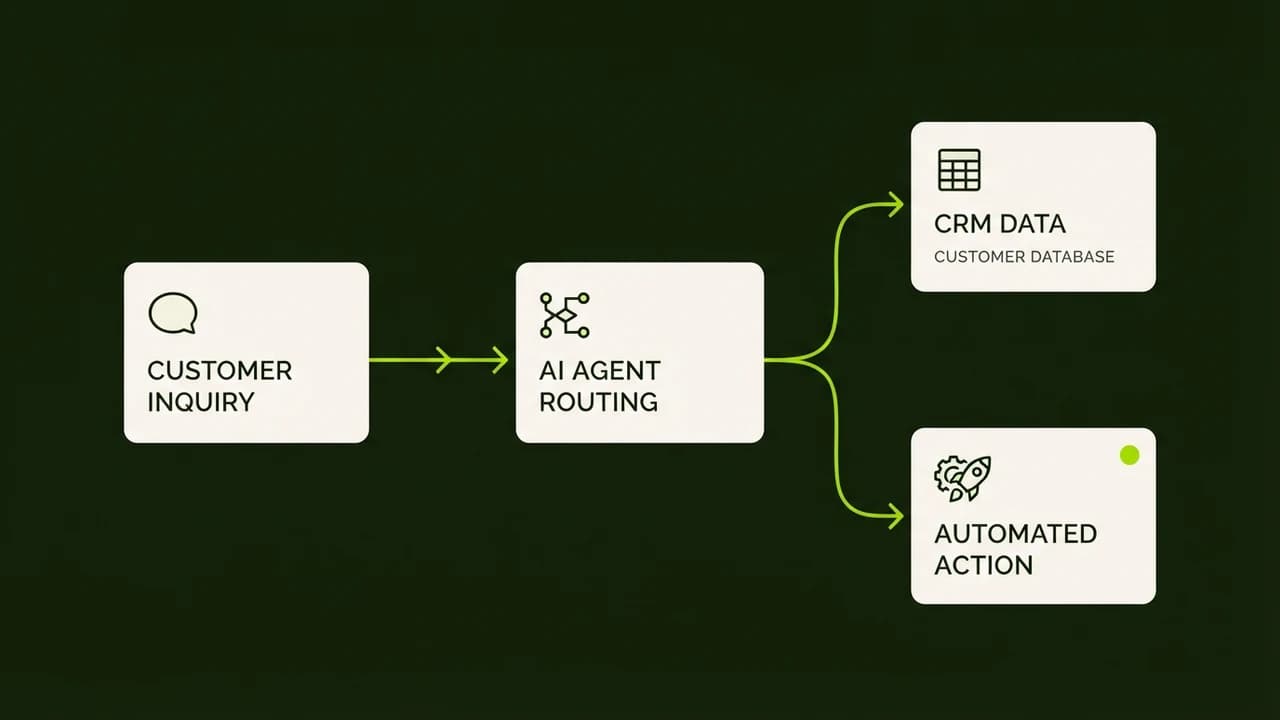
A trigger node is the starting spark of your automation. It listens for real-time events, such as a new form submission on your website, an incoming email, or a webhook ping from an payment gateway, and kicks off the subsequent actions automatically.
Step 2: Capture Lead Form Data via Webhook
Add a Webhook node to your canvas. Choose the HTTP POST method and copy the generated test URL. Paste this URL into your website form (Elementor, Tally Forms, or Google Forms).
Submit a test lead on your website:
- Client Name: Ramesh Kumar
- Inquiry Type: Digital Marketing Retainer
- Phone: +91 98765 43210
- Monthly Budget: ₹35,000
Within two seconds, n8n displays the raw JSON incoming data cleanly organized into key-value pairs ready for mapping.
Step 3: Connect an AI Reasoning Node (ChatGPT or Gemini)
Drag the AI Agent or OpenAI node next to your webhook. Connect the two blocks with a visual line. Select the model (such as GPT-4o-mini for rapid, cost-effective processing).
Enter this simple prompt instructions:
Summarize the lead inquiry for our sales team in 3 bullet points. Classify lead temperature as Hot (budget > ₹30,000) or Warm. Highlight immediate next steps.
n8n extracts the data fields dynamically. The AI node returns an executive summary formatted perfectly in plain text.
Step 4: Route Output to Google Sheets and WhatsApp Alert
Add a Google Sheets node set to Append Row. Map the lead name, phone number, budget, and the AI-generated summary into your active pipeline tracking sheet.
Finally, connect an HTTP Request node configured for your WhatsApp Business API provider (like Interakt or Wati). When a hot lead enters your funnel, your sales manager receives an instant WhatsApp alert containing the AI briefing within 10 seconds.
Feature Breakdown: n8n vs Zapier vs Make.com
Capability | n8n (Self-Hosted) | Make.com | Zapier |
|---|---|---|---|
Monthly Cost | ~₹400 (VPS server) | ₹850 – ₹3,500+ | ₹2,500 – ₹8,000+ |
Task / Execution Limit | Unlimited | 10,000 – 40,000 | 750 – 2,000 |
Native AI Agent Chains | Yes (visual drag & drop) | Moderate | Basic |
WhatsApp API Webhooks | Full native support | Supported | Requires premium tier |
Data Privacy & DPDP | 100% on your server | Cloud hosted | Cloud hosted |
Real Business Impact: Hours Reclaimed
Automating lead intake, AI qualification, and CRM entry removes roughly 3 hours of repetitive daily admin work for a typical 3-person agency. Over a month, that equals 60 hours redirected toward client acquisition, pitch delivery, and creative strategy.
The Zero To AI learning platform offers downloadable n8n blueprint templates designed specifically for Indian non-technical entrepreneurs. Explore comprehensive guides at zerotoai.in to upgrade your operational efficiency today.

Learn to build AI workflows that handle your busywork — live sessions, real projects, zero code.
See the courseBeginner-friendly