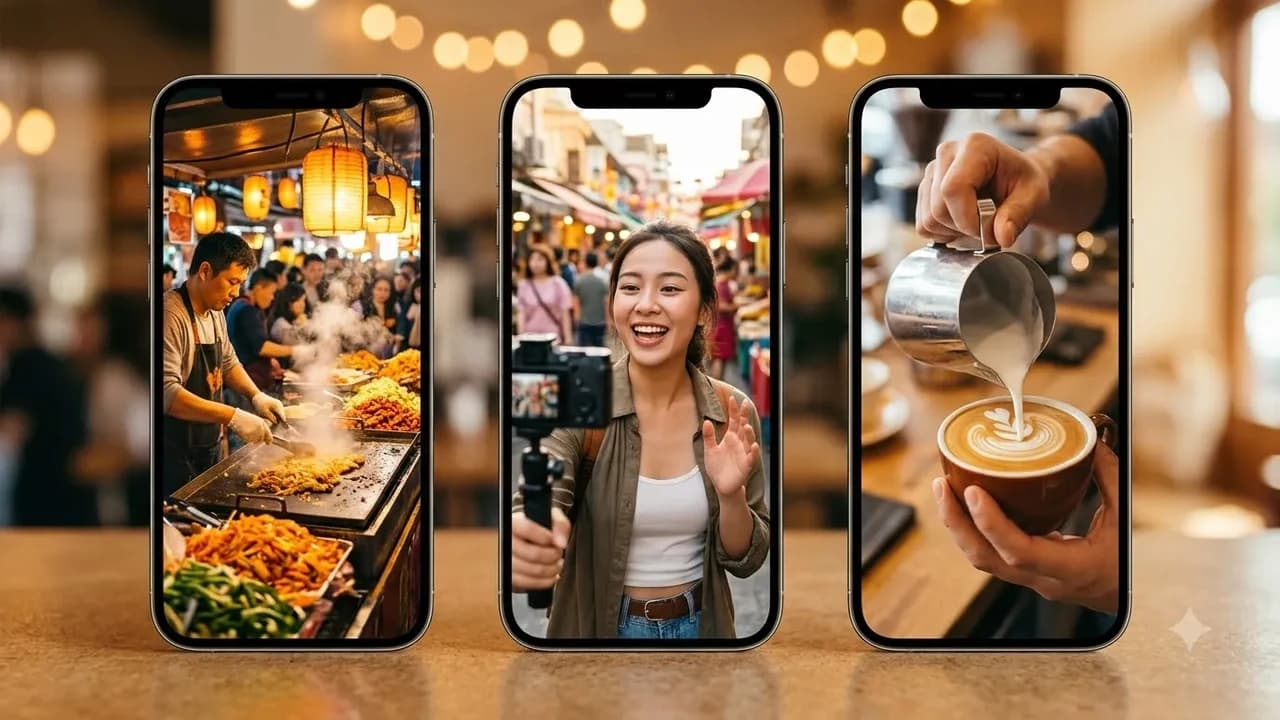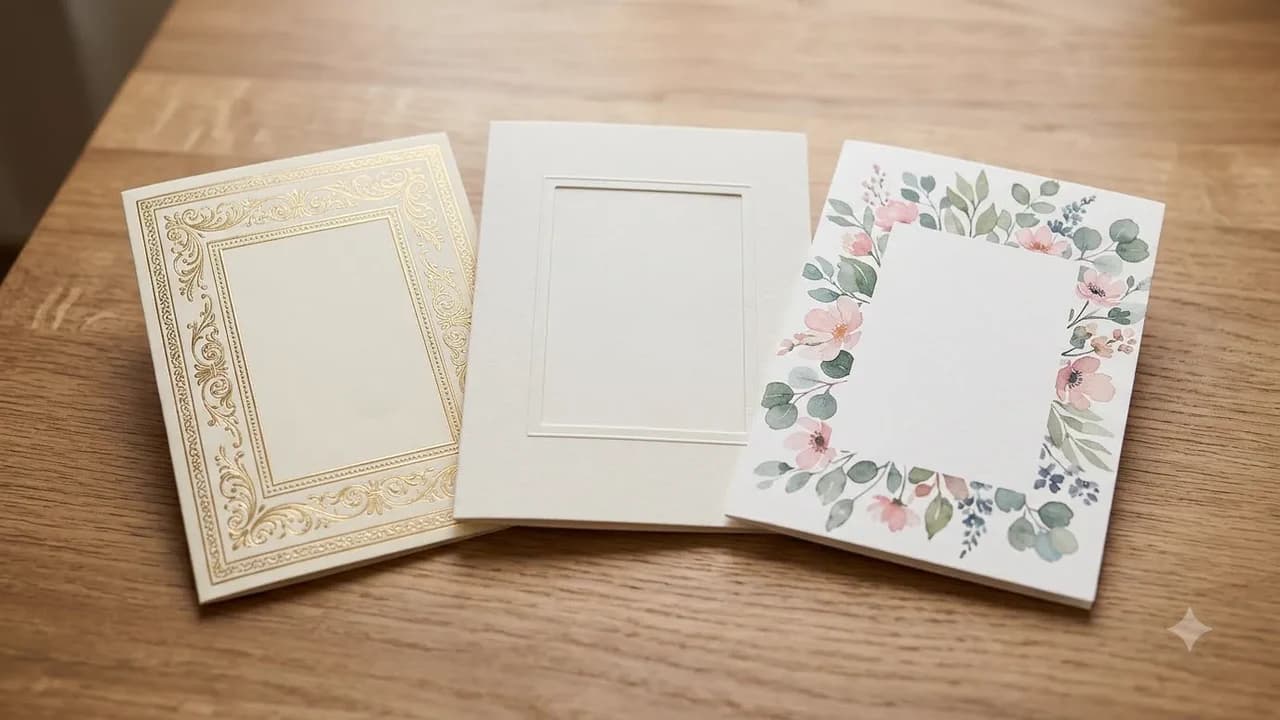

Our 2026 Story: Make an AI Year-in-Review Video for Your Partner

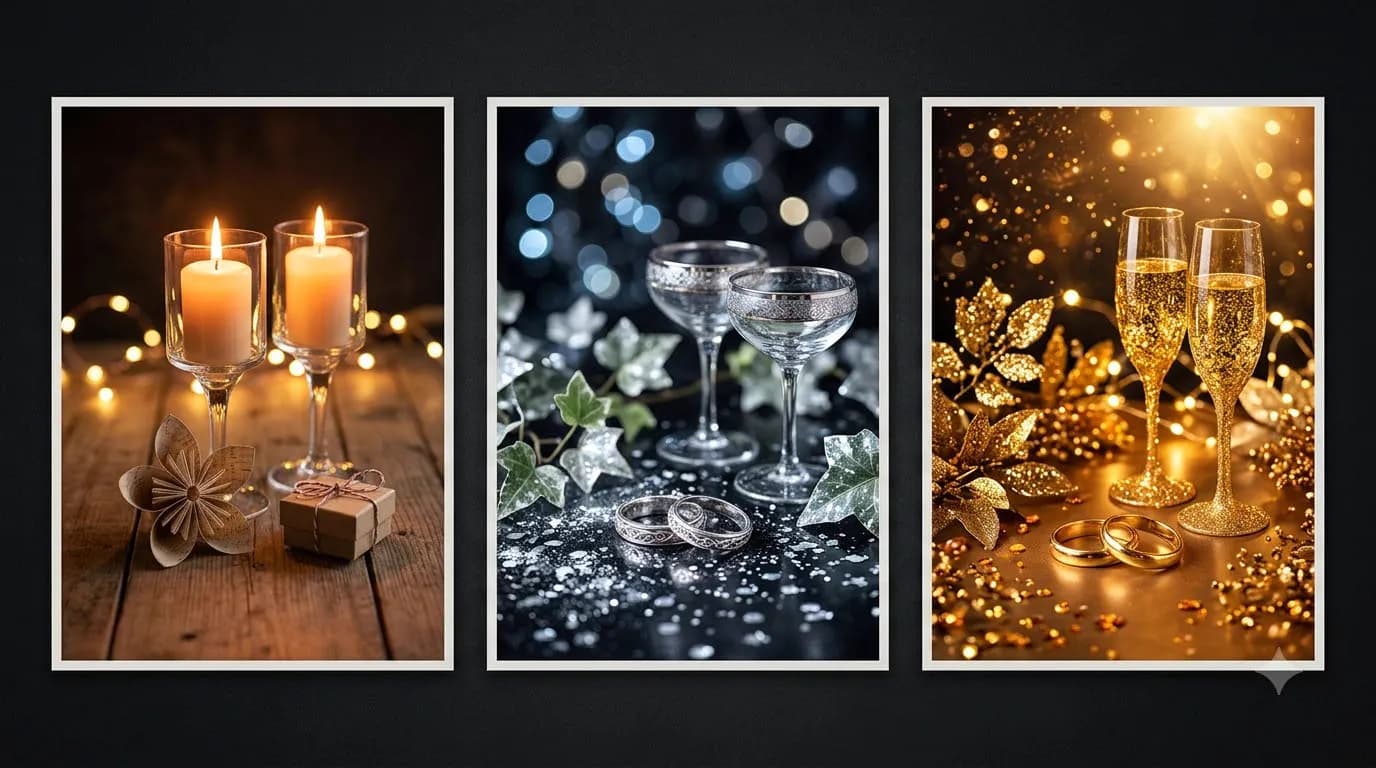
Our 2026 Story: Make an AI Year-in-Review Video for Your Partner
Creating an emotional year in review video AI keepsake for your partner works best when you mix real candid phone photos with three short Google Flow Veo 3.1 motion transitions and custom Suno background pacing. Follow our zero-budget timeline below, including free 50 daily credit limits and privacy safeguards.
Last updated: November 2026
Most people assume making an "Our 2026 Story" anniversary or New Year recap video means choosing between a flat slideshow or letting an AI generator invent fake versions of your faces. Pure AI video generators still struggle when forced to carry two real people across thirty straight seconds without morphing eyes, smiles, or clothing.
The smarter hybrid workflow keeps your real smartphone memories untouched at the heart of the edit, while using Google Flow powered by Veo strictly for short, atmospheric 4-second opening and chapter transitions. Pair those clips with a custom acoustic song in Suno and tight beat-matched pacing in Canva. Browse our Anniversary & Couple Greeting Prompts pack for ready-made romantic story scripts.
Free Credit Math: Google Flow, Suno, and Canva Limits (Nov 2026)
You can build a complete 35-second keepsake reel on free tiers without spending a rupee if you plan your scenes carefully around daily credit caps.
Tool | Free Tier Allowance (Nov 2026) | Paid India Upgrade | Best Role in "Our 2026 Story" | Key Limitation to Watch |
|---|---|---|---|---|
Google Flow (Veo 3.1) | 50 free credits/day (daily reset, no rollover) | Google AI Plus ₹399/mo (200 credits); AI Pro ₹1,950/mo (1,000 credits) via Gemini plans | 3 short 4s or 6s animated intro/chapter clips | Peak-hour IST slowdowns; credits do not roll over |
Suno AI | 50 credits/day (~10 songs/day) | Pro $10/mo via Suno Pricing | 1 custom lyric song naming your city or inside jokes | Free plan is strictly personal, non-commercial use |
Canva | ₹0 Free tier | Pro Lite ₹199/mo (₹69 1-day pass); Pro ₹500/mo via Canva India | Timeline assembly, real photo montage, beat cuts | Watch Pro music badges if downloading on Free |
Stretching 50 daily Flow credits is straightforward: write and lock all three prompts in Notes first, test only two 4-second clips on Day 1, and refine your closing sparkler shot on Day 2 after credits reset.
Veo 3.1 "Ingredients to Video" Motion Prompts for Couples
In Google Flow, Veo 3.1 supports Ingredients to Video, allowing up to three reference images (such as a photo of your travel Polaroids, a candid café mug, or a twilight balcony view) to keep lighting and subject tone consistent across 4s, 6s, and 8s clips in 9:16 vertical Reels or 16:9 horizontal TV formats. If your script ever includes spoken voice lines, use a colon (:) instead of quotation marks (") so the model generates audio without rendering unwanted subtitle boxes.
Copy and adapt these three motion prompts to bridge chapters inside your partner's 2026 recap:
Prompt 1: Chapter Opener (Wooden Table Polaroids Transition)
Prompt (Veo 3.1 Memory Table Opener):
"Slow overhead dolly camera glide across a warm dark teak coffee table illuminated by gentle amber fairy lights. Three printed Polaroid snapshots from 2026 rest neatly beside two steaming ceramic chai cups and handwritten cream envelopes. Soft dust motes drift slowly across warm golden sunlight rays. Peaceful acoustic ambience, zero artificial text overlays, smooth cinematic motion, 9:16 vertical ratio, 4 seconds."
Prompt 2: Mid-Video Chapter Bridge (Monsoon Drive / Rainy Window)
Prompt (Veo 3.1 Monsoon Window Mood):
"Gentle handheld camera pan looking through a misty car side window at dusk during soft Indian monsoon rain, warm orange streetlamp bokeh reflecting across raindrops on glass, passing city greenery softly blurred outside. Warm cosy interior ambient mood, subtle rain audio, natural realistic motion blur, no distorted faces, 9:16 portrait, 6 seconds."
Prompt 3: Finale Bridge (Rooftop Sparklers Toward 2027)
Prompt (Veo 3.1 Sparkler Closing Scene):
"Slow backward tracking shot from behind two silhouettes standing on a warm fairy-lit terrace at night overlooking distant blurred city lights, holding two gentle golden sparklers illuminating soft winter sweaters. Sparkles drift upward cleanly in slow motion as celebratory soft fireworks glow softly far on the horizon. Warm film grain, serene ending mood, 9:16 vertical format, 4 seconds."
Want extra vertical Reel prompts you can adapt for anniversaries, holidays, or milestone trips? Explore our Christmas and New Year AI video prompt templates and our wedding season AI video prompts for invites and Reels.
Suno Song Prompt + Canva 35-Second Pacing Blueprint
Nothing transforms a phone photo montage faster than hearing your own city names, favourite street food, or pet nicknames sung softly over acoustic guitar. Run this custom lyric setup inside Suno Free ($0 personal keepsake tier):
Prompt (Suno Couple Year-in-Review Song):
"Style tags: warm indie acoustic folk, gentle fingerpicked guitar, soft male and female duet harmonies, intimate lo-fi Indian monsoon coffeehouse mood, 84 BPM. Lyrics theme: looking back gently at 2026 together, surviving busy work Mondays, sharing late-night chai in [e.g., Pune / Bengaluru], laughing through traffic and rainy weekends, excited for a calmer 2027 side by side. Keep tone tender, grounded, and modern without cliché pop drops."
Once you download your favourite 35-second verse and chorus slice, assemble the full reel in Canva Free using this tight pacing structure:
- 0:00 to 0:04 (AI Animated Opener): Drop Veo 3.1 Prompt 1 (Polaroid table glide) with a clean white Instrument Serif title reading "Our 2026 Story" fading in gently at 0:01.
- 0:04 to 0:14 (Q1 & Q2 Real Photos - 4 shots at 2.5s each): Insert four genuine candid photos from January through June, adding a subtle slow zoom-in motion and tiny city/month captions (
Feb - Lonavala). Cut strictly on musical drum or guitar downbeats. - 0:14 to 0:18 (AI Chapter Bridge): Insert Veo 3.1 Prompt 2 (Monsoon window) to shift pacing gently into the second half of the year without jarring hard cuts.
- 0:18 to 0:29 (Q3 & Q4 Real Photos - 4 shots at 2.5s-3s each): Show candid highlights from July through December, mixing short 1.5-second real phone video clips with crisp stills so your partner sees real laughter and genuine expressions.
- 0:29 to 0:35 (AI Sparkler Finale & Closing Card): End on Veo 3.1 Prompt 3 fading softly into a cream closing card: "Thank you for every ordinary day in 2026. Ready for 2027 with you."
For matching tips on keeping WhatsApp delivery crisp without heavy compression blur, see our walkthrough on how to make AI greeting videos for WhatsApp and keeping faces consistent in AI edits.
Privacy, Partner Consent, and Keepsake Ownership Rules
Intimate relationship photos deserve stricter digital care than public travel snapshots. Keep these practical privacy and licensing boundaries before uploading any files:
- Confirm partner comfort before uploading private photos: Never upload intimate, bedroom, or unedited family photographs into cloud AI video models without asking your partner first. Review data handling controls under the Google Privacy Policy and avoid sending photos containing friends' children or third-party bystanders.
- Let scenery carry the AI motion, keep faces real: Using atmospheric AI clips (coffee mugs, rain windows, distant sparkler silhouettes) while displaying real untouched photos for close-up smiles avoids both uncanny AI distortion and privacy exposure of close-up biometric portraits.
- Respect Suno Free personal-use terms: Tracks created on Suno's free tier ($0) are strictly for personal, non-commercial gifting, meaning sharing privately on WhatsApp or personal anniversary stories is fine while paid client work or monetised brand channels require a paid Suno Pro subscription.
Final Export Checklist Before Gifting
- Watch the full 35-second export once with phone volume off to confirm month labels stay readable and clear of Instagram or WhatsApp UI buttons.
- Check audio levels so your custom Suno track fades smoothly over the final 2 seconds instead of chopping mid-word.
- Save one uncompressed master MP4 copy in Google Drive or local storage alongside the compressed WhatsApp send.
- Confirm your partner is happy before sharing any snippet publicly outside private chat.
Want ready-made couple storyboards, voiceover scripts, and prompt bundles for anniversaries and year-end recaps? Explore our Anniversary & Couple Greeting Prompts, check the Google Flow Video Prompts pack, or build creative AI workflows inside Zero To AI courses.
Prompt pack
Anniversary & Couple Greeting Prompts
Anniversary and couple poster prompts: first, silver and golden anniversaries, long-distance love and wedding-day throwbacks, with blank space for names and years.
₹78₹39View pack →
Learn to build AI workflows that handle your busywork — live sessions, real projects, zero code.
See the courseBeginner-friendly