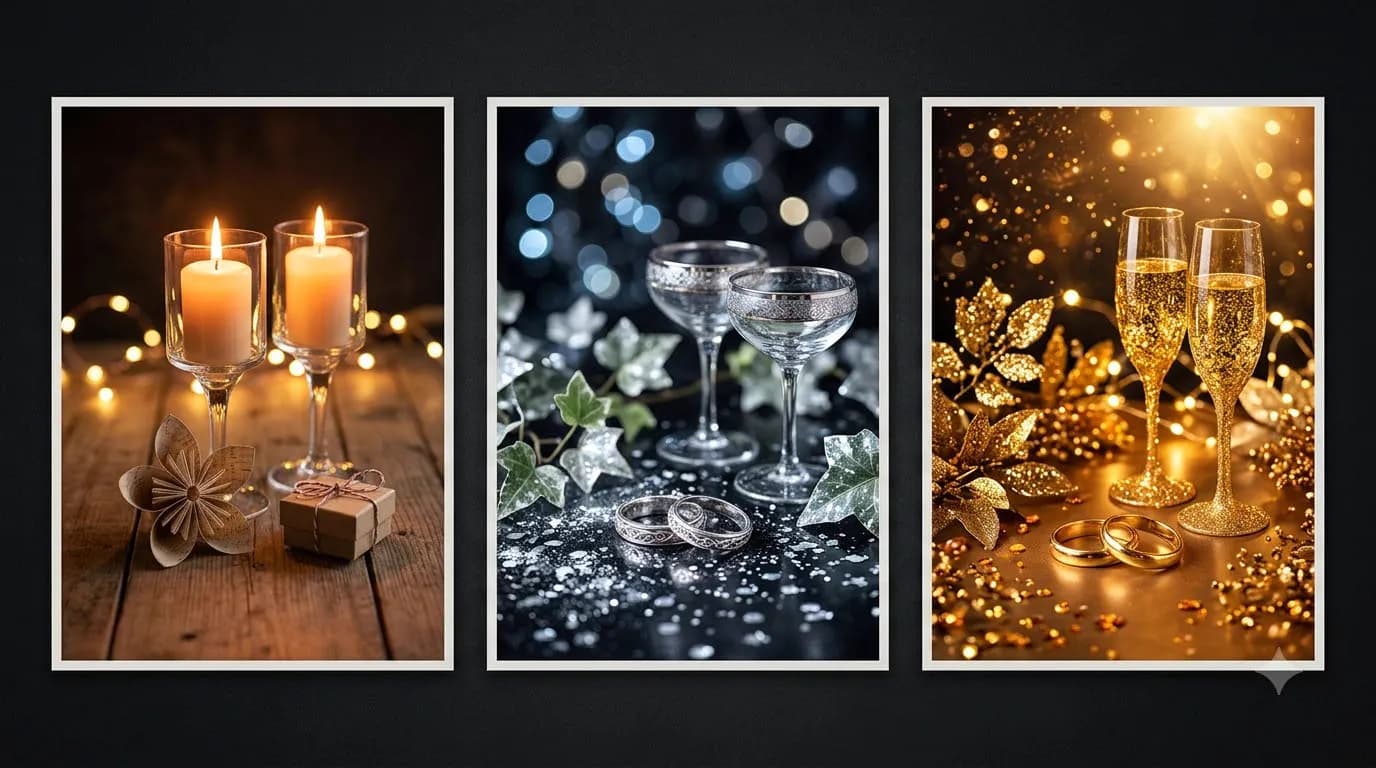

New Year Countdown Reel Prompts for Instagram

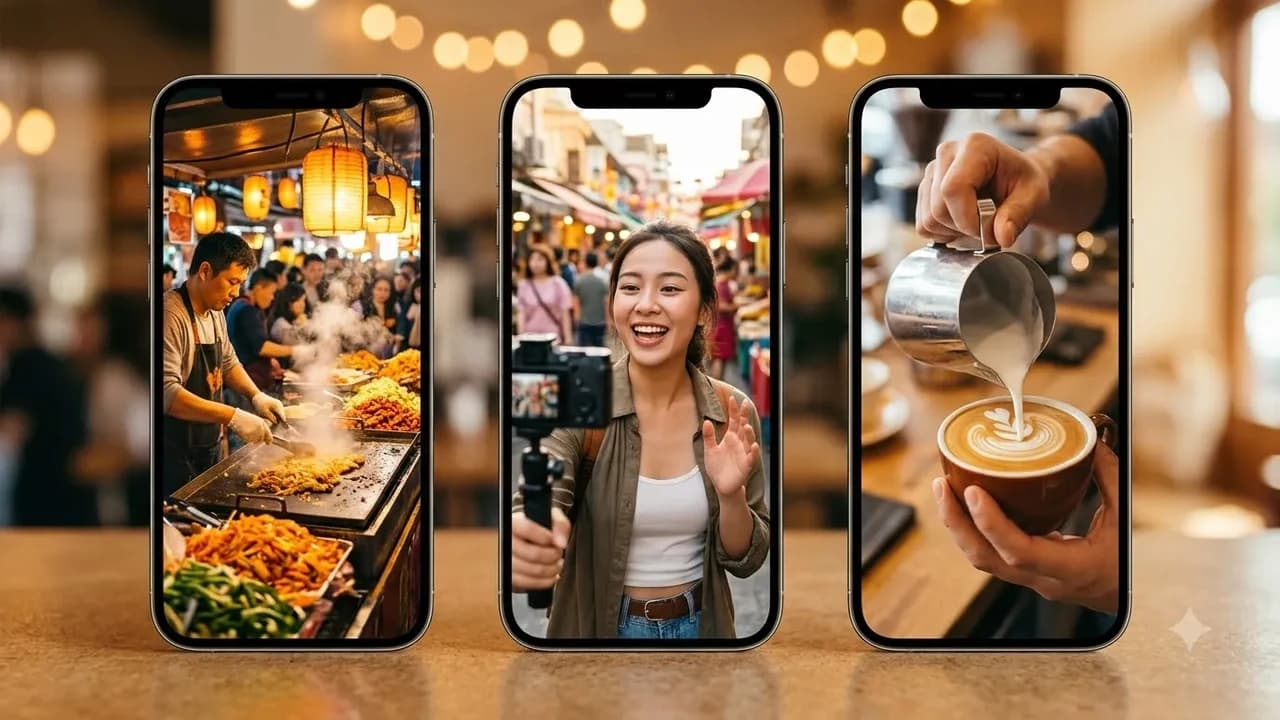
New Year Countdown Reel Prompts for Instagram
A high-retention new year countdown reel combines a striking first three seconds visual hook, vertical 9:16 framing, and clean beat-timed transitions. Use these copy-paste Google Flow Veo 3.1 and Kling AI prompts to build crisp midnight countdown videos for Instagram without burning extra credits or dealing with messy AI text glitches.
Last updated: November 2026
Most New Year reels on December 31 get swiped away before the clock even reaches five. Creators often drop a slow wide shot with faint music and hope viewers wait around until midnight. According to official creator guidance from Instagram for Creators, viewers decide within the first three seconds whether to stay or scroll, and strong early watch time is what signals the Reels feed to push clips to non-followers.
You do not need an expensive camera rig or After Effects subscription to build scroll-stopping countdown transitions. With Google Flow giving age-verified 18+ accounts 50 free daily credits and Kling AI offering roughly 66 free daily login credits, any Indian creator or small business can generate native 9:16 midnight scenes in under ten minutes. If you also want ready-to-use vertical Reels scripts and transition formulas for everyday posting, explore our Gemini Reels Video Prompts pack.
Why Most AI Countdown Reels Fail in Seconds 1 to 3
Watching your Retention graph inside Instagram Professional Dashboard makes the biggest drop-off clear: an early cliff signals a weak hook, while a mid-clip dip flags pacing. Official guidance from Instagram for Creators breaks opening hooks into three layers that must work even on mute:
- Visual hook (0.0s to 1.5s): Open mid-motion, such as a sparkler igniting near the lens or a fast cut from a quiet desk to rooftop lights.
- Text hook (0.2s to 2.0s): Overlay 3 to 5 bold words inside Instagram Reels or Canva rather than asking AI video models to spell countdown numerals.
- Audio hook (0.0s to 1.0s): Lead with a crisp foley cue like a clock tick, match strike, or cork pop before the beat drops.
Pick between Google Flow (Veo 3.1) and Kling AI using our full Google Flow vs Veo vs Kling AI video comparison for India:
Reel Production Factor | Google Flow (Veo 3.1) | Kling AI | Best Choice For |
|---|---|---|---|
Free Daily Allowance | 50 credits/day (18+ accounts, resets daily, no rollover) | ~66 login credits/day (watermarked, non-commercial) | Testing 3 to 5 hooks before picking one winner |
Paid Entry Tier (India) | Google AI Plus ₹399/mo (+200 credits) or Pro ₹1,950/mo (+1,000 credits) | Standard ~$6.99 to $8.80/mo (~₹600 to ₹750/mo, 660 credits) | Watermark-free exports and brand Reels |
Native 9:16 Vertical Support | Yes, 4s / 6s / 8s clips at 720p | Yes, 5s / 10s clips with motion brush & start/end frames | Full-screen Reels without cropping quality loss |
Spoken Voiceover Handling | Native audio using colon | Silent base video; add voiceover in Reels editor | Midnight countdown narration or Hinglish hooks |
Peak-Hour Congestion Note | Slowdowns common between 7:30 PM and 10:30 PM IST | Faster morning queues before global US/EU peaks | Generating NYE clips between 8:00 AM and 4:00 PM IST |
Copy-Paste Google Flow (Veo 3.1) Countdown Reel Prompts
Veo 3.1 inside Google Flow excels at native 9:16 vertical cinematography, synchronized ambient sound effects, and Ingredients to Video (uploading up to three reference photos for consistent outfits, products, or rooms) via Google's Veo 3.1 release guide. Always keep spoken lines behind a colon `:` without quotation marks so Veo generates voiceover audio cleanly instead of burning garbled subtitle words onto your video.
1. The 3-Second Sparkler Whip-Pan Transition (Lifestyle & Creators)
Prompt (Google Flow Veo 3.1, 9:16, 6s):
"Vertical 9:16 handheld social reel clip. Frame starts with an extreme close-up of a golden sparkler igniting inches from the camera lens on a warm Mumbai rooftop at dusk, bright sparks filling the dark frame. Rapid clockwise whip-pan transition to reveal friends in casual winter jackets laughing beside string lights with city bokeh behind them. Natural smartphone 24fps grain, realistic sparkler crackle audio, no on-screen text."
Use this when you want an instant 0.5-second visual hook. Shoot or upload your own portrait in Ingredients to Video if you want your face at the end of the whip-pan.
2. Coffee Cup to Midnight Champagne Match-Cut (Solo Creators & Founders)
Prompt (Google Flow Veo 3.1, 9:16, 8s):
"Vertical 9:16 match-cut reel shot on 35mm lens. Opens tight overhead on a hand setting a ceramic chai mug onto a cluttered wooden work desk under cool laptop light. The mug rotates slightly and seamlessly morphs through a bright light flash into a chilled glass raised beneath warm terrace fairy lights and distant fireworks. Crisp desk tap sound followed by gentle crowd cheer audio, zero burned-in captions."
Notice how avoiding words like "text" or "2027" inside the video prompt keeps the motion sharp. You add clean white typography ("365 days later...") in the Instagram editor right over the morph frame.
3. Hinglish Rooftop Countdown Voiceover Hook (Personal Brands)
Prompt (Google Flow Veo 3.1, 9:16, 6s):
"Vertical 9:16 medium close-up shot on 50mm f/1.8 lens. A smiling young Indian creator stands on a breezy terrace wearing an olive jacket, warm string lights softly blurred behind. Soft rooftop wind and distant celebration noise. Looking directly into the camera lens, the creator speaks warmly: Three seconds left for the new year, drop one goal you are refusing to quit this time."
Remember the golden Veo 3.1 syntax rule here: placing the spoken line after the colon without quotation marks tells Veo to generate clear spoken voiceover while keeping the screen clean for your own crisp Instagram subtitles.
4. Luxury Brass Clock Hand Tick to Confetti Drop (Events, Cafes & Boutiques)
Prompt (Google Flow Veo 3.1, 9:16, 8s):
"Vertical 9:16 macro cinematic shot. Tight focus on a vintage dark green and brass analog clock face without legible brand logos, second hand ticking decisively forward three beats toward the top mark. On the third sharp mechanical tick sound, camera pulls back rapidly into slow motion as warm cream and gold paper confetti drifts through amber party lighting. Shallow depth of field, zero text overlays."
5. Ingredients-to-Video Outfit Glow-Up Countdown (Fashion & D2C)
Prompt (Google Flow Veo 3.1, 9:16, 6s, attach 1-2 photo references):
"Vertical 9:16 studio transition reel using reference subject appearance. Subject wears a plain grey sweatshirt standing in dim neutral room lighting, snaps fingers cleanly toward the lens at the two-second mark. On the crisp finger-snap audio beat, room lighting switches to warm golden party backlight and subject appears in festive eveningwear ready for New Year night. Natural skin texture, smooth motion."
If you also shoot wedding or celebratory reels earlier in the month, compare our wedding season AI video prompts for invites and reels for more character-consistency tricks using reference photos.
Copy-Paste Kling AI Countdown & Transition Prompts
Kling AI shines when you want dynamic physics or Start Frame to End Frame interpolation, locking frame 1 to an afternoon photo and frame 2 to a midnight celebration shot. Note that Kling's free plan (~66 daily credits) adds a corner watermark and restricts commercial rights, whereas Kling Standard (~₹600 to ₹750/month) unlocks watermark-free commercial exports via Kling AI.
6. Start-to-End Frame Living Room Party Reveal (Families & Roommates)
Prompt (Kling AI Frames Mode, 9:16, 5s):
"Smooth dynamic forward dolly transition connecting the quiet empty sofa start frame into the lively evening celebration end frame. Warm fairy lights flicker on sequentially along the wall, gentle indoor camera glide, natural motion blur on celebratory balloons drifting upward, warm ambient party atmosphere, no floating text."
Upload a real photo of your empty room as Start Frame and a decorated party version as End Frame for matching furniture.
7. Marine Drive / Sea-Link Midnight Fireworks Speed-Ramp (Travel & City Creators)
Prompt (Kling AI Text-to-Video, 9:16, 10s):
"Vertical 9:16 FPV drone-style hyperlapse starting low over a coastal city promenade lined with warm streetlamps at night, accelerating sharply forward over dark water before rising vertically into bright crimson, gold, and electric lime fireworks blooming across the dark sky. High-energy speed-ramp pacing, crisp water reflections, realistic night exposure."
8. Neon Light-Trail Countdown Burst (D2C Offers & Tech Creators)
Prompt (Kling AI Text-to-Video, 9:16, 5s):
"Vertical 9:16 dark studio product pedestal shot. Glowing electric lime and warm cream light ribbons orbit rapidly around a dark minimalist gift box on slate stone, tightening inward with each beat before bursting outward into clean golden bokeh sparks at the four-second mark. Crisp commercial lighting, high contrast, zero random letters."
For additional WhatsApp Status clips and festive video templates, check our Christmas and New Year AI video prompt templates and how to make AI greeting videos for WhatsApp.
Step-by-Step Workflow: Assemble a Viral 9:16 Countdown Reel in 12 Minutes
Tight editing turns raw AI footage into a Reel viewers replay and share. Follow these six steps:
- Generate off-peak (8:00 AM to 4:00 PM IST): Avoid 7:30 PM to 10:30 PM IST Flow slowdowns and protect your 50 free daily credits.
- Keep total runtime at 7 to 15 seconds: Short loops trigger automatic replays while viewers read your caption.
- Cut straight to motion at frame 1: Trim any static first 0.3 seconds so the hook opens moving.
- Overlay crisp numbers in Canva or Instagram: Use Canva (₹0 free tier; Pro Lite ₹199/month or ₹69 day pass) or Reels text for beat-synced "3, 2, 1" digits instead of generating text inside AI video models.
- Respect 9:16 safe zones: Keep text clear of the bottom 25% caption area and right 15% icon column.
- Upload in high quality: Toggle "Upload at highest quality" on Instagram and pair with a shareable caption.
Pre-publish checklist before tapping Share:
- Visual hook moves within 1.5 seconds even on mute.
- Zero warped digits, extra fingers, or burned-in AI subtitles.
- Native 9:16 vertical frame with no black bars.
- Any real face uploaded to Ingredients to Video has explicit consent.
- Watermark-free commercial plan used before boosting paid brand ads.
If you want a complete library of tested 9:16 hook scripts, camera angles, and beat-synced templates you can adapt all year, browse our Gemini Reels Video Prompts pack alongside our dedicated Google Flow Video Prompts pack on Zero To AI.

Prompt pack
Gemini Reels Video Prompts
Copy-paste Gemini prompts for Instagram Reels and Shorts: hooks, scenes, captions and hashtags built for the Indian audience.
₹79₹39View pack →
Learn to build AI workflows that handle your busywork — live sessions, real projects, zero code.
See the courseBeginner-friendly