.jpg&w=1080&q=75)
Top 7 Free AI Tools for Indian Students & Career Switchers in 2026 (No Code Required)

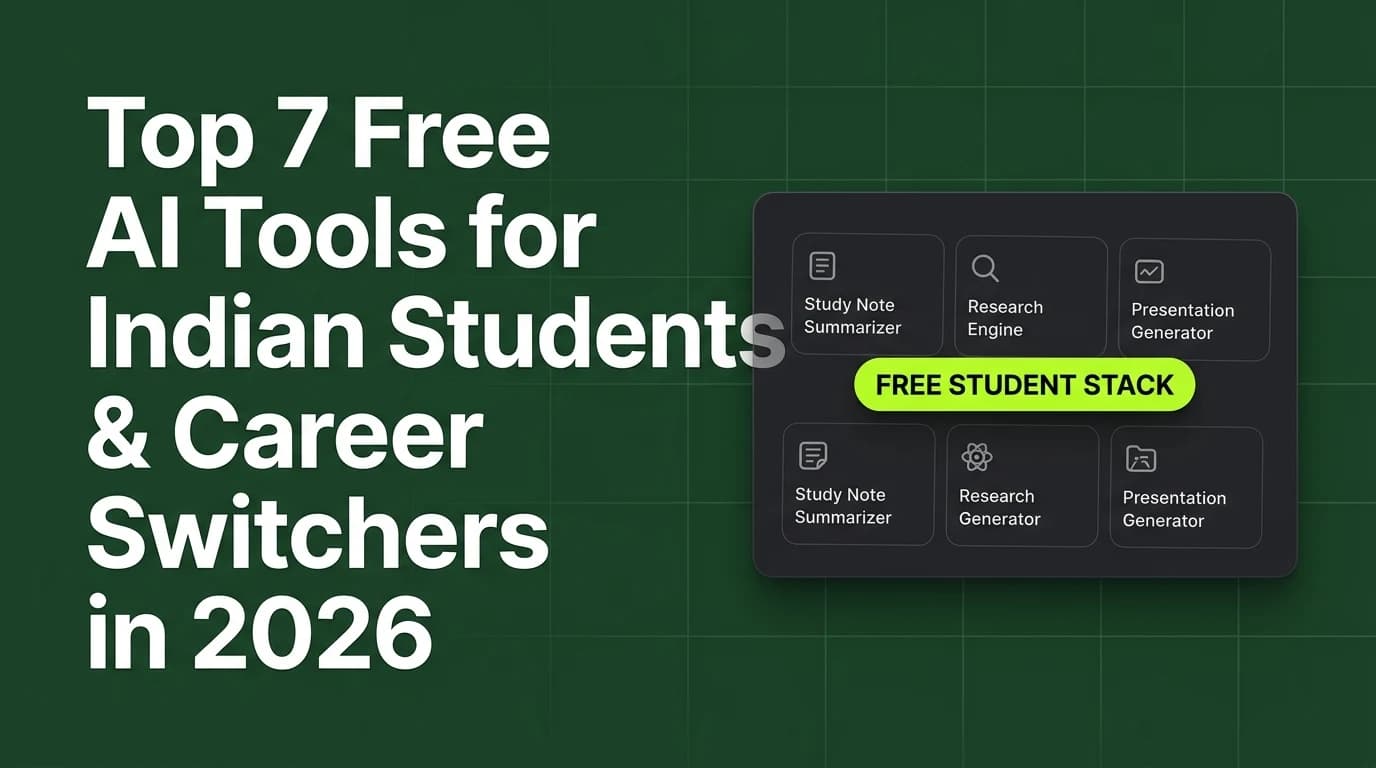
The best free AI tools for Indian students and career switchers in 2026 are Google NotebookLM, Claude 3.5 Sonnet, Consensus AI, Canva Magic Studio, Gamma App, Perplexity AI, and ChatGPT.
As academic workloads expand and job market competition intensifies, students and career switchers across India need efficient tools to synthesize research, organize study notes, design presentations, and prepare job application materials. Paying for expensive monthly software subscriptions is often impractical for college students on a budget. Fortunately, in 2026, leading artificial intelligence platforms offer robust free tiers that allow non-technical learners to streamline academic research and career upskilling without financial cost.
Understanding how to leverage these specialized free AI tools enables students to save dozens of study hours every week.
Comparison of Top 7 Free AI Tools for Students & Career Switchers
Evaluating the top free AI productivity platforms across key academic and career use cases highlights their primary advantages:
Tool Name | Primary Academic Use Case | Free Tier Access Limits | Standout Non-Coder Feature |
|---|---|---|---|
Google NotebookLM | Research PDF synthesis & study notes | Generous free queries per notebook | Converts dense PDFs into audio podcasts |
Claude 3.5 Sonnet | Document analysis & essay structuring | Daily free message allowance | Superior reasoning & structured writing |
Consensus AI | Academic paper verification & citations | Free monthly search credits | Extracts evidence-based study claims |
Perplexity AI | Fact-checked web research & citations | Unlimited basic search queries | Direct source attribution links |
Gamma App | Instant presentation slide generation | Free initial credits for exports | Text-to-deck aesthetic design engine |
Canva Magic Studio | Graphic design & resume formatting | Free web interface access | Drag-and-drop AI layout adjustments |
ChatGPT Free Tier | Concept explanations & interview prep | Free access to GPT-4o mini model | Versatile mock interview practice |
Deep Dive into the Top 7 Free AI Platforms
1. Google NotebookLM
Google NotebookLM is a game-changer for college students. You can upload up to 50 PDF lecture notes, textbooks, or research papers into a single notebook, and NotebookLM will generate instant study guides, FAQs, and even two-person audio podcast discussions explaining the material.
2. Claude 3.5 Sonnet (Anthropic)
Claude is widely regarded as the premier writing and reasoning model. Students use Claude to outline complex essays, simplify difficult academic theories, and reformat study notes into clear bullet points.
3. Consensus AI
Consensus functions as an AI search engine for scientific literature. Instead of searching Google for unverified blog claims, Consensus searches millions of peer-reviewed papers and summarizes scientific consensus with direct citations.
4. Perplexity AI
Perplexity replaces traditional search engines by delivering concise, up-to-date answers to research questions complete with numbered citations to reliable news sources and academic databases.
5. Gamma App
Gamma allows students and career switchers to create professional presentation decks in seconds. By providing a brief topic outline, Gamma automatically generates formatted slides with typography, visual layouts, and content blocks.
6. Canva Magic Studio
Canva integrates artificial intelligence into its graphic design suite, enabling students to format resumes, design project report covers, and clean up images effortlessly without professional graphic design skills.
7. ChatGPT (OpenAI)
ChatGPT remains the most versatile learning assistant for concept explanations, language translation, code debugging explanations, and realistic job interview practice.
How Students Use AI Tools Responsibly for Career Growth
Maximizing career upskilling while maintaining academic integrity requires strategic tool usage:
[Research & Synthesis (NotebookLM / Consensus)] ──> [Structure & Outlining (Claude)] ──> [Visual Presentation (Gamma / Canva)]- Synthesizing Complex Course Material: Upload syllabus PDFs to Google NotebookLM to create customized revision flashcards before exams.
- Fact-Checking Job Market Trends: Use Perplexity AI to research hiring requirements, salary benchmarks, and emerging skill demands in your target industry.
- Interactive Mock Interviews: Practice answering behavioral interview questions by prompting ChatGPT to act as a senior hiring manager in your field.
- Professional Resume Formatting: Use Canva Magic Studio to design clean, ATS-friendly resumes that highlight project achievements clearly.

Learn to build AI workflows that handle your busywork — live sessions, real projects, zero code.
See the courseBeginner-friendly