
Building WhatsApp AI Customer Support Bots in 2027 (Zero-Code Guide)

Building WhatsApp AI Customer Support Bots in 2027 (Zero-Code Guide)
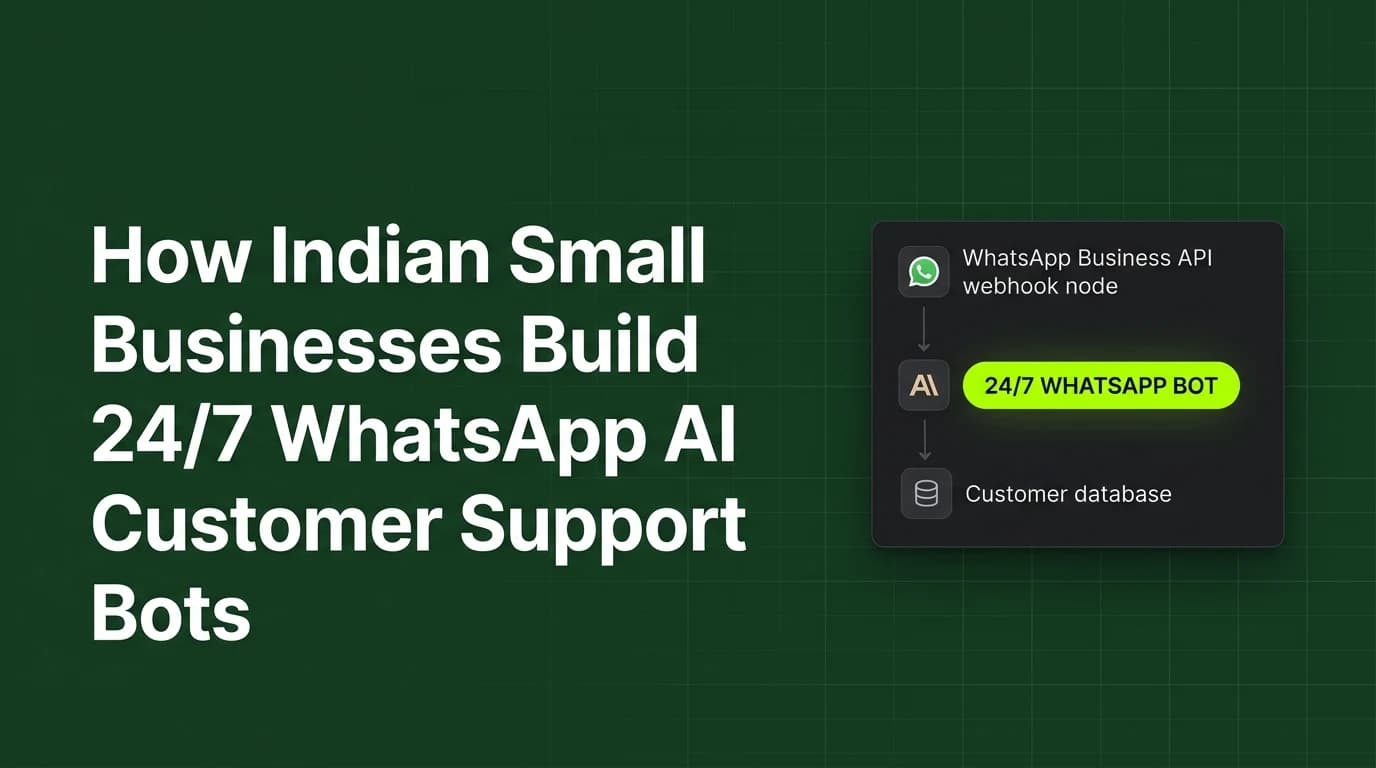
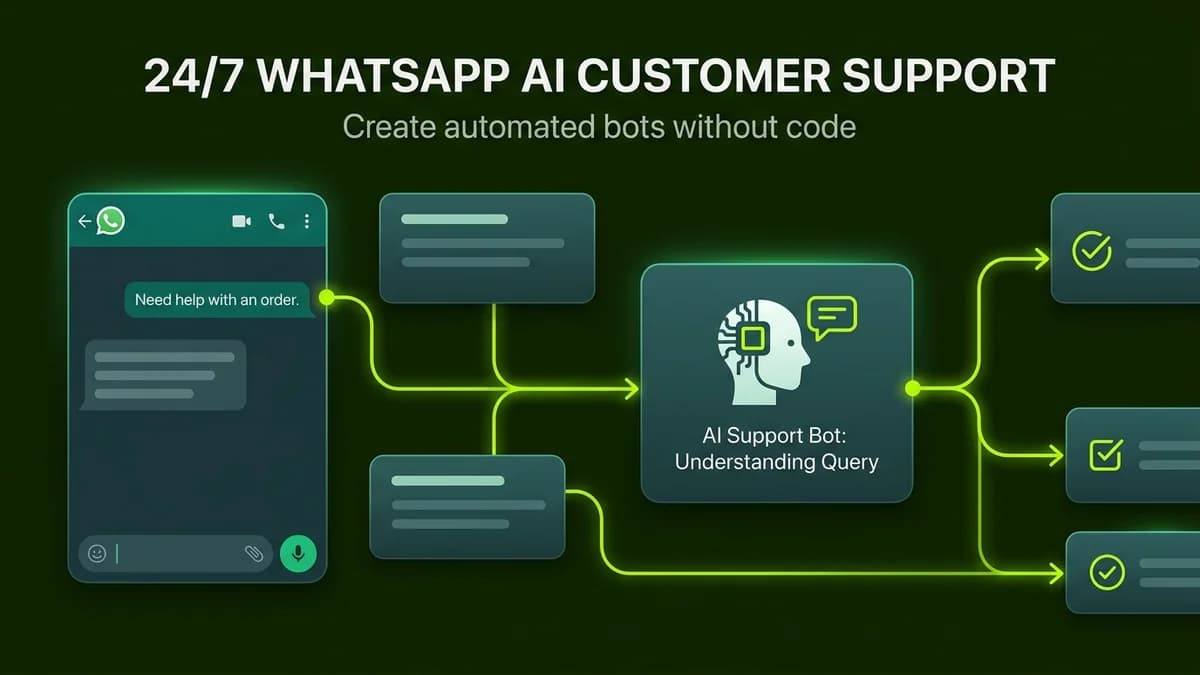
Building a zero-code WhatsApp AI customer support bot requires connecting WhatsApp Cloud API to Make.com and ChatGPT using visual drag-and-drop webhooks.
In India, WhatsApp is not merely a personal messaging app; it is the primary operating system for commerce, service inquiries, and client communications. Over 500 million Indian consumers prefer inquiring about services, order tracking, and appointment booking on WhatsApp rather than filling out website contact forms or waiting on customer care phone lines.
However, hiring human customer service agents to answer inquiries 24/7 costs upwards of ₹25,000 to ₹40,000 per month per employee. In 2027, small business owners, clinic managers, real estate consultants, and D2C brands can deploy autonomous, intelligent WhatsApp support bots in under two hours without hiring developers or spending massive agency fees.
By connecting Meta's official WhatsApp Business Cloud API with visual orchestration tools like Make.com and frontier LLMs like GPT-4o or Claude 3.5, you can handle thousands of customer queries automatically in fluent English and colloquial Roman Hinglish.
2027 WhatsApp AI Bot Platforms for Indian Businesses
Platform / Gateway | Monthly Cost (INR) | Setup Complexity | WhatsApp Cloud API Native | Hinglish Support |
|---|---|---|---|---|
Make.com + Meta Cloud API | ~₹750 / month | Low (Visual Webhooks) | Yes (Direct Webhook) | Native (via GPT-4o / Claude) |
AiSensy | ₹999 / month | Very Low (Pre-built) | Yes (Official BSP) | Pre-configured NLP rules |
Wati.io | ₹2,499 / month | Low (Template-driven) | Yes (Official BSP) | Basic Keyword Matching |
Interakt | ₹1,199 / month | Low (E-commerce Focus) | Yes (Official BSP) | Rule-based Chatbots |
Flowise + Self-Hosted n8n | Free / ₹450 VPS | Moderate (Node-based) | Custom Webhook | Complete Multilingual Prompting |
How Intelligent WhatsApp Bots Differ from Legacy Chatbots
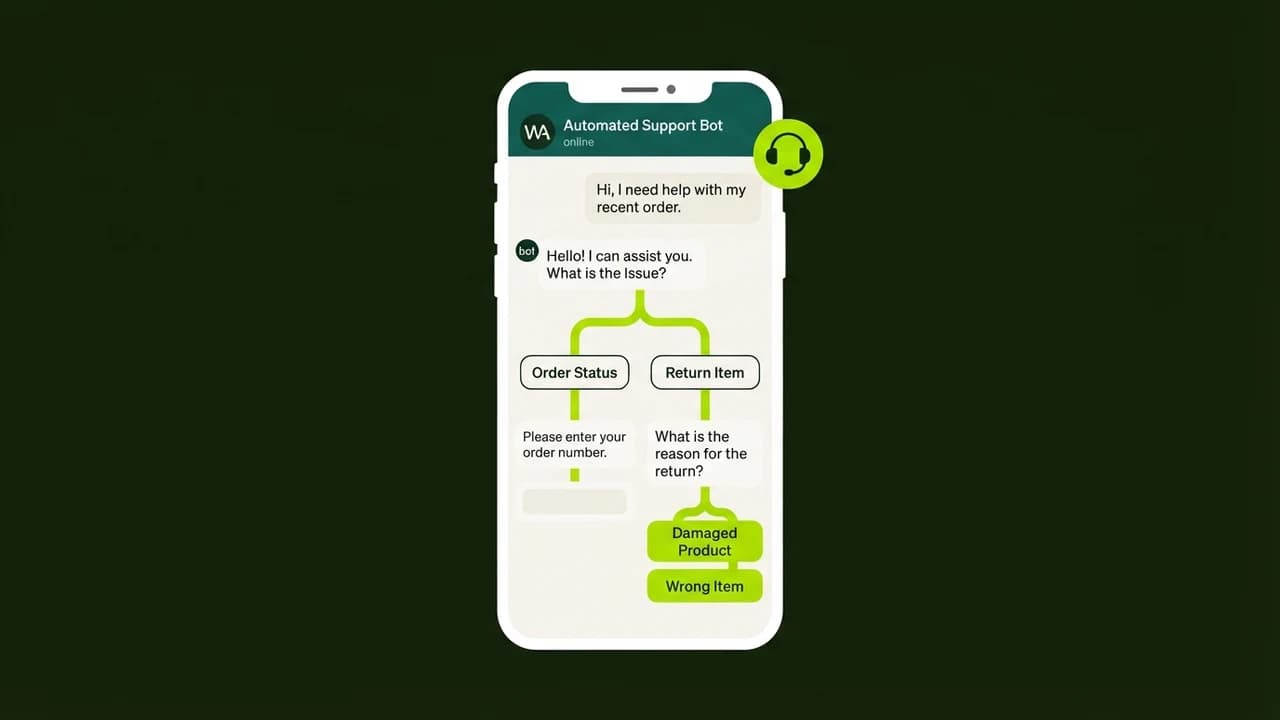
Legacy rule-based chatbots rely on rigid decision trees. If a customer types "Bhai delivery kab tak aayegi?" instead of clicking a pre-set button like "Check Status", rule-based bots display frustrating error messages like "Sorry, I didn't understand that command."
Modern AI-driven customer support bots operate on generative semantic understanding:
- Natural Language Parsing: They interpret mixed English-Hindi colloquialisms, typographical errors, and voice note transcriptions with near-perfect comprehension.
- Dynamic Context Injection: They reference your business FAQ sheet, service pricing, and return policies dynamically to craft accurate, polite answers.
- Graceful Escalation: When a customer expresses genuine frustration or requests a human manager, the bot flags the conversation in Slack or WhatsApp and pauses automated replies.
Step-by-Step: Zero-Code Bot Setup Workflow
Follow these four steps to build and launch your automated customer service bot:
- Step 1: Set Up Meta WhatsApp Cloud API
Create a free Meta Developer account at developers.facebook.com. Add the WhatsApp product to your business app. Meta grants 1,000 free service conversations each month, allowing you to validate your bot without upfront telecommunication fees.
- Step 2: Create Webhook Listener in Make.com
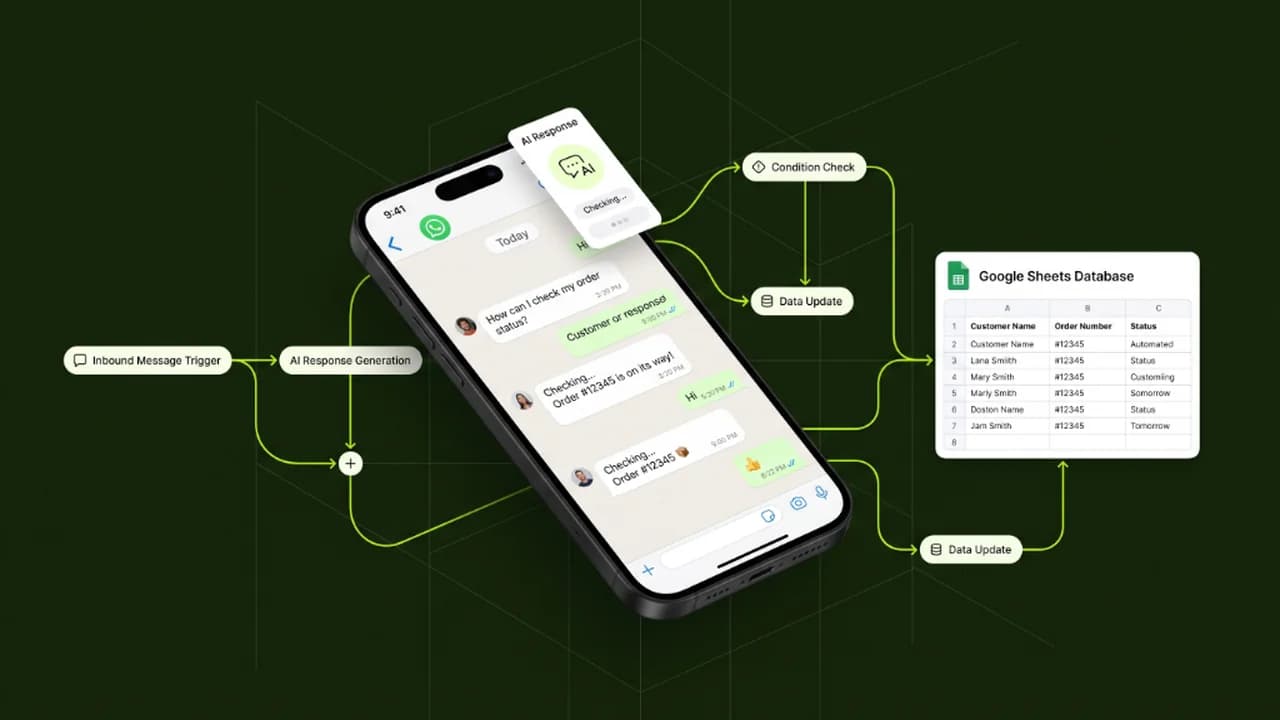
Open Make.com and create a new scenario. Add a custom webhook trigger module. Copy the webhook URL and paste it into Meta's WhatsApp configuration dashboard. Whenever a customer sends a message to your WhatsApp number, Meta instantly pushes the message payload to Make.com.
- Step 3: Business Knowledge Injection in ChatGPT Node
Add an OpenAI or Anthropic module in Make. Configure the system prompt with strict business rules:
- Provide your business hours, address, and pricing list.
- Instruct the model: "You are an attentive customer support representative for Zero To AI. Answer politely in under 3 sentences. If the user writes in Hindi or Hinglish, reply warmly in the same language. Never invent discounts not listed in the knowledge base."
- Step 4: Smart Human Fallback & Escalation Router
Add a conditional router in Make. If the user message contains keywords like "human", "call", "scam", or expresses severe anger, route the alert to your personal phone via SMS or Telegram, and update your CRM status to "Requires Human Intervention".
Operational Action Checklist for Small Businesses
- [ ] Meta Business Manager verified with GSTIN or business registration document.
- [ ] Strict spending caps set on OpenAI or Anthropic API keys ($15/month limit).
- [ ] Fallback keywords ("human", "agent", "call") tested and operational.
- [ ] Hinglish colloquialisms ("bhai pricing kya hai", "kalse chalega?") verified in staging.
- [ ] Customer phone numbers safely stored in Google Sheets / Airtable CRM.
- [ ] WhatsApp Business opt-in consent gathered in compliance with local privacy laws.
Learn to build AI workflows that handle your busywork — live sessions, real projects, zero code.
See the courseBeginner-friendly