.jpg&w=1080&q=75)
How to Build an AI-Powered WhatsApp Lead Bot for Under ₹2,000/Month (Zero-Code Guide)

For Indian solopreneurs, digital agencies, and service businesses, WhatsApp is not just a messaging app—it is the primary sales counter. However, manually replying to customer inquiries at 11 PM, qualifying leads, and capturing phone numbers quickly leads to burnout and lost revenue.
Traditional software agencies quote ₹50,000 to ₹1,50,000 to build custom conversational bots. In 2026, you can build a 24/7 automated AI sales assistant for under ₹2,000 per month without writing a single line of code.
At Zero To AI, we teach practical automation frameworks that empower non-coders to build production-grade workflows. This complete blueprint walks you through setting up an intelligent WhatsApp assistant that answers customer FAQs, qualifies budgets, and books appointments automatically.
1. What is a No-Code WhatsApp AI Lead Bot?
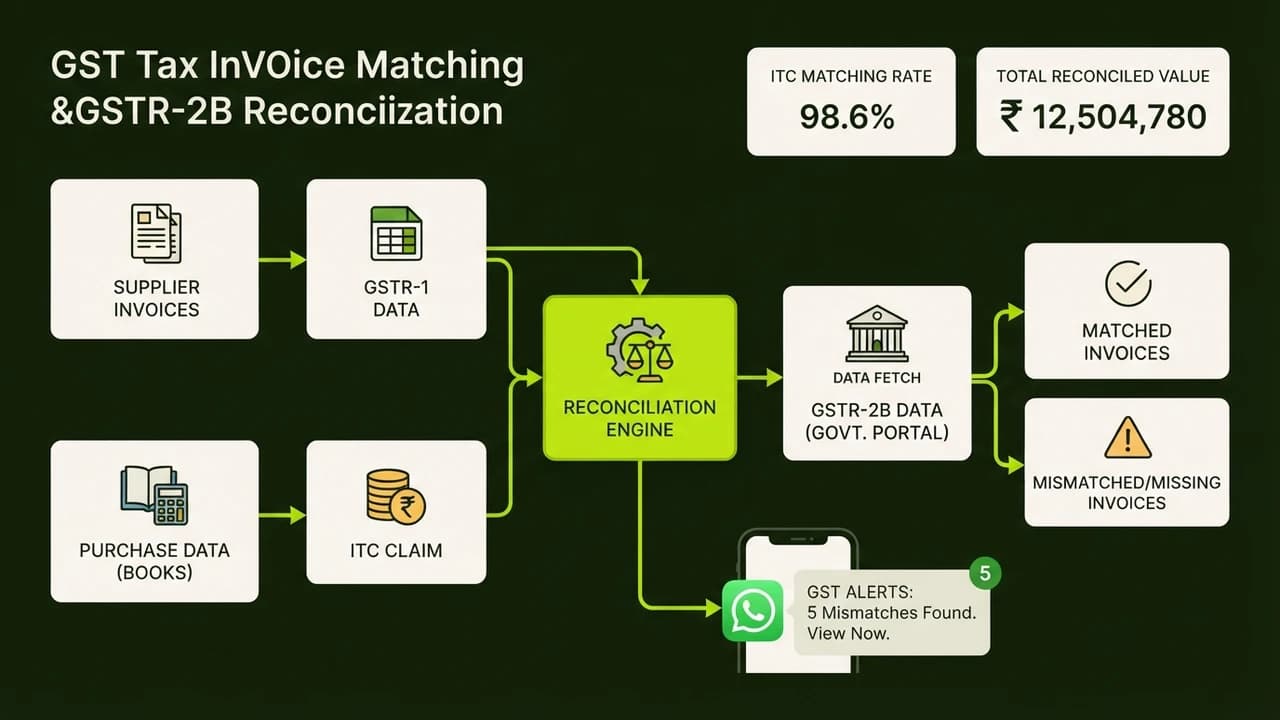
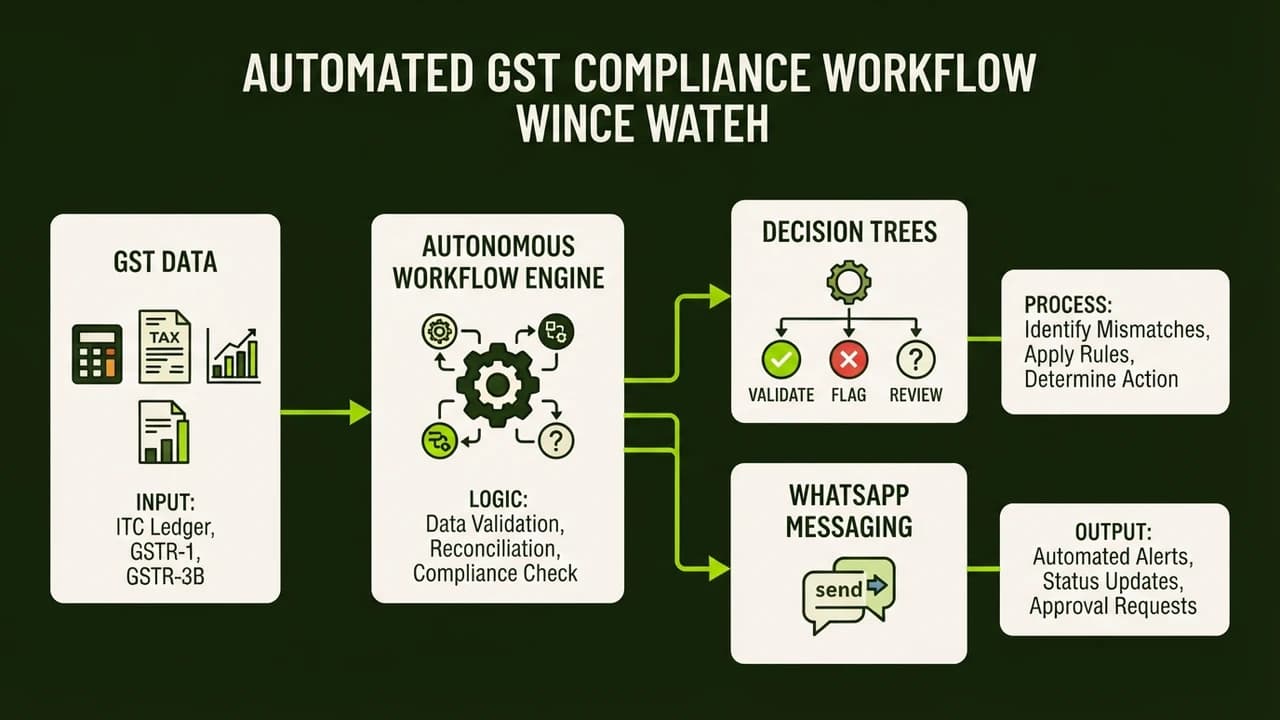
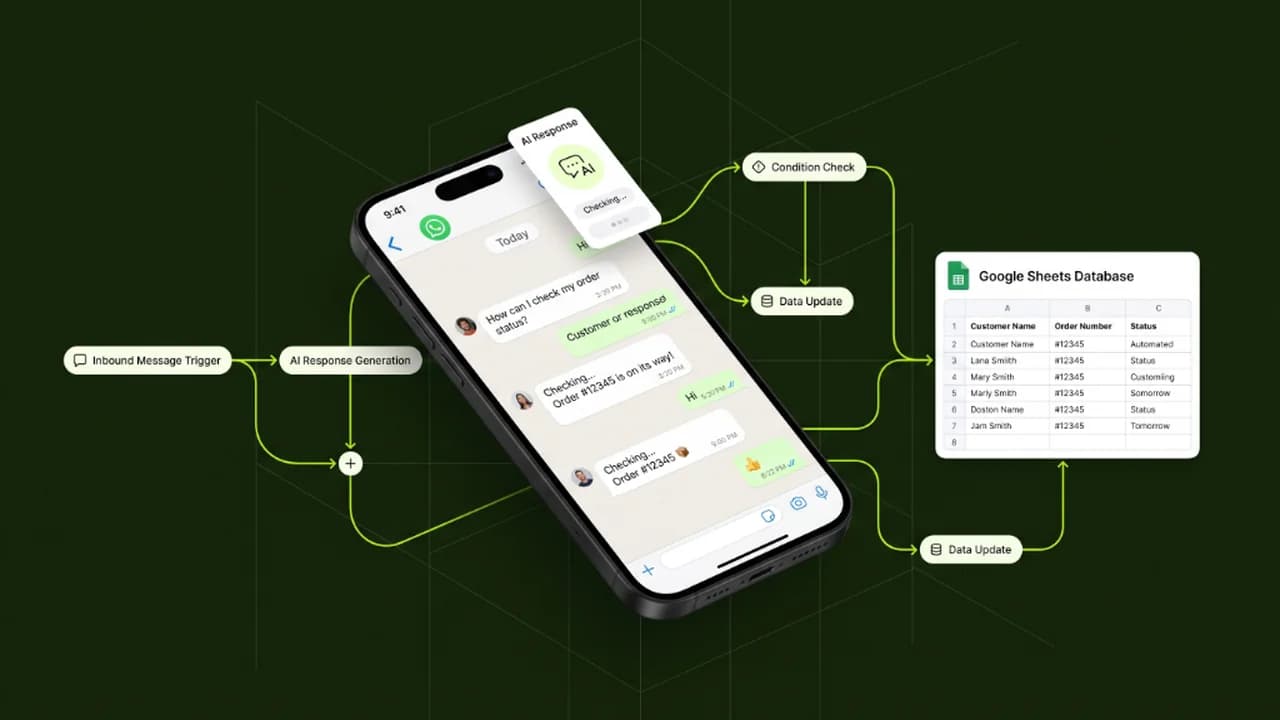
A no-code WhatsApp AI lead bot is an automated conversational system connecting the WhatsApp Business API, an AI model (like ChatGPT), and a visual automation tool (such as n8n or Make.com) to qualify inbound leads and sync data into Google Sheets or CRMs without manual programming.
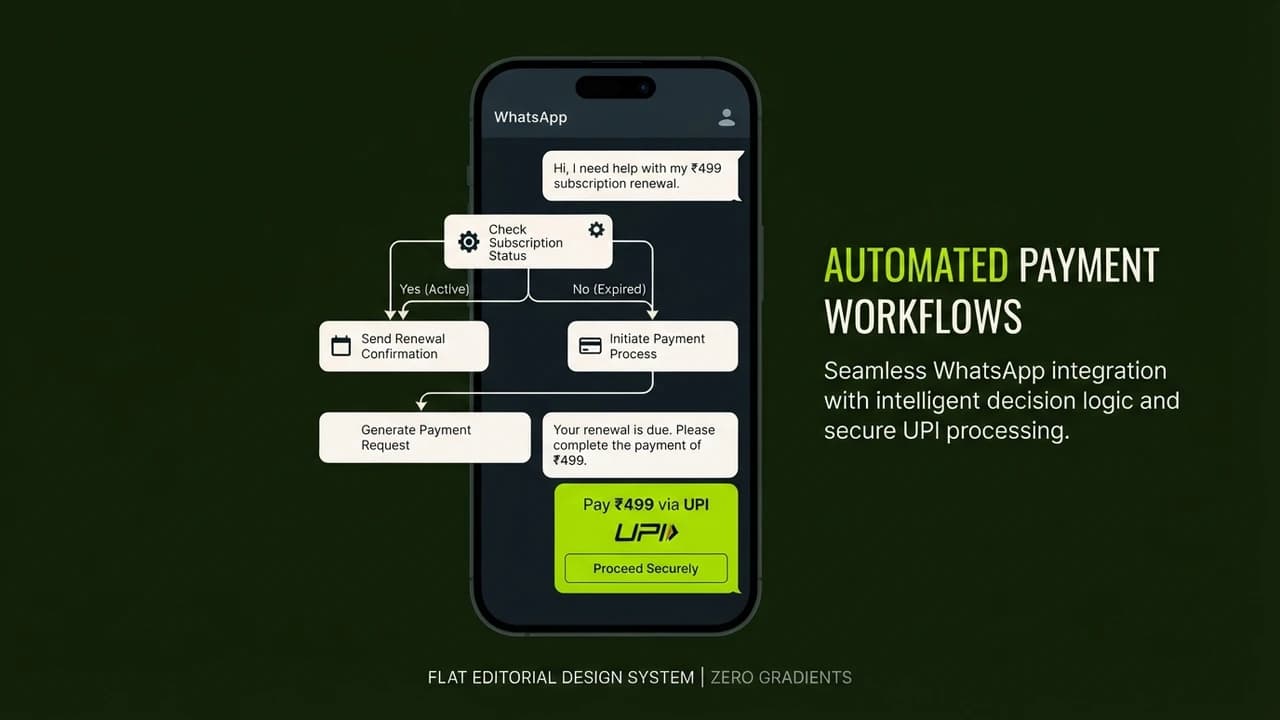
Unlike rigid menu bots that force users to type numbers ("Press 1 for Sales, Press 2 for Pricing"), modern AI assistants understand natural Hinglish, regional phrasing, and audio notes. They provide warm, human-like responses while strictly following your business guardrails.
2. Monthly Budget & Cost Breakdown (Under ₹2,000/Month)
Here is the exact monthly cost breakdown for running an enterprise-grade WhatsApp automation stack:
Component | Recommended Tool | Monthly Cost (₹) | Key Function |
|---|---|---|---|
Visual Automation Engine | n8n Cloud (or self-hosted on Hostinger VPS) | ₹450 / mo | Connects WhatsApp triggers to AI reasoning workflows. |
WhatsApp Business API Gateway | Wati / DoubleTick / Evolution API | ₹999 / mo | Delivers official WhatsApp connectivity and verified numbers. |
AI Intelligence & Reasoning | OpenAI API (gpt-4o-mini / gpt-4o) | ₹350 / mo (~1,500 conversations) | Interprets customer intent, answers questions, and extracts lead data. |
Lead Database & CRM | Google Sheets / Airtable Free | ₹0 / mo | Stores customer names, phone numbers, and qualified lead status. |
Total Estimated Stack Cost | — | ₹1,799 / month | Complete 24/7 automated lead generation engine. |
3. Step-by-Step Architecture: How the Automated Flow Works
[ Inbound WhatsApp Message ] ──► [ WhatsApp API Gateway ]
│
▼
[ n8n Automation Engine ]
│
▼
[ OpenAI GPT-4o-mini ]
(Context: Pricing, FAQs, Services)
│
▼
┌────────────────┴────────────────┐
▼ ▼
[ Formatted AI Reply ] [ Extract Lead Info ]
│ │
▼ ▼
[ Sent back to User ] [ Saved in Google Sheets ]
Step 1: Set Up Your WhatsApp Business Cloud API
- Register a dedicated business phone number on Meta Business Manager.
- Connect your WhatsApp number to an API gateway (e.g., Wati or Evolution API) to generate your Webhook URL.
Step 2: Configure the n8n Visual Automation Canvas
- Create a new workflow in n8n and add a Webhook Trigger Node to receive incoming WhatsApp messages.
- Add a Filter Node to ignore automated system messages or duplicate pings.
Step 3: Inject Your Business Prompt & Knowledge Base
Configure your AI Agent node with a clear, non-technical system prompt:
You are 'Aarav', the friendly AI sales assistant for [Your Business Name].
Your Goal: Help customers understand our service packages and collect their Name, Email, and City.
Tone: Warm, professional, polite Indian English / conversational Hinglish.
Rules: Never quote discounts above 10%. If the customer asks for a live human, reply with: 'Our founder will call you within 15 minutes.'
Step 4: Save Qualified Leads and Send Calendar Booking Links
When the AI detects that a lead is qualified, trigger a Google Sheets Append Node to store the contact record and send a Calendly link automatically.
4. 4 Golden Rules for WhatsApp AI Automation
- Keep Responses Concise (Under 40 Words): WhatsApp users skim messages. Avoid long paragraphs; use crisp bullet points and friendly emojis.
- Handle Hinglish Gracefully: Ensure your prompt instructs the model to understand queries like "Price kya hai?" and reply clearly.
- Always Include a Human Handoff Option: If a customer feels frustrated or asks for a person, immediately pause the bot and ping your team on Telegram or WhatsApp.
- Never Spam Broadcasts: Respect Meta's opt-in policies to keep your phone number health quality score high.
5. Frequently Asked Questions (PAA)
Can I build this if I have zero coding experience?
Yes. Visual automation tools like n8n and Make.com use drag-and-drop nodes. If you know how to connect accounts and fill in basic form fields, you can build this workflow in under 2 hours.
Will Meta ban my WhatsApp number?
No, as long as you use official WhatsApp Cloud API providers and only reply to inbound customer conversations. Inbound customer service automation is 100% compliant with Meta terms.
Conclusion & Next Steps
Automating your WhatsApp sales pipeline eliminates missed inquiries and delivers instant replies when customer interest is highest.
To master no-code automation, AI agents, and practical productivity blueprints, explore the courses at Zero To AI.

Learn to build AI workflows that handle your busywork — live sessions, real projects, zero code.
See the courseBeginner-friendly