
How Indian Service Agencies Build AI Lead Qualification Funnels Without Writing Code

How Indian Service Agencies Build AI Lead Qualification Funnels Without Writing Code
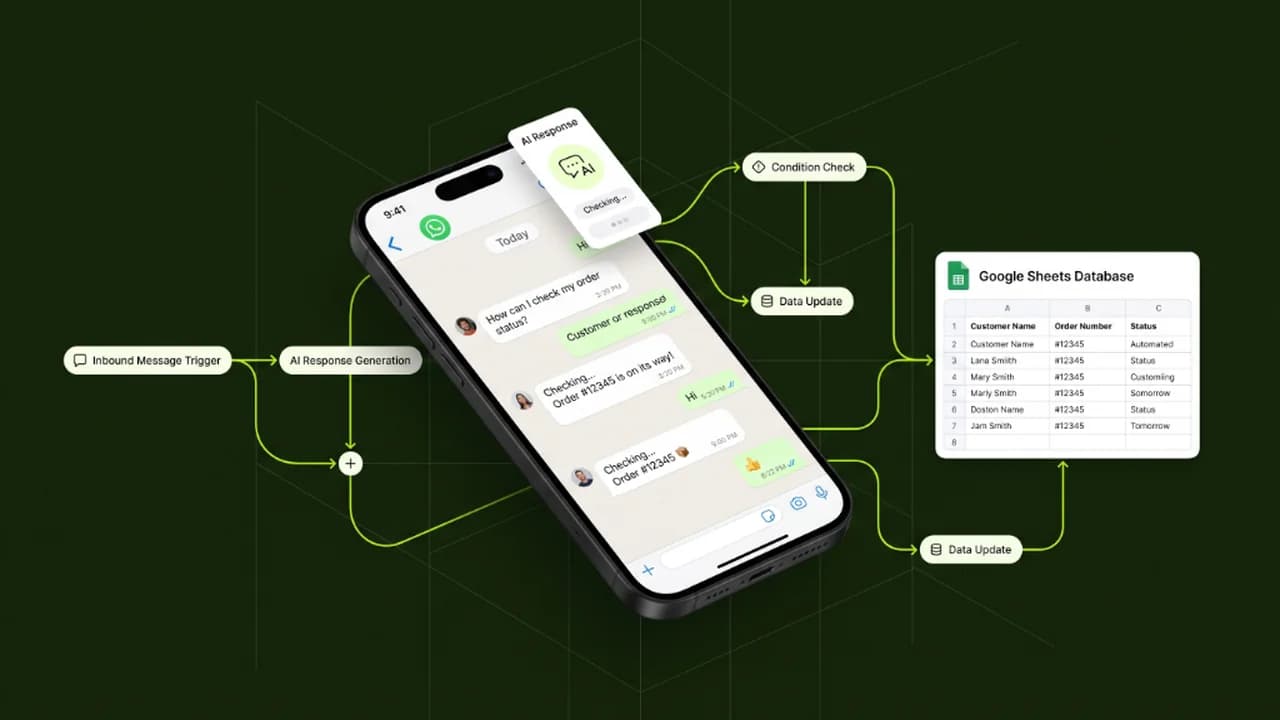
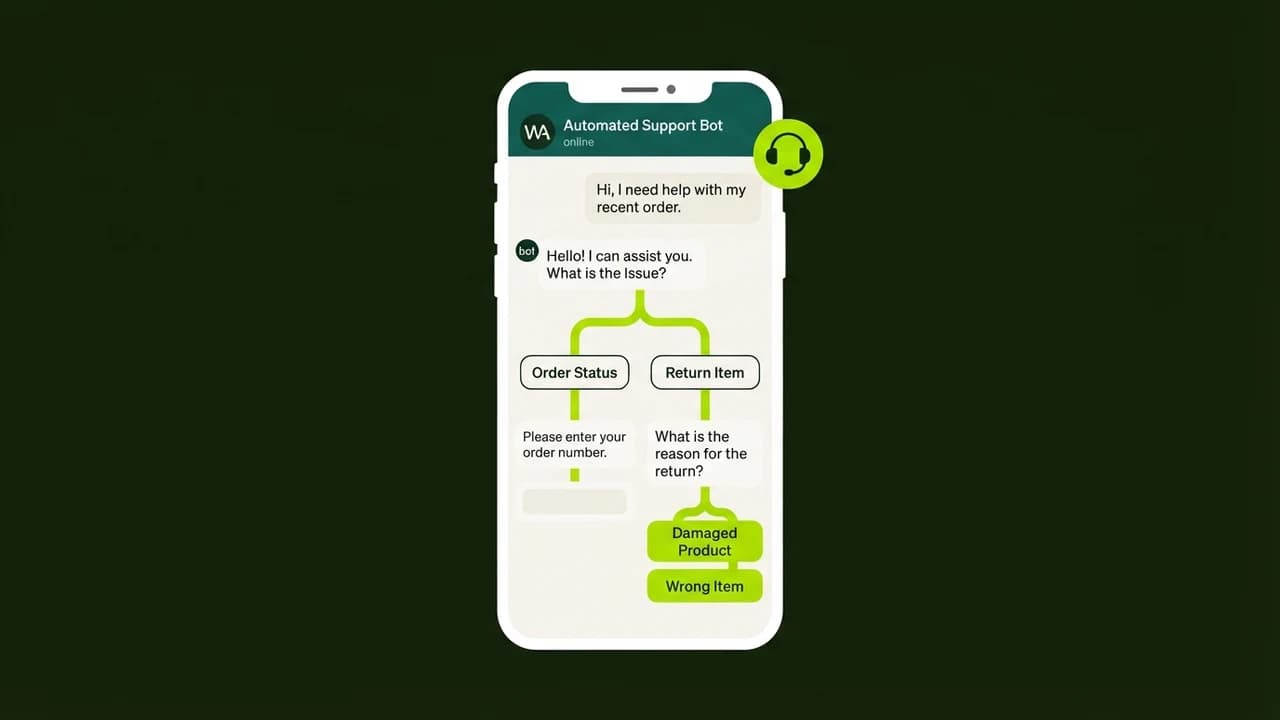
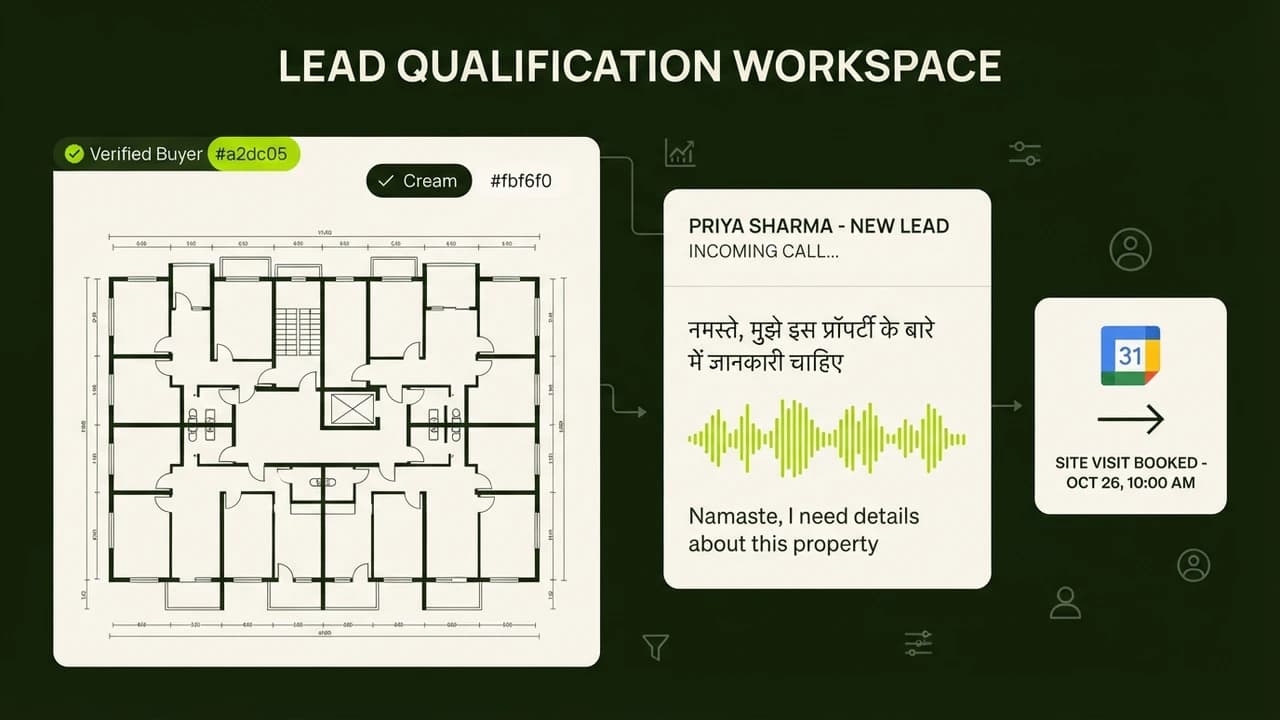
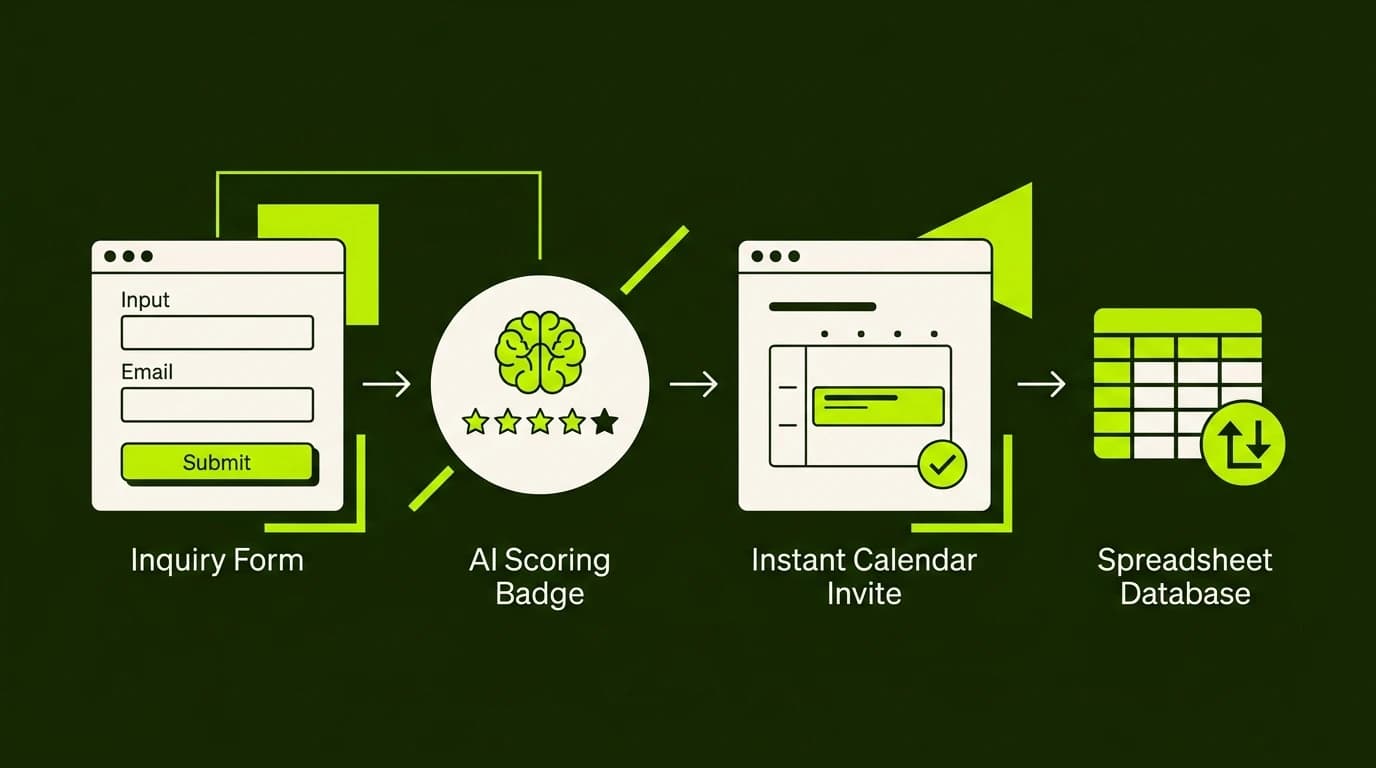
Building a no-code AI lead qualification funnel enables service agencies to automatically score inbound inquiries, reject unqualified requests, and book high-ticket discovery calls in under two minutes.
For digital agencies, video production houses, and marketing consultancies across India, dealing with tire-kickers and low-budget inquiries consumes up to twenty hours of valuable leadership time every week. Agency founders spend hours holding discovery calls with prospects whose total monthly budget is less than ₹10,000, only to discover they cannot afford your minimum retainer. Conversely, premium enterprise leads often submit website inquiries and wait forty-eight hours for a reply, by which time they have already hired a faster competitor.
In 2027, smart solopreneurs and boutique agency founders solve both problems simultaneously using visual AI qualification funnels that evaluate inquiries instantly and guide prospects to the appropriate service tier.
Manual Lead Handling vs Autonomous AI Qualification
Funnel Dimension | Traditional Manual Agency Setup | Autonomous AI Lead Qualification Engine |
|---|---|---|
Response Velocity | 12 to 36 hours | Under 90 seconds (24/7/365 availability) |
Budget Screening | Discovered during a 45-minute live founder call | Automatically scored and filtered before any calendar access |
Founder Time Spent | 15 to 20 hours weekly on unqualified calls | 0 hours on poor-fit leads; calendar only holds pre-qualified prospects |
Lead Conversion Rate | 8% to 12% (leads cool off while waiting) | 28% to 35% (instant engagement while purchase intent peaks) |
Tool Stack Cost | High salary overhead for junior account reps | Under ₹2,000/month in total software and API fees |
The 3-Tier Lead Scoring Architecture
A high-converting qualification funnel sorts incoming leads into three distinct categories based on company size, declared budget, and project urgency:
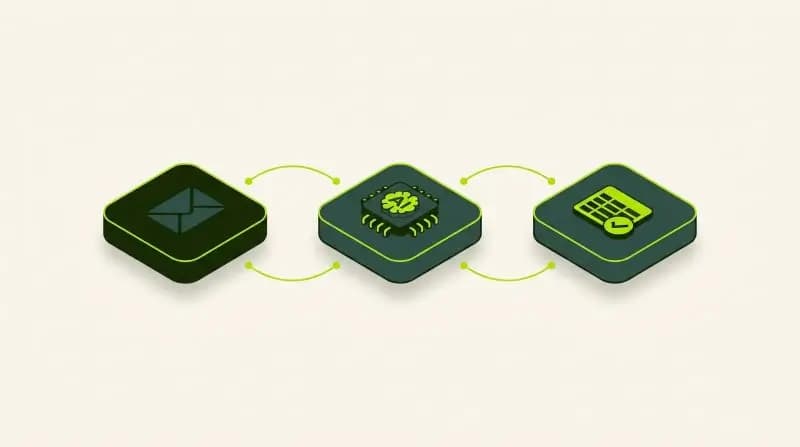
flowchart TD
A["Inbound Lead Form Submitted"] --> B["Make.com Webhook"]
B --> C["AI Evaluation Node (System Prompt)"]
C --> D{"Score Assessment"}
D -- "Tier 1: High Budget (> ₹75k)" --> E["VIP WhatsApp + Founder Cal.com Link"]
D -- "Tier 2: Mid Budget (₹25k-₹75k)" --> F["Account Exec Booking + Portfolio Case Study"]
D -- "Tier 3: Low Budget (< ₹25k)" --> G["Courteous Rejection + Self-Serve Resources"]- Tier 1 (VIP Enterprise): Budget exceeds your premium agency threshold (e.g., ₹75,000+ monthly). The system immediately sends a personalized WhatsApp voice note or message from the founder and provides VIP calendar booking access.
- Tier 2 (Core Growth): Budget fits standard retainer packages (e.g., ₹25,000 to ₹75,000). The prospect receives your agency showcase deck and a link to schedule a discovery meeting with your account team.
- Tier 3 (Under-Budget / DIY): Budget falls below your commercial minimum. The system politely explains your retainer criteria, delivers a free implementation guide or mini-course, and suggests affordable self-service alternatives without wasting your team's time.
How to Build the Funnel on Make.com (No-Code Step-by-Step)
Step 1: Capture Inbound Requests with Webhooks
Use a lightweight form builder like Tally, Typeform, or WordPress Gravity Forms. Create fields for:
- Prospect Name and Company Website
- Work Email and WhatsApp Number
- Core Business Challenge (open text area)
- Monthly Marketing / Project Budget (drop-down ranges)
Connect the form submission to an inbound Make.com Webhook module.
Step 2: Inject the AI Reasoning Engine
Add an OpenAI / Anthropic module in Make.com. Configure the system prompt with strict evaluation parameters:
"You are the Senior Commercial Evaluator for an Indian digital growth agency. Analyze the prospect's business challenge, industry, and budget. Score the lead from 1 to 10 on commercial fit. Output your decision strictly as JSON with keys: 'score', 'tier', and 'personalized_reasoning'."
Step 3: Branching with Routers
Add a Router module in Make.com with three conditional paths based on the AI's returned tier:
- Branch A (`tier == 1`): Trigger an instant WhatsApp notification via WhatsApp Business API containing a personalized greeting and direct booking link.
- Branch B (`tier == 2`): Send an automated email with your agency credentials deck and team booking calendar.
- Branch C (`tier == 3`): Send a polite automated email thanking them for their interest and sharing your free resources.
Step 4: Sync to Central CRM
Finally, route all data into an Airtable base or Google Sheet to track lead sources, scores, and conversion milestones.
Practical Agency Checklist
- [ ] Set Conservative API Cost Limits: Configure monthly billing limits in your AI console (e.g., \$15) so unexpected form spam cannot inflate costs.
- [ ] Block Disposable Email Domains: Prevent spam by configuring your form to validate business domains and reject free throwaway mailboxes.
- [ ] Monitor Sentiment and False Negatives: Review the bottom 10% of rejected leads once weekly during your first month to refine your prompt criteria.
- [ ] Keep Prompts Objective: Ensure your AI scoring prompt evaluates project viability and budget rather than subjective assumptions about business viability.
Learn to build AI workflows that handle your busywork — live sessions, real projects, zero code.
See the courseBeginner-friendly