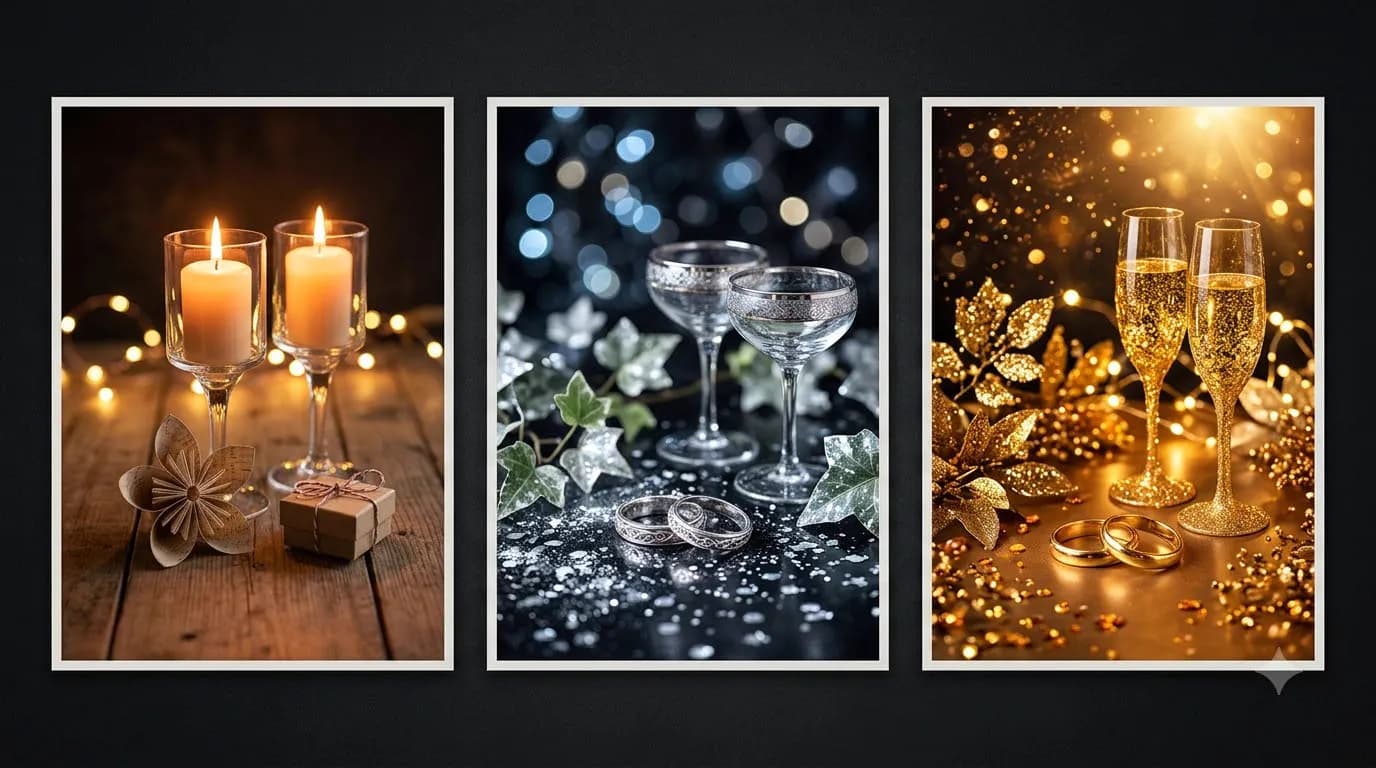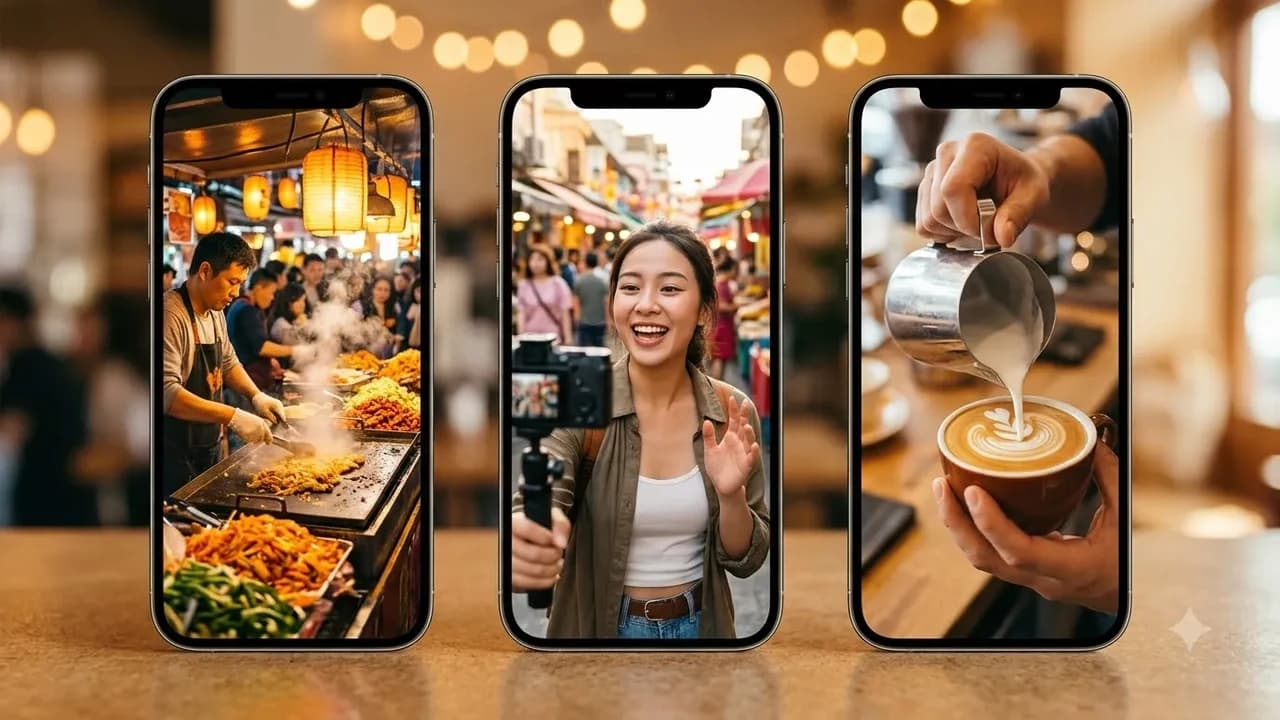

Gemini Photo Editing Prompts for Christmas: Couple, Family, Santa Look


Gemini Photo Editing Prompts for Christmas: Couple, Family, Santa Look
A christmas photo gemini prompt lets you upload any phone selfie into Google Gemini or ChatGPT and restyle it into a studio-grade holiday portrait in seconds. Use the copy-paste editing templates below for couple velvet portraits, family knit sweaters, Santa studio setups, and Indian balcony fairy lights.
Last updated: November 2026
Most holiday photo tutorials assume you want to invent imaginary strangers from scratch. What Indian couples, parents, and small brand founders actually want in December is far simpler: take a sharp phone photo from your living room or terrace, keep your real faces intact, and swap the plain wall behind you for warm pine wreaths, velvet drapes, or soft balcony fairy lights.
Google DeepMind's image editing engine inside Gemini, widely nicknamed Nano Banana (powered by Gemini Flash Image and Nano Banana Pro), handles multi-turn photo uploads remarkably well without repainting your facial structure into a generic model. When paired with smart camera optics phrasing and clear consent rules, you can create festive portraits for WhatsApp, Instagram, and printed greeting cards at zero studio cost. If you want an expanded library of 50+ tested holiday templates, explore our Gemini Christmas Photo Prompts pack.
How Does Gemini Photo Editing Work with Real Selfies?
Uploading a source image changes how you write prompts compared to pure text-to-image generation. Instead of describing eye shape, skin tone, or hairstyle from zero, you tell Gemini exactly what must stay locked and what lighting, clothing, and background details should change.
You can access this workflow free inside Google Gemini on desktop or mobile, or upgrade for higher daily generation caps through Google Gemini subscriptions via Google AI Plus (₹399/month, roughly $4.75 USD) or Google AI Pro (₹1,950/month, roughly $23 USD, offering 4x higher Gemini image limits). ChatGPT users in India can also run reference-image edits on ChatGPT Free (₹0), ChatGPT Go (₹399/month with UPI support), or ChatGPT Plus (₹1,999/month) via OpenAI pricing.
Feature or Cost | Google Gemini Free | Google AI Plus / Pro | ChatGPT Go / Plus |
|---|---|---|---|
India Monthly Price | ₹0 | ₹399 / ₹1,950 per month | ₹399 / ₹1,999 per month |
Selfie Upload Editing | Yes, Nano Banana engine | Yes, 4x higher caps on Pro | Yes, reference photo edits |
Facial Identity Lock | Strong when explicit lock given | High consistency across edits | Good with skin texture cues |
UPI Billing in India | Not required on Free | Google Play / card options | Supports GPay, PhonePe, Paytm |
Best Holiday Use Case | Indian balcony & family edits | Batch card & portrait variations | Cozy studio knitwear scenes |
Before writing a single prompt, review our dedicated guide on how to keep faces the same in AI Christmas photos so your first test edit preserves natural cheekbones, spectacles, and hairlines.
5 Copy-Paste Christmas Photo Prompts for Gemini and ChatGPT
Upload a clear, front-facing, well-lit photo before pasting any prompt below. Avoid heavy sunglasses or extreme motion blur in your source photo, as unclear eyes force the model to guess facial geometry.
1. Couple Velvet Studio Portrait
Prompt 1 (Couple Velvet Studio Portrait): "Using the exact faces, skin tones, hairlines, and facial proportions of both people from the uploaded reference photo, transform this image into an editorial Christmas studio portrait. Dress them in tailored deep forest-green and burgundy velvet evening wear. Seat them close together on a dark walnut bench in front of a softly blurred Christmas tree lit with warm golden fairy lights. Shot on Sony A7 IV with 50mm f/1.2 GM lens, Kodak Portra 400 film profile, visible natural skin pores, authentic catchlights, zero artificial airbrushing."
This setup works cleanly for engagement announcements, anniversary holiday cards, or WhatsApp profile photos because dark velvet absorbs warm tungsten light naturally without blowing out highlights.
2. Family Matching Sweaters by the Tree
Prompt 2 (Family Matching Sweaters): "Keep the exact facial identities, glasses, and smiles of every family member in the uploaded photo without altering their ages or features. Place everyone sitting naturally together on a woven cream wool rug beside a warm living room pine tree decorated with brass bells and crimson ribbons. Dress the family in coordinated cream and pine-green cable-knit winter sweaters with soft wool texture. Warm 3200K lamp glow from the side, shot on Canon EOS R5 with 35mm f/1.8 lens, gentle film grain, photorealistic fabric folds and natural skin detail."
If you have four or five people in the frame, start from a photo where nobody overlaps another person's shoulder or chin. Overlapping limbs often confuse AI clothing replacements.
3. Cozy Santa Studio Look (Solo or Kids Portrait)
Prompt 3 (Santa Studio Portrait): "Preserve the exact face, expression, and natural skin texture of the person in the uploaded image. Restyle the scene into a classic warm Santa workshop studio portrait. Give them a tailored deep crimson wool jacket with cream shearling collar trim, standing beside wrapped brown kraft-paper gift parcels tied with twine and subtle pine sprigs. Soft key light from a large octagonal softbox at 45 degrees, deep emerald studio backdrop with warm bokeh bulbs, shot on 85mm f/1.4 portrait lens, crisp fabric fibers, zero cartoon look."
Instead of turning adults into a generic bearded caricature, dressing the subject in a tailored crimson shearling jacket creates a wearable, classy Santa-inspired studio aesthetic that prints cleanly on gift tags.
4. Indian Balcony Fairy Lights Celebration
Prompt 4 (Indian Balcony Fairy Lights): "Edit the uploaded photo while strictly locking the exact faces and natural hairstyles of the subjects. Move the setting to an inviting Indian apartment balcony at evening dusk, draped with warm amber rice lights, potted green plants, marigold accents, and brass diyas mixed with subtle pine garlands on the railing. Dress them in relaxed smart-casual winter linen shirts or kurtas with soft shawls, holding ceramic mugs of spiced tea. Shot on iPhone 15 Pro Max ProRAW 24mm f/1.78 main sensor, candid evening colour balance, realistic ambient shadows."
Western snow cabins often clash with warm-weather Indian December photos. Anchoring the lighting in dusk balcony rice lights makes the edit believable to friends who know you live in Mumbai, Bengaluru, or Pune.
5. Festive Cafe Table Portrait for Creators and Solopreneurs
Prompt 5 (Festive Bakery & Cafe Setup): "Use the uploaded reference photo to keep the subject's exact face and identity completely unchanged. Place them seated at a small wooden cafe table near a rain-speckled glass window overlooking twinkling evening street lights. Put a slice of plum cake on a stoneware plate and a steaming mug beside them, with subtle pine foliage along the windowsill. Shot on Leica M11 with 35mm f/1.4 ASPH lens, soft natural window light mixed with warm indoor tungsten, Fujifilm Pro 400H tones, natural imperfect skin textures preserved."
Creators, bakers, and coaches can drop this image straight into a festive welcome post or pair it with animated frames using our Christmas and New Year AI video prompt templates.
Step-by-Step Workflow: From Selfie Upload to Card-Ready Photo
Follow this five-step sequence inside Gemini or ChatGPT so you do not waste daily free image credits on messy retakes:
- Pick a bright, flat-lit source photo. Natural daylight facing a window gives Gemini clean facial contours without harsh overhead ceiling shadows.
- Upload one clear photo per turn. Multi-photo merging works best when both people already appear in one shared frame rather than stitching two mismatched selfies together.
- Paste your chosen prompt and add one ratio tag. Specify vertical
9:16for WhatsApp Status and Instagram Stories,4:5for Instagram feed posts, or16:9for laptop wallpapers. - Run a targeted follow-up fix. If the sweater colour or background tree feels crowded, reply conversationally:
"Keep the faces identical, change only the sweater to dark navy blue and reduce tree lights by half." - Drop the finished image into a free card layout. Upload your clean portrait into Canva Free (₹0 tier; Canva Pro costs ₹500/month or ₹4,000/year) to add clean serif greetings without forcing AI models to render distorted typography.
If you want to compare Gemini against other free image engines available in India before committing to a paid tier, read our breakdown of how to make AI images for free in India, or grab matching caption ideas from our guide to Christmas wishes for love with ChatGPT prompts.
Consent, Likeness Safety, and Commercial Licence Checklist
AI photo editing carries real privacy and usage responsibilities that most viral prompt threads ignore. Run through this checklist before uploading photos or publishing edited shots for your brand:
- Get explicit photo consent first: Never upload photos of friends, clients, wedding guests, or other people's children into any AI generator without clear permission, especially when restyling clothing or creating romantic couple scenes.
- Avoid public figure or impersonation edits: Do not blend your brand products with celebrity likenesses or real politicians; platforms restrict non-consensual likeness synthesis and commercial misuse.
- Check platform commercial terms before running ads: Free consumer tiers may carry stricter commercial or watermarking terms than paid workspace subscriptions, so verify current OpenAI and Google Workspace/Gemini licence terms before printing packaging or running paid Meta ads.
- Inspect hands, jewellery, and eyeglasses closely: Always zoom to 100 percent on fingers, wedding rings, and spectacle frames before posting on WhatsApp or LinkedIn.
- Keep original unedited backups: Save raw phone photos in a separate folder so you can verify authenticity if any family member asks for the untouched original.
Ready to skip trial-and-error prompting across dozens of festive styles? Unlock our full collection inside the Gemini Christmas Photo Prompts pack, containing curated couple, family, studio, and Indian festive presets ready to copy and paste.

Prompt pack
Gemini Christmas Photo Prompts
20 ready-to-paste Gemini prompts that turn your own photo into a festive Christmas portrait: solo, couples, families and friends. Each prompt includes the outfit, setting, lighting and mood, plus a photo-upload checklist and fixes for common problems.
₹79₹39View pack →
Learn to build AI workflows that handle your busywork — live sessions, real projects, zero code.
See the courseBeginner-friendly