.jpg&w=1080&q=75)
Hardware Acceleration for Agentic Workflows: How Next-Gen CPUs and GPUs Power Local Inference in 2026

Hardware Acceleration for Agentic Workflows: How Next-Gen CPUs and GPUs Power Local Inference in 2026
When developers first experimented with AI agents, running a multi-agent loop locally meant waiting several seconds for every tool call. Every multi-step reasoning turn felt sluggish, bound by network round-trips to cloud APIs or slow CPU inference.
In 2026, the hardware landscape has fundamentally transformed.
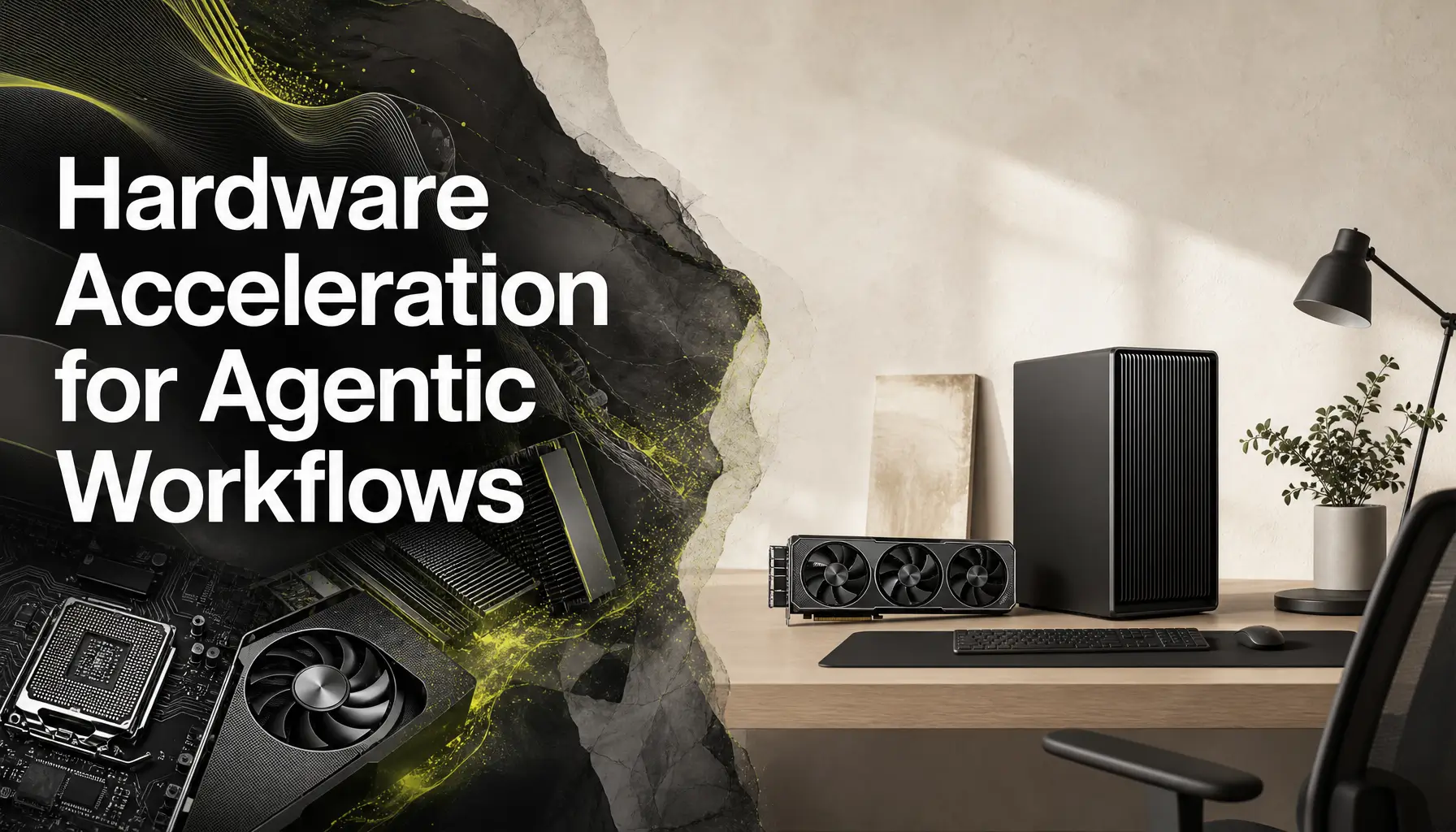
With the arrival of next-generation server CPUs (such as AMD EPYC 9006 series and Intel Xeon 6), high-bandwidth consumer GPUs (NVIDIA RTX 50-series), and high-capacity Unified Memory chips (Apple M4 Ultra / Max), developers and enterprises can now run high-throughput, sub-50ms local agent workflows directly on their own silicon.
At Zero To AI, we guide builders in selecting and optimizing hardware for self-hosted AI automation. In this guide, we break down the hardware requirements for agentic workflows, analyze CPU vs. GPU bottlenecks, and provide clear buying recommendations for 2026.
1. Why Agentic Workflows Need Different Hardware Than Chatbots
Traditional chatbot inference is simple: a user sends one prompt, and the server generates a single stream of text.
Agentic workflows operate very differently:
- High Parallelism: A primary orchestrator agent spawns 3 to 5 subagents simultaneously to research, code, and validate sub-tasks.
- Repetitive Token Context Processing: Every tool call re-evaluates system prompts, tool schemas, and workspace history, making Time-to-First-Token (TTFT) and KV Cache Bandwidth critical.
- Concurrent Local Models: Systems frequently run an embedding model (), a fast vision model (), and a reasoning LLM () at the same time.
2. Hardware Bottlenecks Decoded: VRAM, Memory Bandwidth, and PCIe Speeds
When evaluating hardware for local AI agents, three specifications determine real-world performance:
┌───────────────────────────────────────────────────────────┐
│               1. VRAM / Unified Memory Capacity           │
│   (Determines max model size & context length in RAM)     │
└─────────────────────────────┬─────────────────────────────┘
                              │
┌─────────────────────────────▼─────────────────────────────┐
│                 2. Memory Bandwidth (GB/s)                │
│   (Determines token generation speed: e.g. 800+ GB/s)     │
└─────────────────────────────┬─────────────────────────────┘
                              │
┌─────────────────────────────▼─────────────────────────────┐
│               3. PCIe / Interconnect Speed                │
│    (Determines how fast multi-agent state transfers)      │
└───────────────────────────────────────────────────────────┘
Memory Bandwidth Rule of Thumb:
Model Weights Size (GB) $\div$ Memory Bandwidth (GB/s) = Minimum Time Per Token.
- An 8GB quantized model running on a system with 800 GB/s bandwidth can achieve 100+ tokens/second.
- The exact same model on a standard system with 50 GB/s RAM bandwidth will cap out at 6 tokens/second.
3. Hardware Comparison & Recommendations Matrix (2026)
| Use Case Tier | Recommended Hardware | VRAM / Unified RAM | Concurrent Models Supported | Token Throughput || :--- | :--- | :--- | :--- | :--- || Solopreneur / Developer Laptop | Apple MacBook Pro (M4 Pro / Max) | 36GB – 128GB Unified | 14B Reasoning + Embedding + Vision | 80 – 140 tok/sec || Local Office Workstation | Single NVIDIA RTX 5090 / 4090 | 24GB – 32GB GDDR7 | 32B Quantized Model + ChromaDB | 110 – 180 tok/sec || Prototyping / Edge Server | Dual NVIDIA RTX 5090 (PCIe 5.0) | 48GB – 64GB GDDR7 | 70B Quantized Model + Multi-Agent Swarm | 60 – 90 tok/sec || Enterprise Data Center | AMD EPYC 9006 + NVIDIA H200 / B200 | 141GB – 192GB HBM3e | 100+ Parallel Subagent Threads | 200+ tok/sec |
4. How to Benchmark Your Local Hardware for Agentic Loops
Use this Python benchmark script to test your local inference engine's token generation speed and TTFT:
import requests
import time

def benchmark_local_hardware(model_name: str = "llama3.2:latest"):
    url = "http://localhost:11434/api/generate"
    prompt = "Write a Python script that calculates Fibonacci numbers up to 100."

    payload = {
        "model": model_name,
        "prompt": prompt,
        "stream": False
    }

    print(f"🔬 Testing hardware latency for model: {model_name}...")
    start_time = time.time()
    res = requests.post(url, json=payload)
    total_time = time.time() - start_time

    if res.status_code == 200:
        data = res.json()
        eval_count = data.get("eval_count", 0)
        eval_duration = data.get("eval_duration", 1) / 1e9  # Convert nanoseconds to seconds

        tok_per_sec = eval_count / eval_duration if eval_duration > 0 else 0
        print(f"✅ Total Request Time: {total_time:.2f}s")
        print(f"⚡ Token Generation Speed: {tok_per_sec:.2f} tokens/second")
        print(f"📊 Total Tokens Generated: {eval_count}")
    else:
        print(f"❌ Failed to connect to Ollama local server: {res.status_code}")

if __name__ == "__main__":
    benchmark_local_hardware()
Conclusion: Silicon Owned is Intelligence Owned
Investing in local hardware acceleration for AI agents provides complete data privacy, zero recurring cloud token invoices, and sub-second response times for complex multi-agent automation.
At Zero To AI, we help developers and organizations configure high-performance local AI stacks on their own silicon.
Ready to Optimize Your AI Hardware Setup?
Explore detailed hardware buying guides, local server blueprints, and benchmark tutorials at Zero To AI. Own your AI infrastructure today!

Learn to build AI workflows that handle your busywork — live sessions, real projects, zero code.
See the courseBeginner-friendly