.jpg&w=1080&q=75)
How Indian SMBs Cut Operational Costs by 60% Using AI Automation (Real Case Studies)

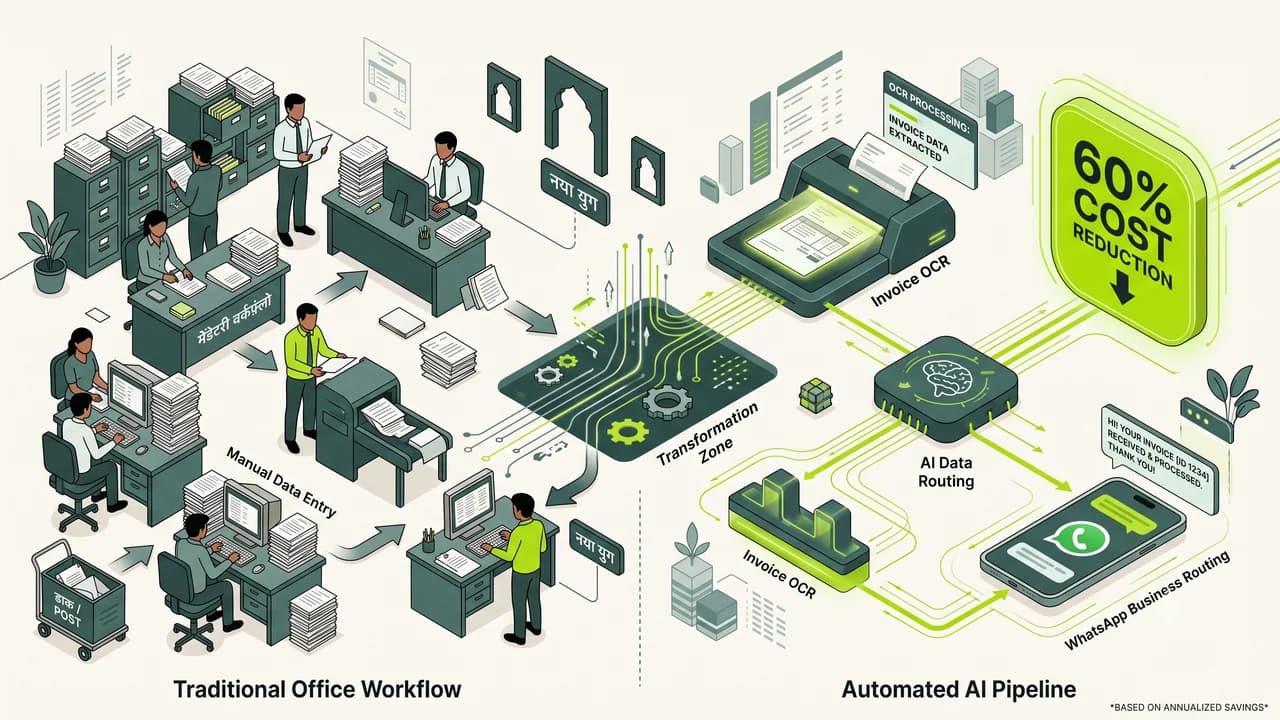
Indian small businesses are cutting routine operational overheads by up to 60% by automating invoice entry, customer sorting, and reporting.
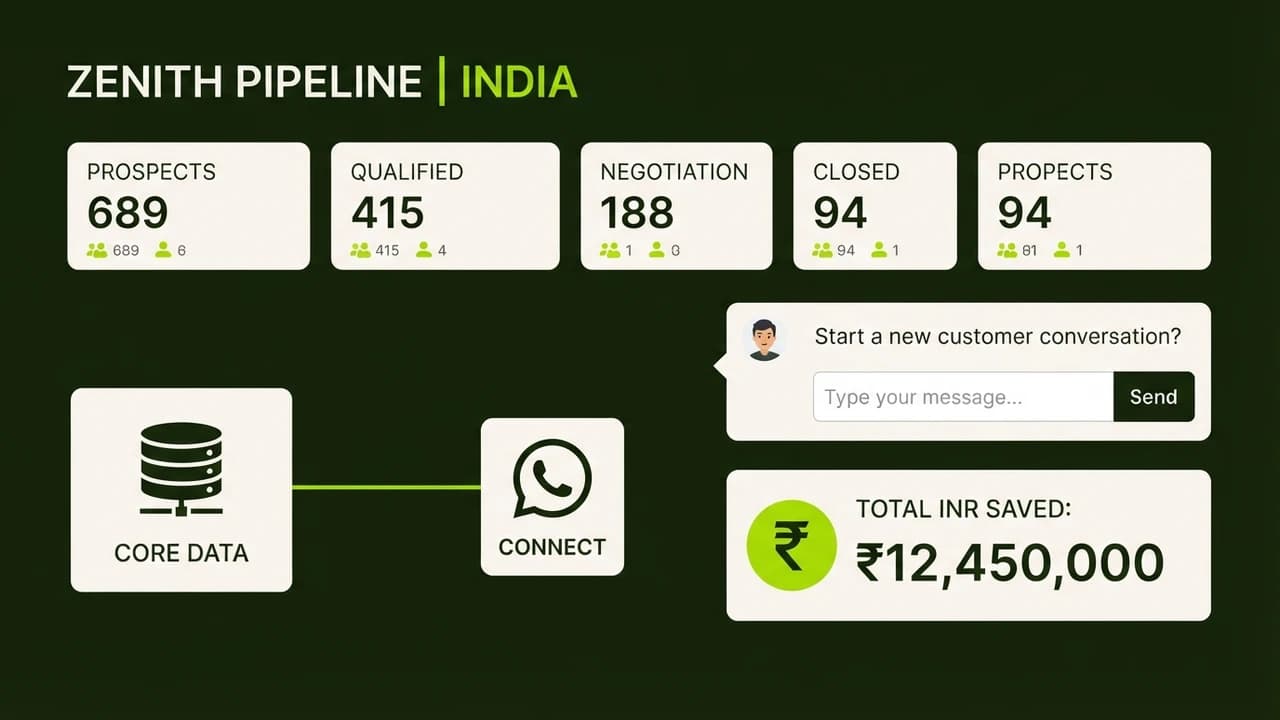
Running a small business in India is a daily battle against rising operational friction. Salaries are climbing, customer expectations for instant replies are at an all-time high, and business owners spend half their working day trapped in administrative busywork.
For years, only deep-pocketed enterprise firms could afford custom software.
Today, that dynamic has flipped. An entrepreneur in Surat, Pune, or Coimbatore can now build powerful workflows in an afternoon that eliminate hours of repetitive data entry without spending lakhs on developers.
1. Where the Money Goes: Manual vs. Automated Operations
Daily Business Function | Old Manual Cost (Per Month) | Automated Setup (Per Month) | Realistic Monthly Savings |
|---|---|---|---|
WhatsApp Lead Sorting & FAQ Replies | ₹25,000 (1 full-time desk rep) | ₹1,500 (n8n + WhatsApp bot) | ₹23,500 saved |
Supplier Invoice Entry into Spreadsheets | ₹20,000 (Junior data operator) | ₹800 (Vision AI + Sheets sync) | ₹19,200 saved |
Compiling Weekly Status Reports | ₹15,000 (15 hours of owner time) | ₹0 (Automated scheduled scripts) | ₹15,000 saved |
Basic Marketing Copy & Banners | ₹30,000 (Outsourced basic retainer) | ₹3,600 (In-house Claude + Canva) | ₹26,400 saved |
Total Monthly Spend | ₹90,000 / month | ₹5,900 / month | ₹84,100 saved (93% drop) |
2. A Real Example: Auto-Parts Distributor in Pune
Consider a mid-sized spare parts supplier in Pune handling roughly 400 vendor bills every month:
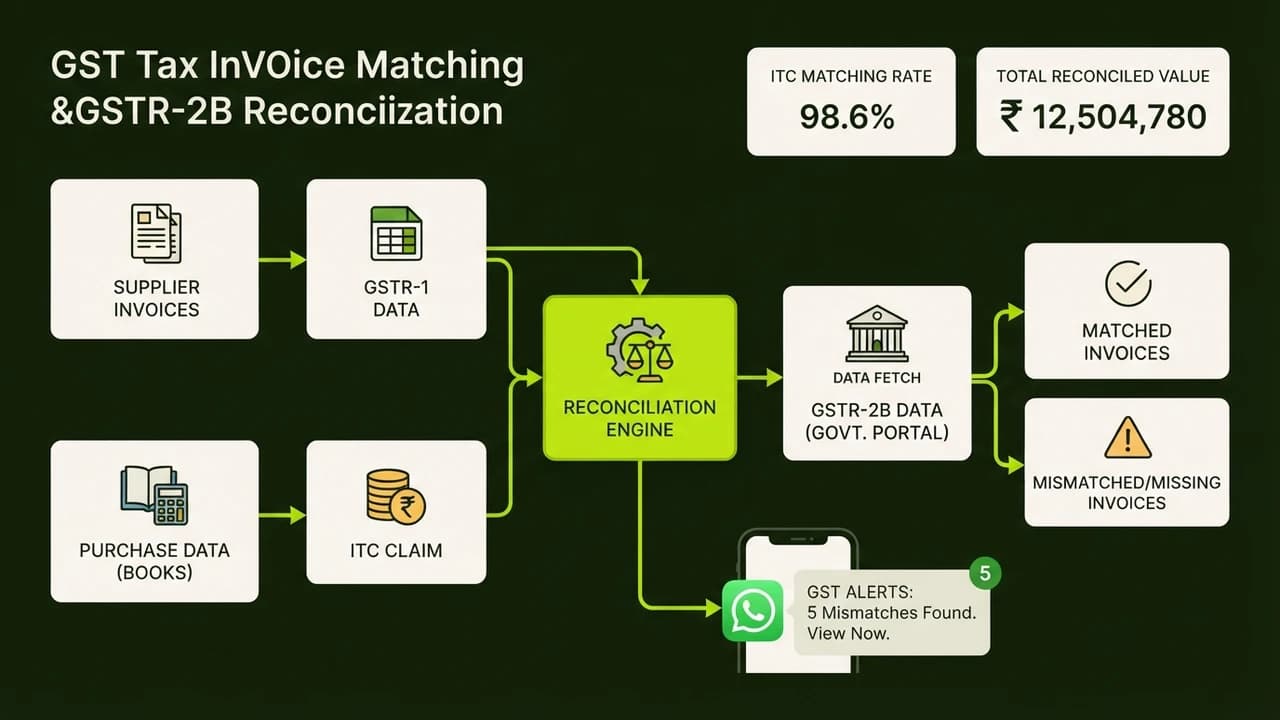
- The Problem: Two junior clerks spent their entire mornings downloading PDF invoices from email, checking GST numbers manually, and typing amounts into accounting sheets.
- The Fix: They set up a dedicated inbox linked to an open-source automation engine. Whenever an invoice arrives, Vision AI reads the total, line items, and GST breakdown, dumping the data straight into Google Sheets within seconds.
- The Result: Processing time fell from two days to under 45 seconds. No typing errors, no missed vendor payments.
3. The 3 Automations to Set Up First
Workflow | Setup Time | What It Does for Your Business |
|---|---|---|
Instant WhatsApp Lead Responder | 25 minutes | Captures client phone numbers and requirements immediately |
Google Review Auto-Drafting | 15 minutes | Drafts thoughtful replies to customer feedback on Google Maps |
Vendor Bill Extractor | 30 minutes | Scans incoming bills and compiles monthly expense sheets |
4. Practical Rules Before You Start
- Automate one task at a time: Don't try to overhaul your entire office in a single weekend. Pick the task your team complains about most.
- Keep a human in the loop for payments: Always have a real person review and approve large transactions before money moves.
- Own your data: Run workflows on private cloud servers so your customer lists and financials never leak to public third-party services.

Learn to build AI workflows that handle your busywork — live sessions, real projects, zero code.
See the courseBeginner-friendly