
How to Automate Client Onboarding with n8n and WhatsApp (No-Code Blueprint 2027)

How to Automate Client Onboarding with n8n and WhatsApp (No-Code Blueprint 2027)
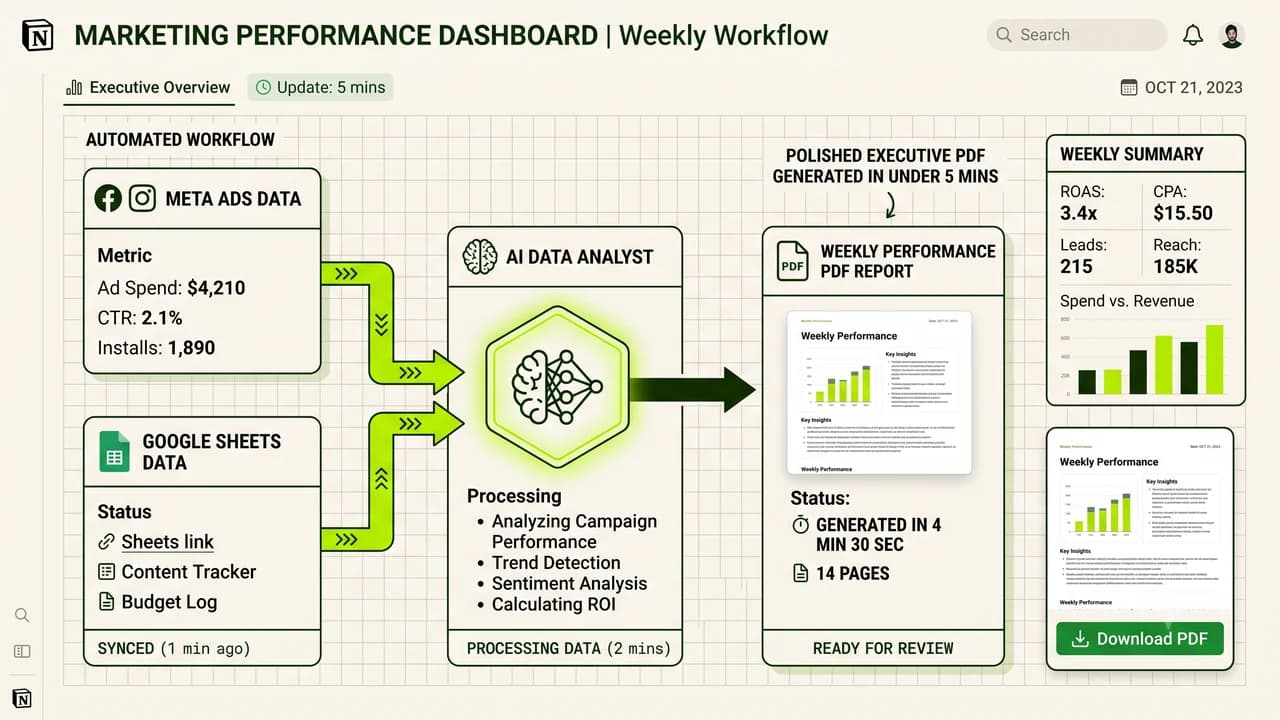
Automating client onboarding with n8n and WhatsApp eliminates repetitive manual intake forms by instantly delivering welcome kits, collecting assets, and creating shared project folders within sixty seconds.
When a new client signs a contract or transfers an advance deposit, the next sixty minutes dictate their entire impression of your professional competence. In traditional Indian service agencies, digital consultancies, and freelance studios, onboarding remains painfully manual: the founder forgets to send the intake questionnaire, Google Drive folders are created haphazardly at midnight, and clients grow anxious wondering when work will actually commence.
In 2027, non-technical founders use visual automation platforms like n8n connected to the official WhatsApp Business Cloud API to build instant, hands-free onboarding engines. This comprehensive blueprint explains how to build a production-ready onboarding workflow without writing a single line of code.
The Manual Onboarding Drag vs Automated n8n Flow
Onboarding Stage | The Manual Agency Struggle | The Automated n8n + WhatsApp Workflow |
|---|---|---|
First Response Time | 4 to 24 hours after contract signing | Under 45 seconds via automated WhatsApp greeting |
Asset Collection | 12 scattered emails with broken Dropbox links | Structured WhatsApp interactive buttons linking to an auto-generated Drive folder |
Project Workspace Setup | 30 minutes manually creating Trello/Notion boards | Instant template duplication with client permissions assigned automatically |
Client Peace of Mind | Anxious, wondering if their deposit was acknowledged | Delight, receiving an immediate roadmap and scheduled kick-off call invite |
Founder Time Saved | 2.5 hours per newly onboarded client | 0 minutes; 100% autonomous background execution |
4 Core Pillars of a Seamless Onboarding Experience
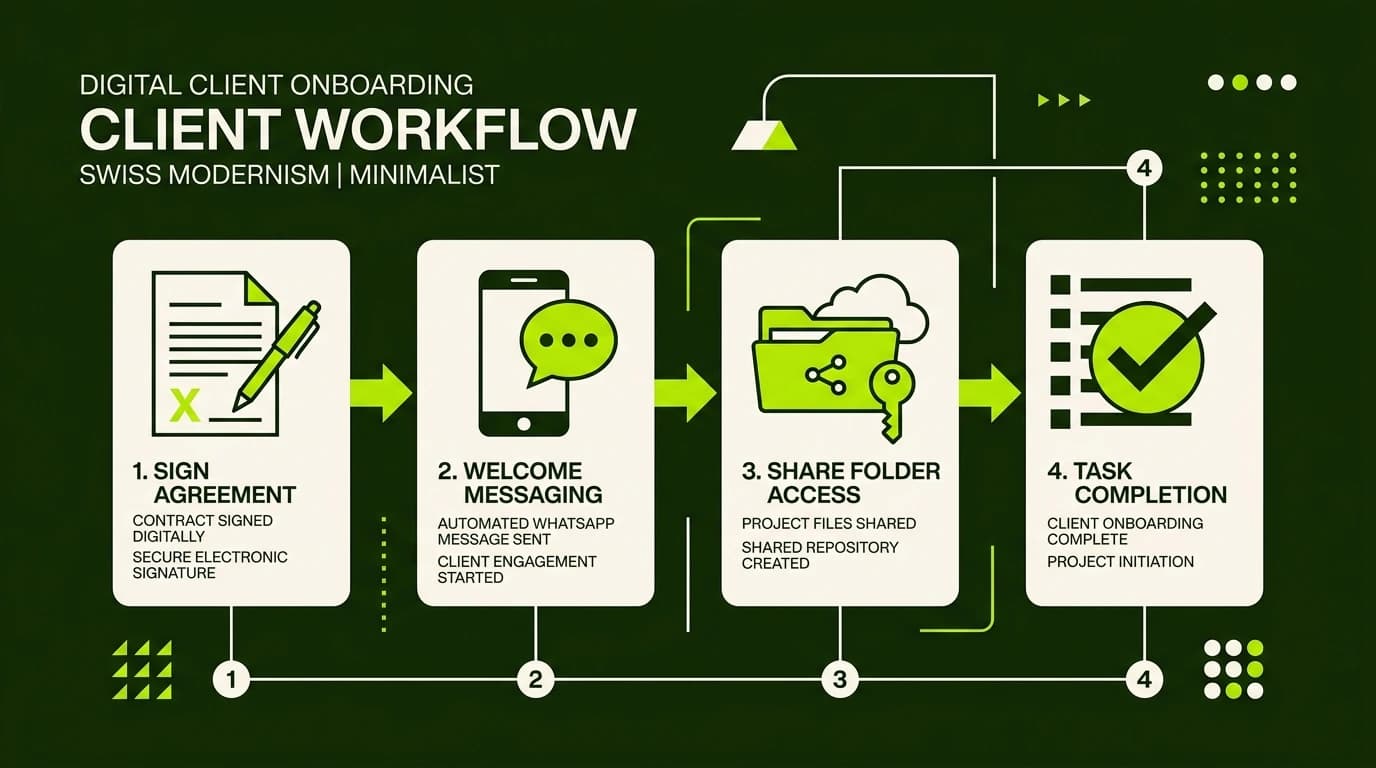
To ensure your automated pipeline builds trust rather than feeling like a sterile robocall, structure your flow around four customer-centric touchpoints:
- Instant Transactional Affirmation: As soon as payment confirms in Razorpay, Stripe, or bank webhook, send an immediate celebratory WhatsApp confirmation with the official tax invoice attached.
- Dynamic Cloud Drive Provisioning: Automatically generate a dedicated Google Drive or Dropbox folder structure (e.g.,
Client Name / 01 Brand Assets,Client Name / 02 Contracts,Client Name / 03 Deliverables) and share editing permissions with the client's email address. - Smart Micro-Intake Forms: Rather than intimidating clients with an exhausting 40-question form, collect essential preliminary assets through a responsive 5-question Tally or Typeform embed.
- Automated Kick-off Booking: Provide a direct Cal.com or Calendly link synchronized to your team's real-time availability so the kick-off strategy session is booked within minutes.
Step-by-Step Build Guide: Connecting n8n to WhatsApp
Follow this visual node sequence inside n8n (either hosted on n8n Cloud or self-hosted via simple one-click templates):
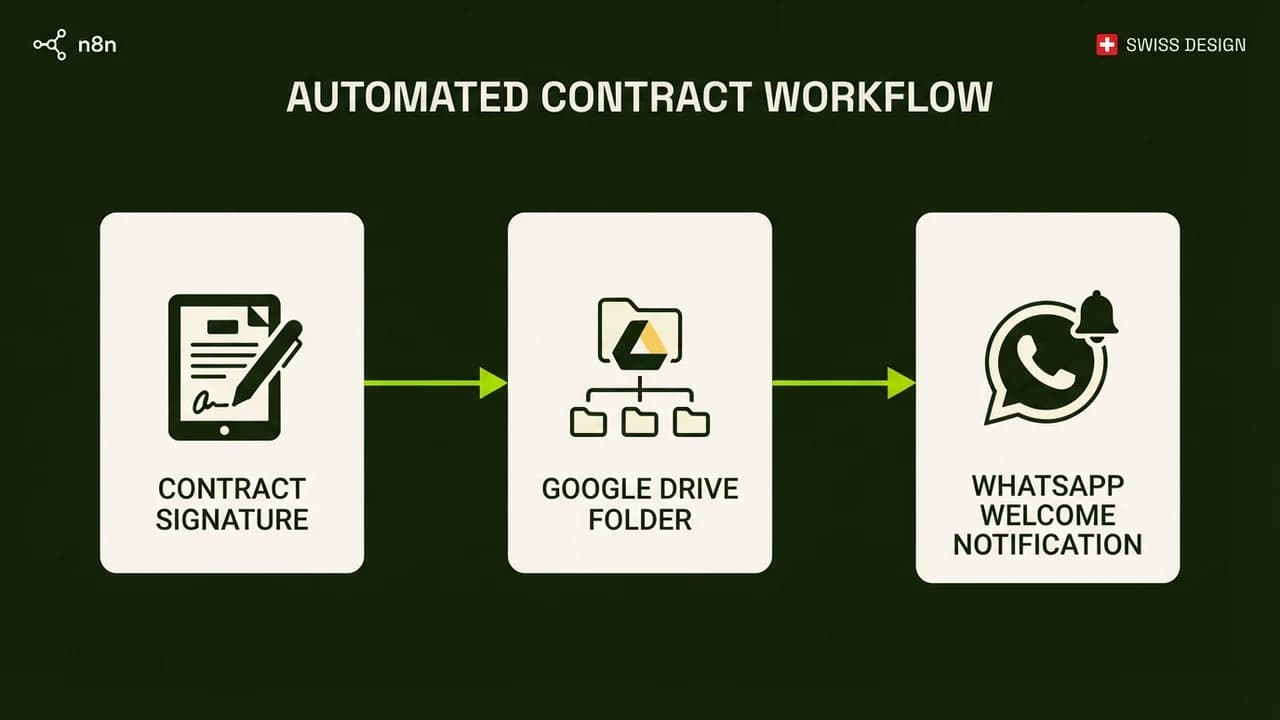
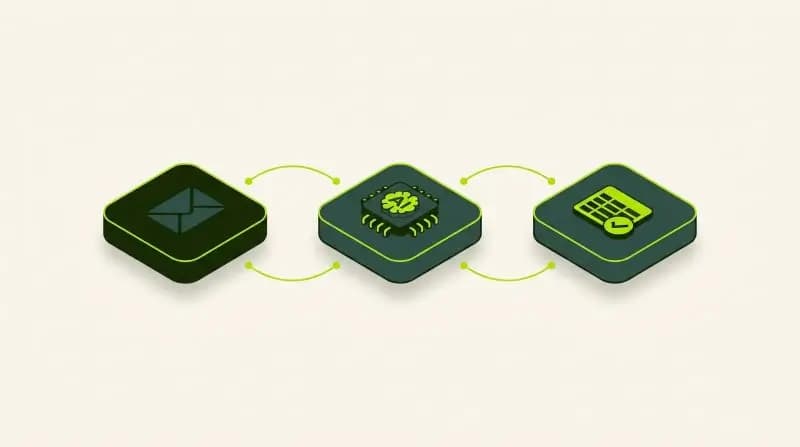
flowchart LR
A["Payment / Contract Webhook"] --> B["Create Client Google Drive Folder"]
B --> C["Send Welcome WhatsApp Message"]
C --> D["Log Client in Google Sheet CRM"]
D --> E["Ping Slack / Discord Team Channel"]
1. Configure the Inbound Webhook Trigger
In n8n, create a new workflow and add a Webhook node. Set the HTTP method to POST. Copy the test webhook URL and paste it into your payment gateway (such as Razorpay Webhooks) or electronic signature software (such as DocuSign or PandaDoc) triggered on payment.captured or document.completed.
2. Auto-Generate the Client Storage Folder
Add a Google Drive node immediately after your webhook:
- Select the action
Folder: Create. - Name the folder dynamically using incoming webhook data:
{{ $json.body.customer_name }} - Project Workspace 2027. - Under folder permissions, set the client's email address to
Editorand copy the generated folder URL.
3. Dispatch the WhatsApp Welcome Kit
Add an HTTP Request node (or the native WhatsApp node) configured with your Meta Cloud API token:
- Send an interactive template message containing dynamic variables: client name, service tier, and the generated Google Drive folder link.
- Include a quick-reply button:
Schedule Kick-Off Calldirecting to your personal calendar link.
4. Update Your Master Client Directory
Add a Google Sheets node with the action Append Row:
- Record the timestamp, client legal entity name, primary WhatsApp phone number, agreed project deadline, and Google Drive URL.
- Simultaneously, send an internal Slack notification to your team channel alerting everyone that a new client has officially entered the system.
Non-Technical Implementation Checklist
Before launching your automated onboarding system to live clients, verify these operational checkpoints:
- [ ] Verify Meta WhatsApp Template Approval: Submit your transactional welcome message template through Meta Business Manager at least 48 hours before launch to avoid approval delays.
- [ ] Test with International Phone Numbers: Ensure country codes (such as
+91for India or+1for North America) are cleanly formatted without spaces or dashes before passing to the WhatsApp node. - [ ] Establish Human Fallback Rules: Program a trigger that alerts you immediately if a client replies with keywords like "help", "stuck", or "error".
- [ ] Maintain Strict Security Permissions: Ensure internal template folders in Google Drive remain read-only so client folders cannot inadvertently expose files from other customers.
Learn to build AI workflows that handle your busywork — live sessions, real projects, zero code.
See the courseBeginner-friendly