.jpg&w=1080&q=75)
Image to Video AI: How to Turn Any Photo Into a Video in 3 Minutes

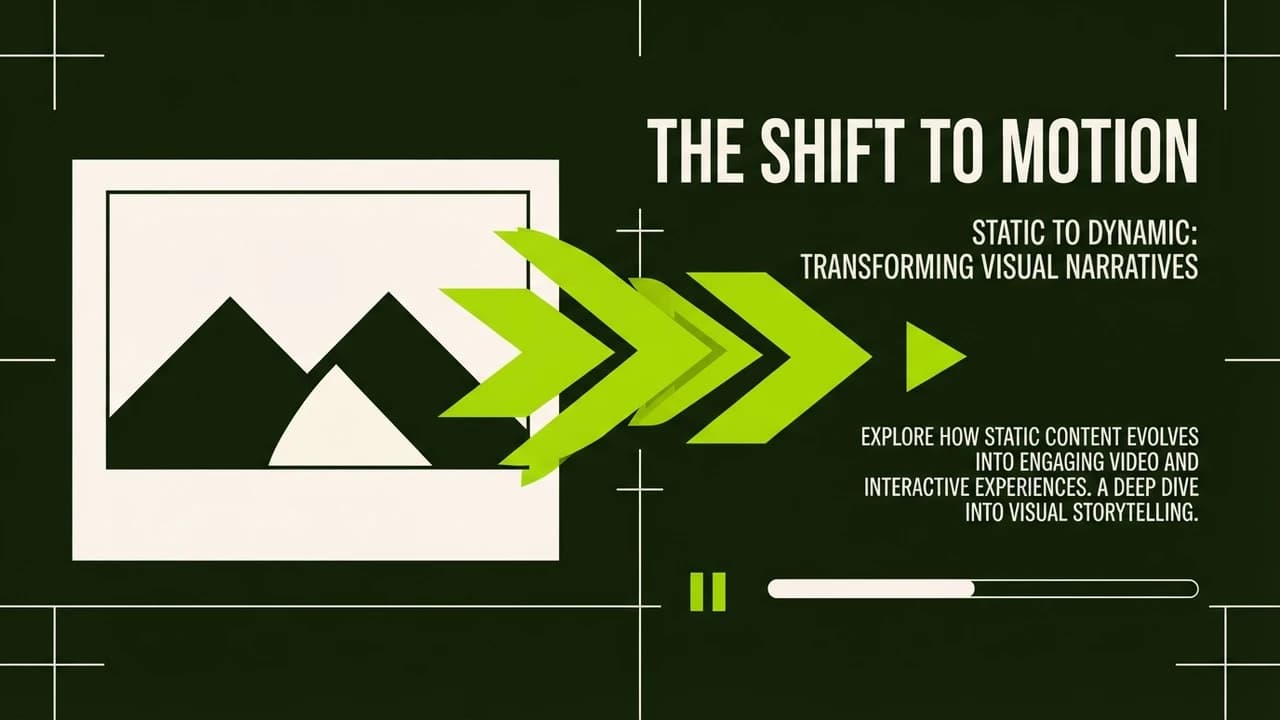
Image to Video AI: How to Turn Any Photo Into a Video in 3 Minutes
Want to learn image to video AI to turn any static photo into a professional 15-second video in just 3 minutes? By using free tools like Pika or Runway, you can animate product shots, real estate listings, or portraits with simple text prompts.
Static images are losing engagement on social media platforms. Algorithms heavily favor video content. For small business owners and freelancers in India, shooting fresh video content every day is expensive and time consuming. Image to video AI solves this problem by bringing your existing photos to life.
Step 1: Choose Your Source Image
Start with a high quality, clear photograph. The AI needs good data to work with. For example, if you own a jewelry shop, take a well lit photo of a necklace against a solid background. If you run a restaurant, a high resolution picture of a thali works best.
Make sure the subject is in focus and there is enough space around the edges for the AI to generate motion.
Step 2: Select a Free AI Tool
For beginners, we recommend Pika or Runway Gen-2. Both offer free trials and intuitive interfaces. Simply create an account using your Google login and navigate to the image to video section.
Step 3: Upload and Prompt
Upload your chosen image. Now, enter a text prompt describing the motion you want to see.
Example Prompt for Jewelry: "Soft cinematic lighting, the necklace sparkles, slow camera pan from left to right."
Example Prompt for Food: "Steam rising gently from the hot food, warm inviting lighting, subtle zoom in."
Step 4: Generate and Refine
Click generate and wait a few moments. The AI will output a short video clip. If the motion is too chaotic, refine your prompt by adding words like "subtle motion" or "slow pan". Most tools allow you to adjust the intensity of the animation.
Step 5: Export and Share
Once you are happy with the result, export the video. You can now use this clip in your Instagram Reels, Facebook Ads, or WhatsApp status updates to attract more customers.
Cost Table
Tool Option | Cost Per Video (Approx) | Quality Level | Best For |
|---|---|---|---|
Pika (Free Tier) | ₹0 | High | Social Media Posts |
Runway (Free Tier) | ₹0 | Premium | Ads and B-Roll |
Luma Dream Machine | ₹0 | High | Complex Animations |
Common Mistakes Section
The biggest mistake beginners make is asking the AI to do too much. Complex prompts like "make the person run, jump, and then smile" often result in distorted, unnatural videos. Stick to simple, subtle camera movements or environmental effects like adding smoke, rain, or a slow zoom.

Learn to build AI workflows that handle your busywork — live sessions, real projects, zero code.
See the courseBeginner-friendly