.jpg&w=1080&q=75)
n8n for Beginners: Automate Your Daily Business Tasks Without Writing Code

n8n for Beginners: Automate Your Daily Business Tasks Without Writing Code
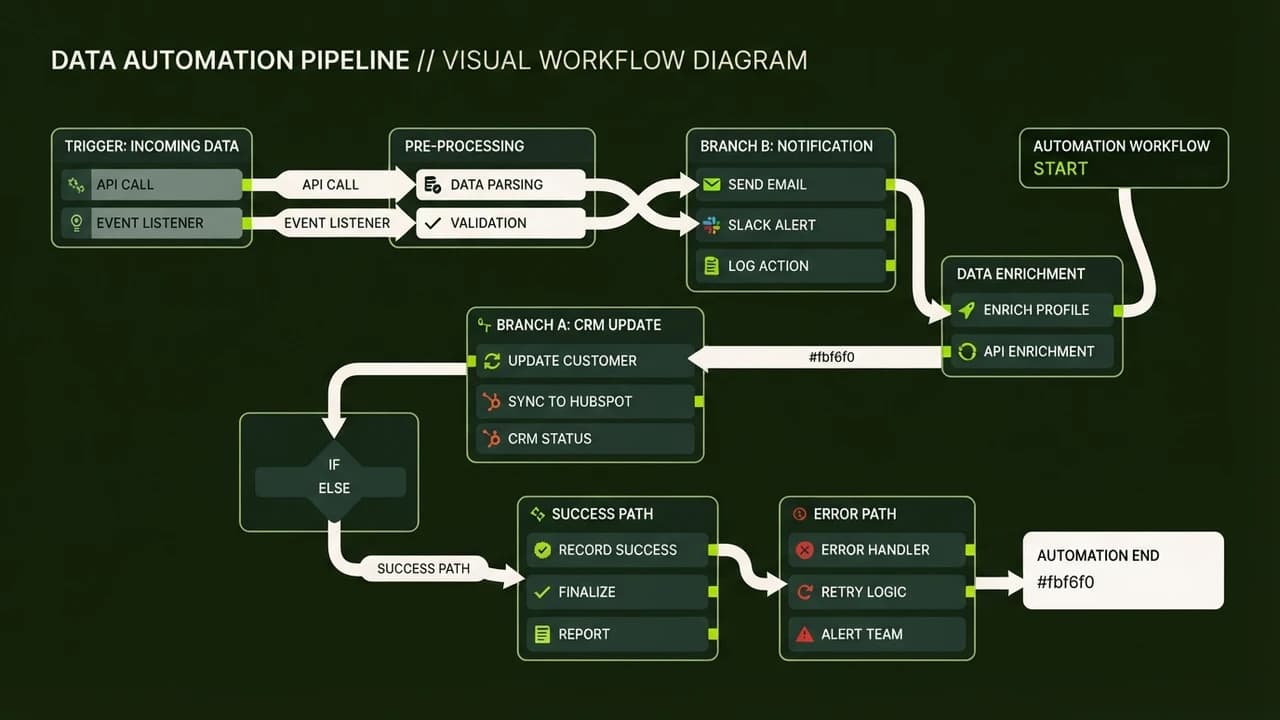
n8n is a powerful visual workflow automation tool that lets you connect apps and automate tasks without writing code. For Indian small businesses and solopreneurs, n8n is the most cost-effective way to build AI agents that save hours of daily manual work.
Why n8n is Perfect for Indian Businesses
When you run a business, your time is your most valuable asset. Whether you manage a salon, a consulting firm, or an online store, you likely spend hours moving data between emails, WhatsApp, and Google Sheets. n8n solves this problem by acting as digital glue. It connects your apps together visually. The best part is that n8n can be self-hosted for free, which is a huge advantage for cost-conscious Indian entrepreneurs looking to avoid expensive monthly USD subscriptions.
Setting Up n8n: Cloud vs Self-Hosted
You have two main choices when starting with n8n. The first is n8n Cloud. This is the easiest option. You sign up, pay a monthly fee, and start building immediately. The second option is self-hosting. By installing n8n on a cheap cloud server or even your local machine, you pay zero software subscription fees. For a non-coder, deploying n8n via a one-click hosting provider like Railway or Render is surprisingly simple and keeps your running costs under ₹500 a month.
3 Practical Workflows to Build Today
Let us look at three real-world automations you can build in n8n this weekend.
1. Routing New Leads to WhatsApp
Imagine you run Facebook Lead Ads. Every time a new person fills out the form, you normally have to download a CSV and manually text them. With n8n, you can create a workflow that triggers the moment a form is submitted. The workflow sends the lead's name to ChatGPT to draft a personalized Hindi greeting, and then uses a WhatsApp Business API node to send the message instantly. You engage leads in seconds, not hours.
2. Parsing GST Invoice PDFs to Google Sheets
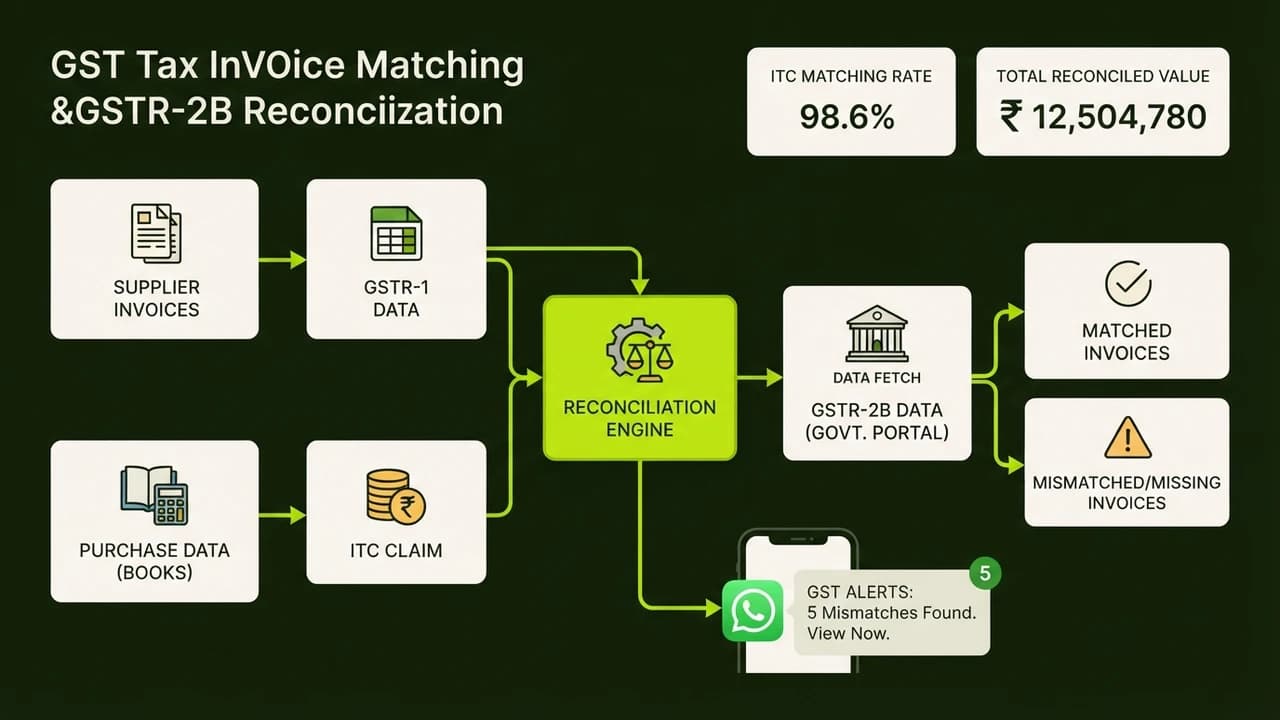
Manual data entry is the bane of every small business owner. You can set up an n8n workflow that monitors a specific email inbox for incoming supplier invoices. When a PDF arrives, n8n sends the file to an AI model to extract the vendor name, invoice date, total amount, and GST number. n8n then automatically adds a new row to your monthly expense Google Sheet. Your accounting is done automatically while you sleep.
3. Automated Daily Sales Summaries
Staying on top of your numbers is crucial. You can build a scheduled workflow in n8n that runs every evening at 8 PM. It connects to your Razorpay or Stripe account, tallies up the day's successful transactions, and sends a concise summary message directly to your personal WhatsApp or Telegram. It is like having a digital manager reporting to you daily.
Comparison Table: n8n vs Manual Work
Task | Manual Time Spent | n8n Automation Time | Cost
--- | --- | --- | ---
Lead follow-ups | 2 hours/day | Instant | Minimal
Invoice data entry | 3 hours/week | Instant | Minimal
Daily sales reporting | 30 mins/day | Instant | Minimal
Real Indian Example
A freelance web designer in Bangalore used to spend every Friday afternoon manually creating invoices, tracking payments, and sending follow-up emails to clients. By setting up a few basic n8n workflows connecting their Razorpay account to their email and Google Sheets, they completely automated the process. They saved 4 hours a week, allowing them to take on an extra client project worth ₹25,000 every month.
Common Mistakes to Avoid
- Trying to automate everything at once. Start with one simple workflow, like the daily sales summary.
- Not testing workflows with dummy data before turning them live. Always verify the output.
- Forgetting to check the execution logs. If a workflow fails, the logs will tell you exactly which step caused the issue.
Master No-Code Automation
Want to learn exactly how to build these workflows step-by-step?

Learn to build AI workflows that handle your busywork — live sessions, real projects, zero code.
See the courseBeginner-friendly