.jpg&w=1080&q=75)
Google AI Agents Intensive Course: Honest Review & Non-Coder Alternatives (2026)

Target Audience | Professional Python developers and software engineers | Non-technical professionals, founders, marketers, and freelancers |
Coding Prerequisites | Fluent Python, Docker, and terminal commands | Zero coding required; plain English prompts and visual blocks |
Core Technology Stack | LangGraph, Google Cloud Vertex AI, Python SDKs, Cloud Run | Make.com, n8n, ChatGPT Team, Claude, and visual webhooks |
Time to First Working Agent | 2 to 4 weeks of coding, debugging, and setup | Under 40 minutes using drag-and-drop workflow canvases |
Average Monthly Running Cost | Variable GCP cloud compute bills ($50 to $300+ monthly) | ₹800 to ₹2,200 per month on usage-based automation plans |
Indian Ecosystem Support | None; requires manual custom API coding for local tools | Native integrations for WhatsApp, UPI, Google Sheets, and CRM |
Primary Learning Outcome | Theoretical architecture of multi-agent software systems | Deployable business automations saving 10 to 15 hours weekly |
Error Handling Method | Debugging stack traces, syntax errors, and container logs | Visual execution history with clear, instant error indicators |
Real Indian Business Case Study: Vikram Joshi's Coaching Institute in Jaipur
To understand how this difference plays out, consider Vikram Joshi, founder of an IIT-JEE coaching institute in Jaipur, Rajasthan.
Vikram manages 450 enrolled students and employs 12 teachers. Every academic session, his institute receives hundreds of inquiries through Instagram ads and flyers. Vikram's administrative counselor spent four to five hours daily answering repetitive questions about batch timings, fee structures, scholarship test dates, and hostel accommodations.
The Costly Developer Mistake
Excited by artificial intelligence, Vikram registered for Google's agent training and hired a freelance Python developer to build a custom AI counselor on Google Cloud Vertex AI.
Over four weeks, Vikram spent ₹45,000 on developer fees and Google Cloud bills. The custom Python bot frequently crashed due to token limit errors and misconfigured webhooks. When the developer became unavailable, Vikram could not modify the bot's responses because the logic was buried in 1,200 lines of complex Python code.
The No-Code AI Agent Solution
Vikram rebuilt the inquiry system using a visual no-code agent stack:
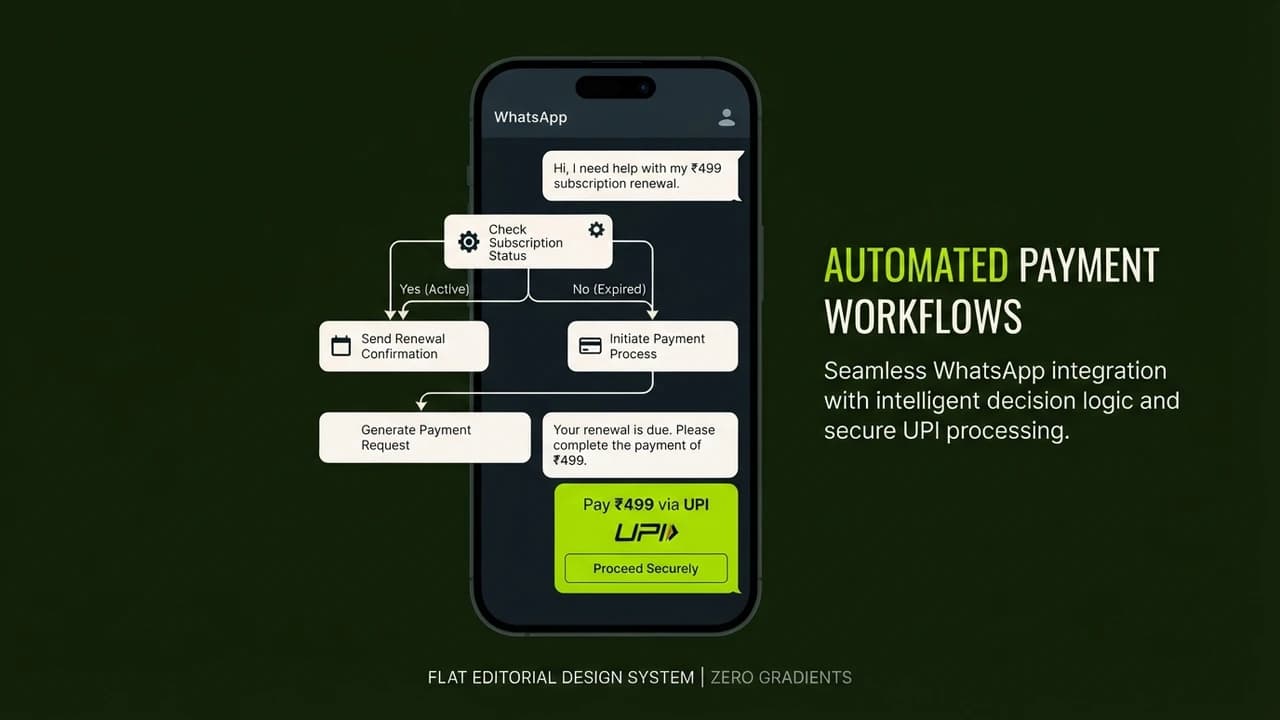
- Inquiry Capture: When a parent clicks an Instagram ad, it opens a conversation on the institute's official WhatsApp Business number.
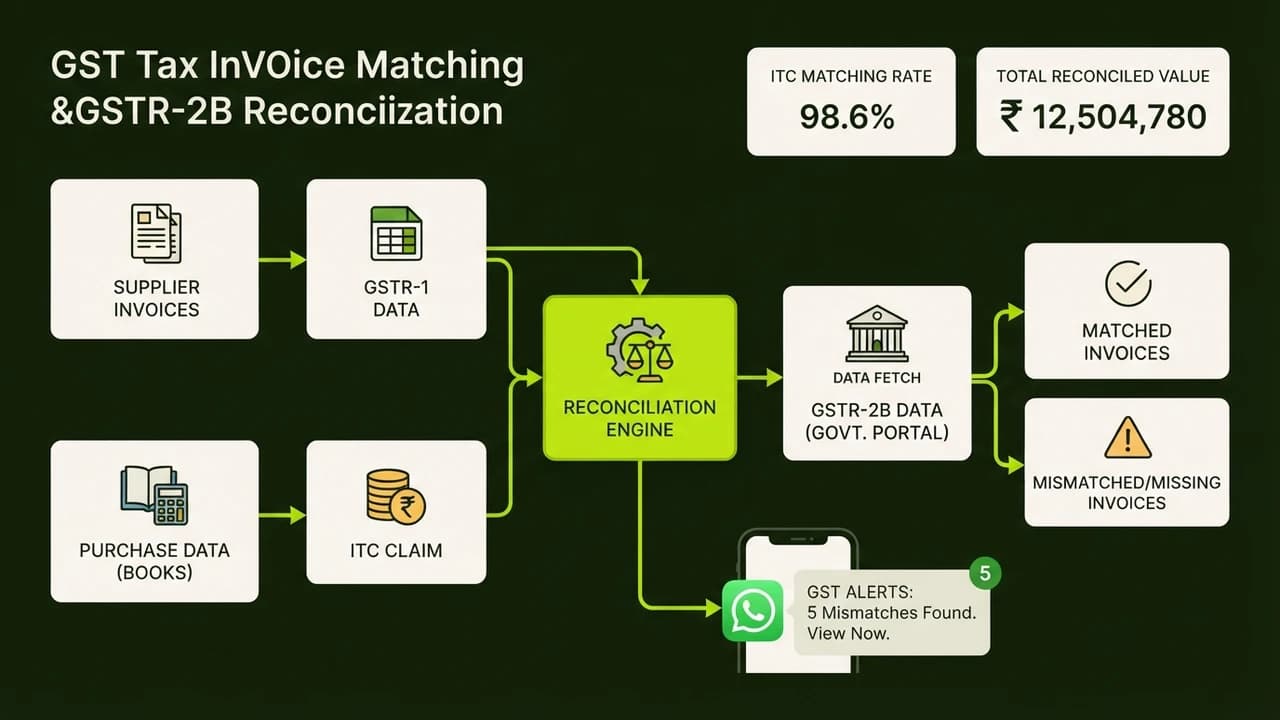
- Autonomous Qualification: A no-code agent powered by Claude 3.5 Sonnet greets the parent in conversational Hindi or English, asks which class the student is entering, and identifies whether they need engineering or medical coaching.
- Information Delivery: The agent retrieves exact batch schedules and fee sheets stored in a live Google Sheet and sends a concise brochure PDF directly through WhatsApp.
- Diagnostic Test Booking: If the parent expresses interest in the scholarship test, the agent checks available seats on Google Calendar, reserves a slot, and generates an automated confirmation slip.
- UPI Token Collection: For students registering for paid diagnostic tests, the agent creates an instant ₹200 UPI payment link through Razorpay and verifies settlement automatically.
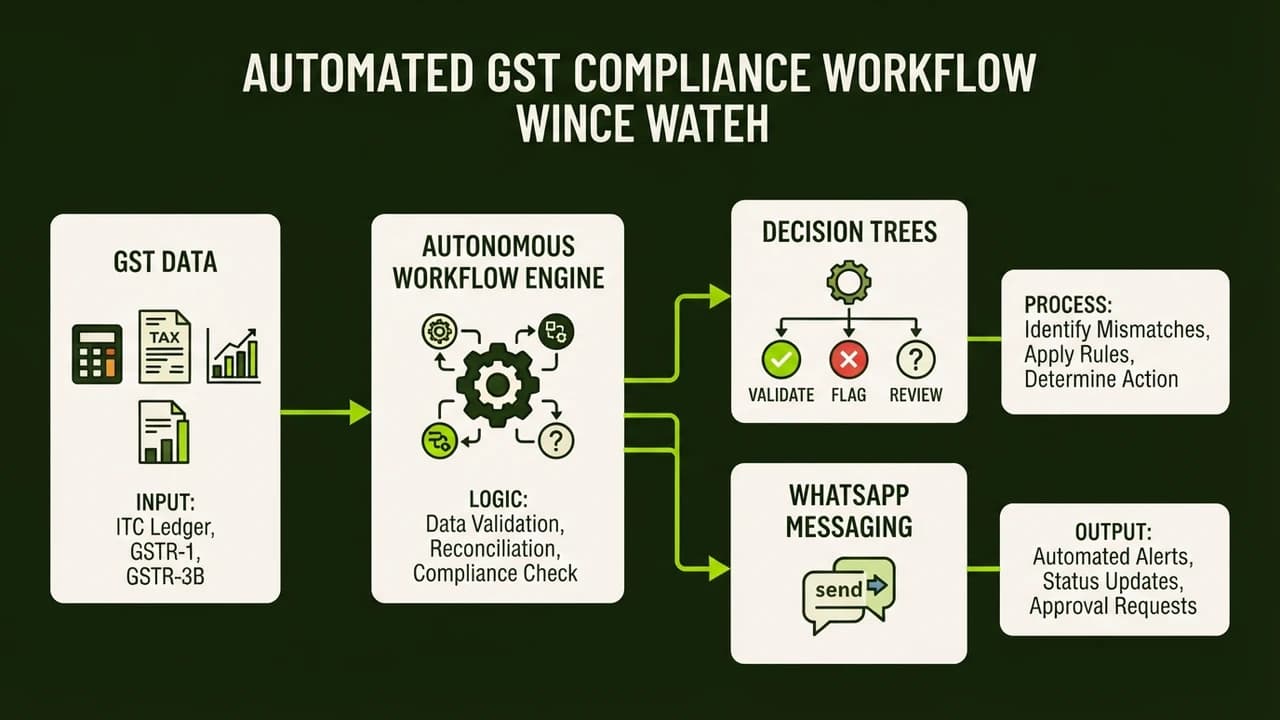
- Counselor Handoff: If a parent asks a complex question about faculty background or specific fee concessions, the agent flags the chat and notifies Vikram's senior counselor with a complete summary.
The Measurable Financial Impact
Vikram assembled the entire workflow in two evenings without writing a single line of code:
- Lead Response Time: Dropped from 4 hours to under 30 seconds.
- Conversion Rate: Demo class attendance increased by 38 percent because prospective students received immediate responses while their interest was peak.
- Cost Savings: Operating expenses dropped from ₹45,000 in developer retainers to just ₹1,400 monthly for Make.com and OpenAI API credits.
- Time Reclaimed: The institute's counselors saved 22 hours weekly, allowing them to focus on in-person parent consultations rather than manual messaging.
How Non-Coders Can Build Working AI Agents in Under 40 Minutes
You do not need to study computer science to build practical systems. Here is the five-step process non-technical professionals follow to build autonomous agents:
Step 1: Identify One Specific Workflow
Start with a single business bottleneck:
- Answering pricing queries on WhatsApp
- Extracting vendor invoice data into Google Sheets
- Sending follow-up reminders for pending client payments
- Summarizing daily sales reports for store owners
Step 2: Choose Your Visual Automation Canvas
Instead of writing Python scripts in a terminal, use visual workflow platforms:
- Make.com: The easiest drag-and-drop platform for beginners, connecting over 1,500 business tools with visual data mapping.
- n8n: A powerful automation platform offering native AI agent nodes that connect reasoning models to external tools visually.
- ChatGPT Team Workspaces: Ideal for internal team research, document drafting, and customer support replies.
Step 3: Select an Intelligent Reasoning Model
Connect a modern language model via API to serve as the agent's brain:
- Claude 3.5 Sonnet: The top choice for nuanced instruction following, accurate spreadsheet reading, and data extraction.
- GPT-4o: Excellent for processing incoming receipt images, voice notes, and structured formatting.
- Gemini 1.5 Flash: Fast and cost-effective for high-volume customer inquiries and document summaries.
Step 4: Establish System Guardrails and Fallbacks
Set strict operating boundaries:
- Restrict answers to your official pricing sheet.
- Prevent unauthorized discounts or financial commitments.
- Add an automatic fallback routing frustrated queries to a human.
Step 5: Test and Deploy with Live Triggers
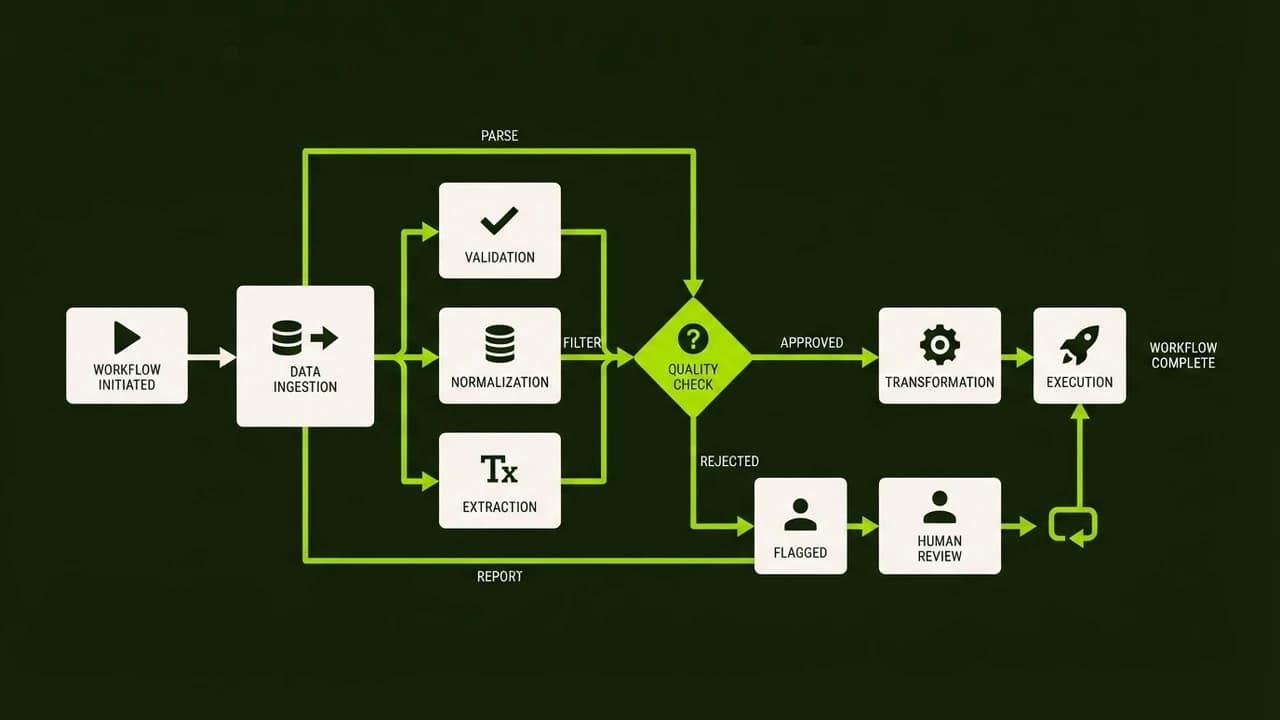
Run five test scenarios with sample inquiries. Once spreadsheet logging, calendar booking, and messaging are confirmed, activate the live webhook trigger to run 24/7.
5 Common Mistakes Non-Coders Make When Choosing AI Agent Courses
Before investing your time or money in artificial intelligence training, avoid these five common pitfalls:
Mistake 1: Choosing Brand Prestige Over Practical Utility
Big tech certifications look good on LinkedIn but offer little value if you cannot apply the tools to automate daily business tasks.
Mistake 2: Believing You Must Learn to Code First
Many assume they must spend months mastering Python and terminal commands. In 2026, visual interfaces make coding unnecessary for business automation.
Mistake 3: Starting with Multi-Agent Swarms
Academic courses promote complex multi-agent swarms where bots debate each other. In practice, swarms are slow and token-heavy. Start with one dependable agent executing a specific job.
Mistake 4: Ignoring Integration with Indian Ecosystems
Western guides focus on Slack and Stripe. In India, business runs on WhatsApp, UPI, and Google Sheets. Training must cover tools local customers use.
Mistake 5: Neglecting Human Safeguards
Never give agents unrestricted authority over bank accounts or customer databases. Include human verification for sensitive actions like refunds over ₹1,000.
Build Your First AI Agent in Just 40 Minutes at Zero To AI
Studying artificial intelligence theory is interesting, but deploying a working system that handles real business operations creates genuine leverage. If you want to eliminate repetitive manual work, streamline customer communication, and build autonomous assistants without writing a single line of code, explore our practical training today.
Build Your First AI Agent in Just 40 Minutes (No Code Required)

Learn to build AI workflows that handle your busywork — live sessions, real projects, zero code.
See the courseBeginner-friendly