
New Year Wishes with Name: Make Personalised Images with AI

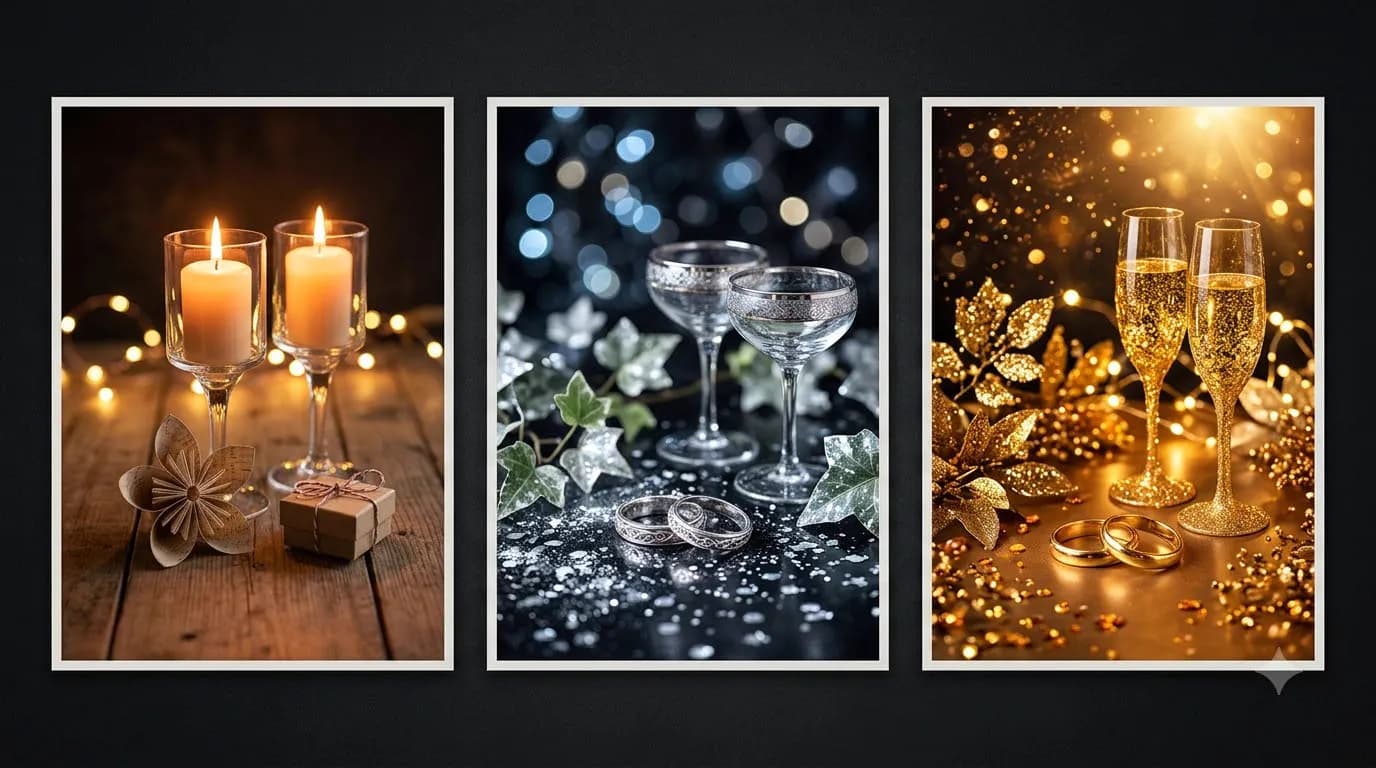
New Year Wishes with Name: Make Personalised Images with AI
New year wishes 2027 with name look sharpest when you put exact short text inside double quotes over a high-contrast background, or pair text-free AI art from Gemini or ChatGPT with clean Canva typography. Follow this step-by-step non-coder workflow to make error-free personalised cards while respecting photo consent and AI licences.
Last updated: November 2026
Every December, thousands of people ask an AI image generator for a customised New Year card featuring their family name, only to get back "Hapyp New Yera 2027, Ananay" written across distorted fireworks. Misspelled names ruin the gift instantly, especially when you plan to share the greeting on family WhatsApp groups or client chats.
The fix does not require Photoshop skills or design coding. You can get crisp lettering directly inside modern AI tools by controlling how text sits on the canvas, or use a two-step hybrid layout in Canva so you can swap twenty names in five minutes with zero spelling errors. For ready-made templates across birthdays, New Year, and family festivals, check out our Personalised Festival Greeting Posts (Name + Family) prompt pack.
Why AI Image Generators Garble Names (And the Two-Step Fix)
AI image generators paint pixels from visual patterns rather than typing from a font file like Microsoft Word. When you ask for a long sentence, curly calligraphy, and busy gold sparkles all at once, letters merge or duplicate mid-word. Even newer engines like OpenAI's ChatGPT Image Gen and Google Gemini's Nano Banana models work best when text stays short, bold, and separated from noisy backgrounds.
Three practical rules prevent almost every typo:
- Keep exact quoted text under five words: Write
"Happy New Year 2027"on one line and"Aarav"on its own clean badge or ribbon rather than cramming a full paragraph inside an image prompt. - Place lettering inside a high-contrast solid zone: Ask for a blank cream plaque, dark forest ribbon, or clean white greeting card frame so dark letters never fight glowing fireworks behind them.
- Use the hybrid Canva workflow for batches: Whenever you are making cards for ten relatives, teammates, or clients, generate clean text-free artwork once in Gemini or ChatGPT, then overlay names using crisp fonts inside Canva or WhatsApp's built-in text tool.
Creation Method | Name Spelling Accuracy | Batch Speed (10+ Names) | Typography Control | India Plan Cost (Nov 2026) |
|---|---|---|---|---|
Direct In-Prompt AI Text | High if kept under 5 words | Slow (re-render each name) | Limited to AI font guess | ₹0 Free tiers (ChatGPT / Gemini) |
Hybrid AI Art + Canva Text | 100% error-free | Fast (duplicate page, edit name) | Full font, size, spacing control | ₹0 Canva Free; ₹199/mo Pro Lite |
Photo-Composite Portrait Card | Requires careful face check | Moderate per family portrait | Strong if text added in Canva | ₹399/mo ChatGPT Go or Gemini Free |
Step-by-Step Workflow: Clean Name Cards in Gemini, ChatGPT, and Canva
You can build polished custom cards on your phone or laptop without touching code or paid plugins. Free accounts on ChatGPT (or ChatGPT Go at ₹399/month via UPI) and Google Gemini (Free tier or Google AI Pro at ₹1,950/month for 4x higher Nano Banana Pro image editing limits) both handle this smoothly.
Follow this six-step non-coder sequence:
- Pick portrait or square framing upfront: Choose
4:5or1:1for WhatsApp family chats and Instagram feed cards, or9:16vertical for WhatsApp Status and Reels covers. - Decide between single-card AI text or batch Canva layout: If you only need one greeting for your spouse or parents, let Gemini or ChatGPT render the quoted name directly. If you need fifteen cards with different names, generate a text-free illustration with an empty central badge instead.
- Generate the base artwork using one of the four copy-paste prompts below, adjusting colours or motifs like marigolds, brass diyas, minimalist Swiss paper, or winter stars.
- Add or refine names in Canva (if batching): Upload your clean AI card art to Canva Free (₹0; Pro Lite is ₹199/month, Canva Pro is ₹500/month or ₹4,000/year). Drop a crisp sans-serif or serif text box onto the blank badge, duplicate the page for each family member, and export as PNG or JPG.
- Preserve facial likeness cleanly when using real photos: If your card includes a smiling family selfie or couple picture, follow our step-by-step guide on how to keep the same face in AI festive photos before merging it onto a greeting layout.
- Browse extra visual styling recipes from our festive AI photo prompts for Gemini and ChatGPT whenever you want warm indoor lighting or minimalist card framing.
4 Copy-Paste Prompts for Name-Personalised New Year 2027 Cards
Replace the bracketed names and themes below, keeping the double quotation marks around every word you want the AI model to render visibly.
Prompt 1: Direct Quoted-Text Minimalist Card (ChatGPT / Gemini)
"Create a clean 4:5 vertical New Year 2027 greeting card illustration on a solid deep forest green background. In the center, place an upright warm cream textured paper card with crisp minimal geometric gold star accents along the border. Inside the card, render clean, perfectly spelled dark charcoal typography reading 'Happy New Year 2027' at the top and 'Rohan & Meera' centered cleanly underneath with generous empty margin space. Zero extra words, zero watermarks."
Prompt 2: Text-Free Illustration with Blank Name Ribbon (For Canva Batch Overlay)
"Create a flat editorial 1:1 square festive New Year greeting artwork featuring warm brass diyas, subtle marigold motifs, and geometric fireworks in cream, olive, and lime tones. Reserve a large, completely blank solid cream rectangular plaque in the exact center for text overlay later. Include ZERO text, ZERO letters, ZERO numbers, and ZERO sample words anywhere in the image."
Prompt 3: Family Surname Crest Keepsake (Non-Photographic)
"Design an elegant 4:5 printable New Year greeting card illustration for an Indian family. Top center features a refined minimalist geometric lotus-and-star emblem in muted gold on deep slate teal. Below the emblem, display crisp serif text reading 'Warm Wishes for 2027' followed on the next line by 'The Sharma Family'. Ensure sharp letter spacing, high contrast, and zero distorted decorative characters."
Prompt 4: WhatsApp Status Portrait Card (9:16) with Contrast Band
"Generate a 9:16 vertical mobile greeting background with joyful warm evening fairy lights softly blurred in the upper half and a clean, uncluttered dark navy bottom third. Across the clean lower band, render bold white modern sans-serif text reading '2027' and neatly beneath it 'Ananya'. Keep spelling exact, edges clean, and avoid cluttered graphics behind the name."
Photo Consent, SynthID Provenance, and AI Licence Checklist
Personalised greetings often cross into uploading real selfies, children's photos, or client logos. Taking thirty seconds to check permissions and licensing protects friendships and keeps small-business cards compliant.
- Get clear photo consent before uploading: Never upload a friend's, colleague's, or child's photograph into Gemini, ChatGPT, or Canva AI editors without asking them first. Some people prefer not having their faces processed or stored on external cloud servers.
- Understand AI provenance watermarks: Images generated through Google Gemini automatically embed Google DeepMind SynthID, an invisible pixel-level watermark and C2PA metadata that remains detectable even after resizing or WhatsApp compression. Never strip or misrepresent AI portraits as unedited camera photographs.
- Verify commercial rights for client cards: If you are a freelancer or Indian agency owner sending branded New Year 2027 cards to paying customers, stick to paid tiers or Canva's cleared font/element library rather than free personal-only tools, and never prompt copyrighted cartoon characters or third-party trademarks onto client greetings.
- Inspect every letter at 100% zoom: Check doubled vowels (
eevse), Indian surnames, and year digits (2027rather than2026or scrambled numerals) before posting to any group chat.
Want to go beyond static greetings into matching family name headers, birthday cards, and festive WhatsApp templates without starting from scratch each time? Unlock all ready-to-edit recipes in our Personalised Festival Greeting Posts (Name + Family) prompt pack.
Prompt pack
Personalised Festival Greeting Posts (Name + Family)
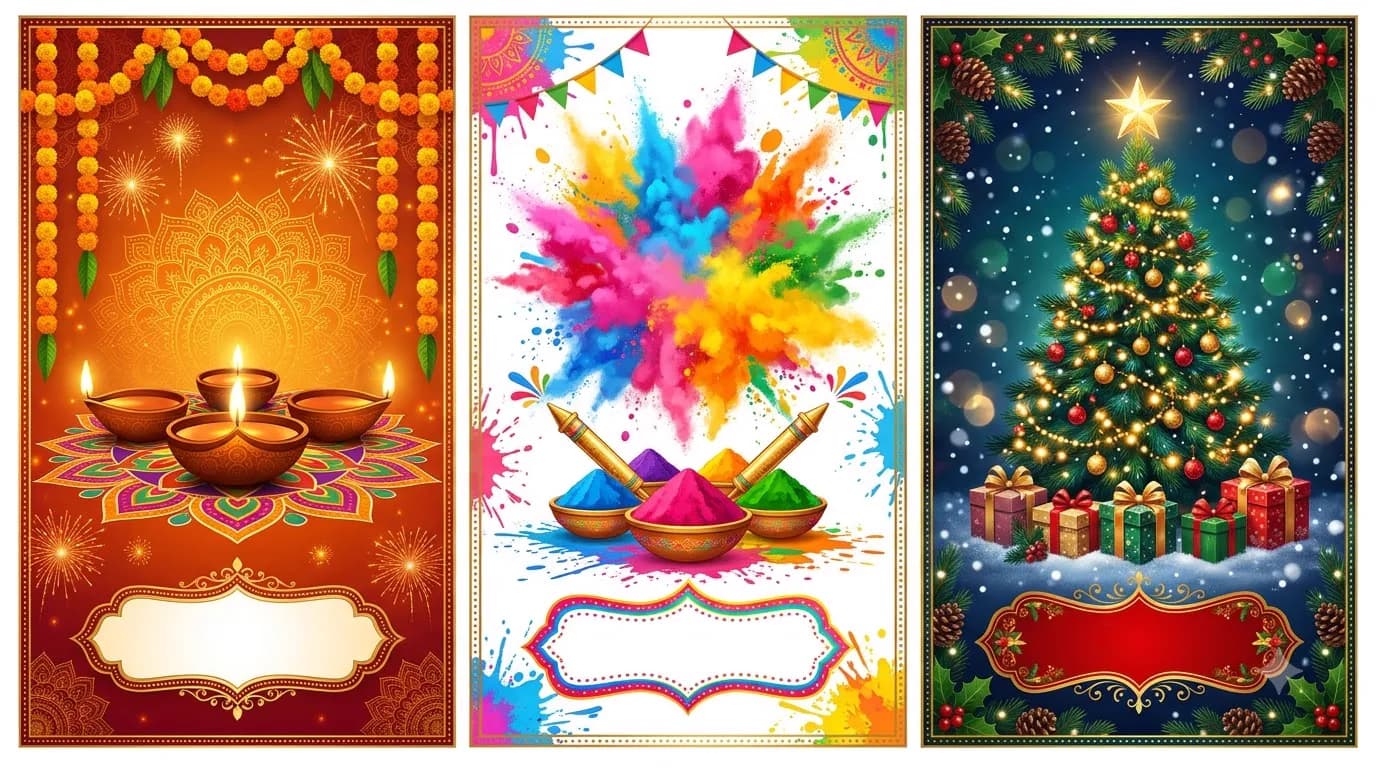
Festival greeting poster prompts built for names and families: Diwali, Holi, Eid, Christmas, Pongal and New Year, with blank name banners and a simple Canva step to add the names perfectly.
₹98₹49View pack →
Learn to build AI workflows that handle your busywork — live sessions, real projects, zero code.
See the courseBeginner-friendly